Prompt library
プロンプトライブラリ。自分のものを保存、40以上のプリセットを閲覧。
 The native AI plugin for DaVinci Resolve·2022 +Blackmagic official partner
3年間で比べると
 DavinciClaudefree
Vibe Motion , anything
Each tile below is a real generation. Hover to see the exact prompt , no curation, no cherry-picking. 4K source, transparent background, dropped straight on a Premiere timeline.
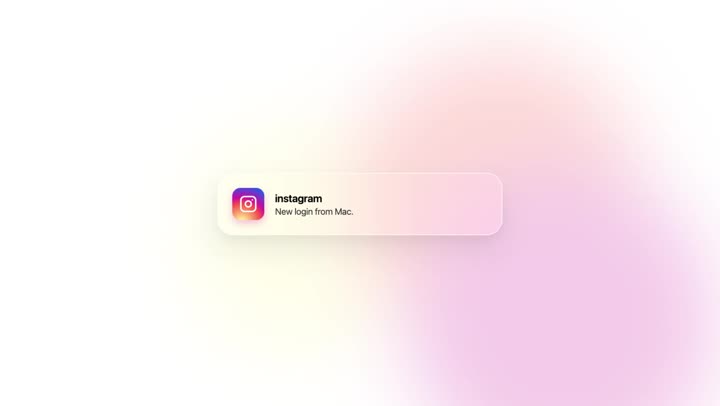
Apple-style liquid glass notification card floating in from the top, gradient icon, soft caustic shimmer, spring physics.
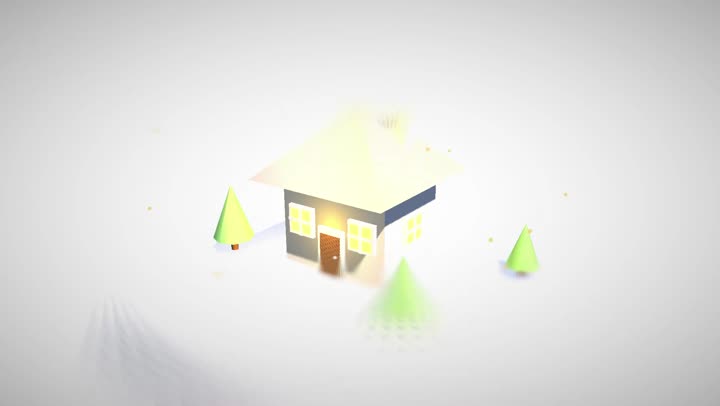
Miniature house in soft 3D, pastel materials, warm interior glow, golden-hour lighting, slow tilt-shift orbit. 8 seconds.
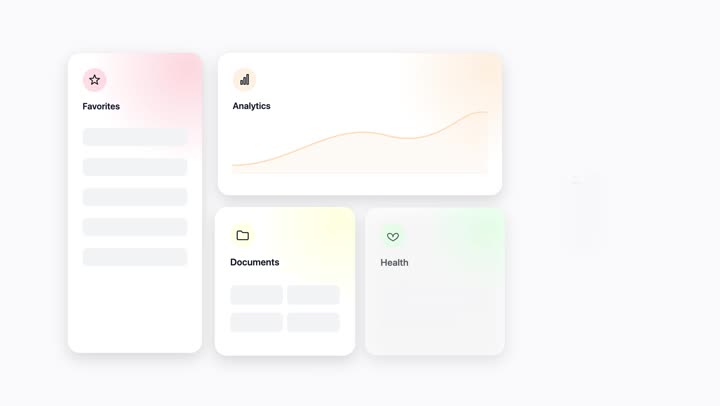
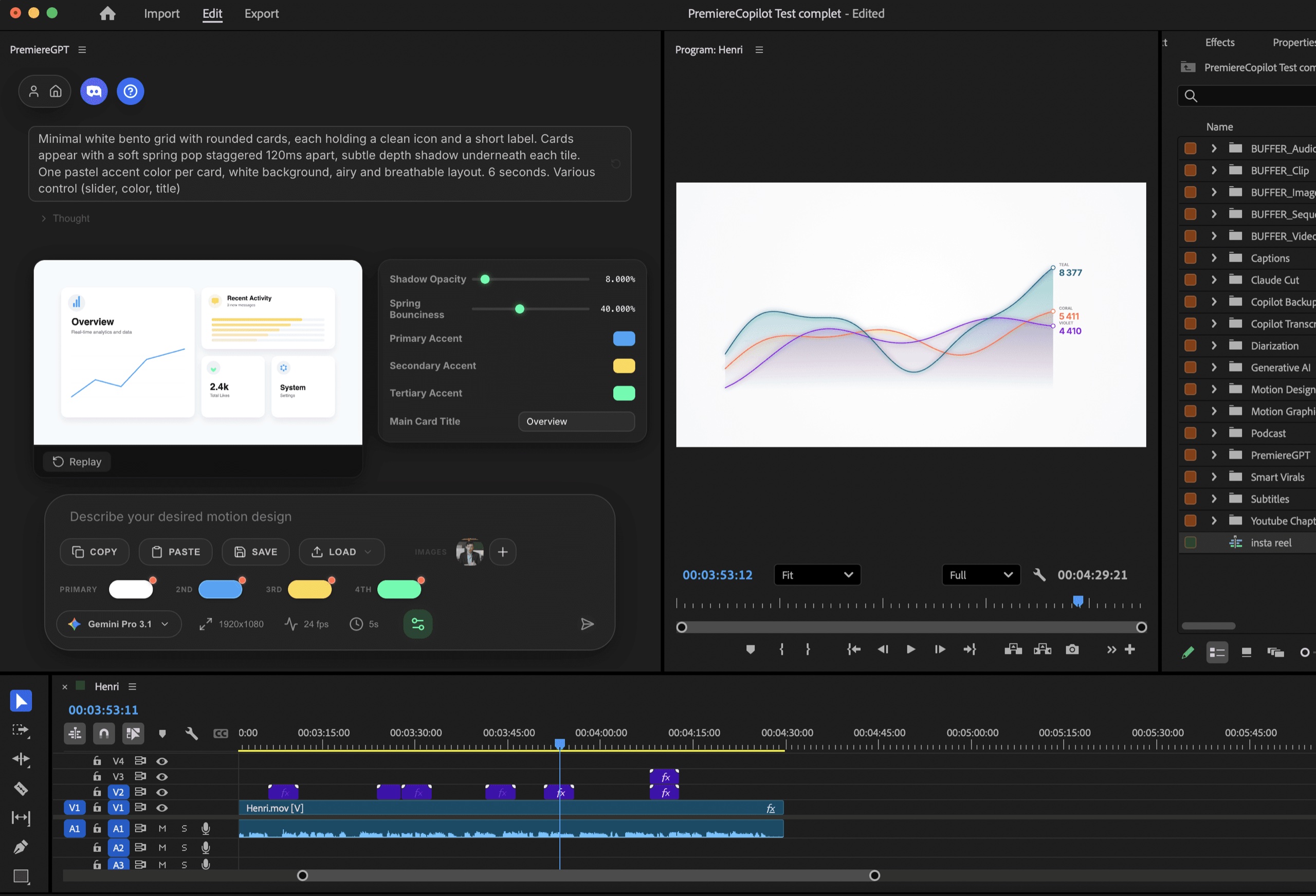
Minimal white bento grid with rounded cards, soft spring-pop entrance staggered 120ms, pastel accents per tile.
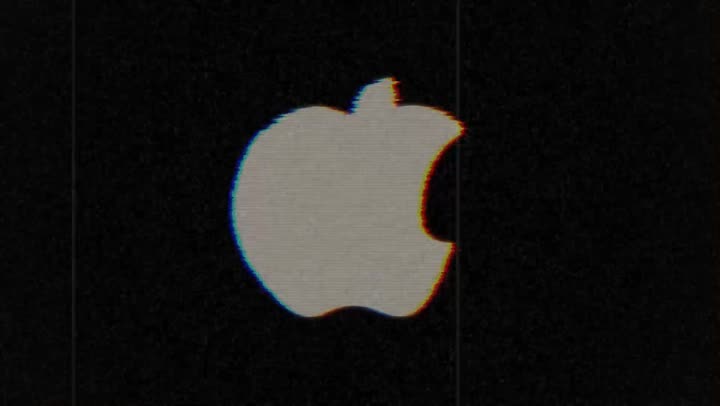
Apple logo through VHS artifacts , scan lines, chromatic aberration, tape wobble, analog grain. Transparent BG.
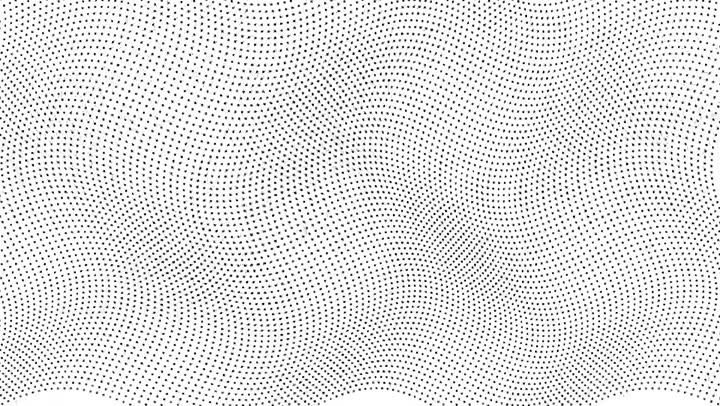
Ocean of tiny black dots undulating in slow waves, then compressing into a bold lettermark. Pure white, hypnotic.
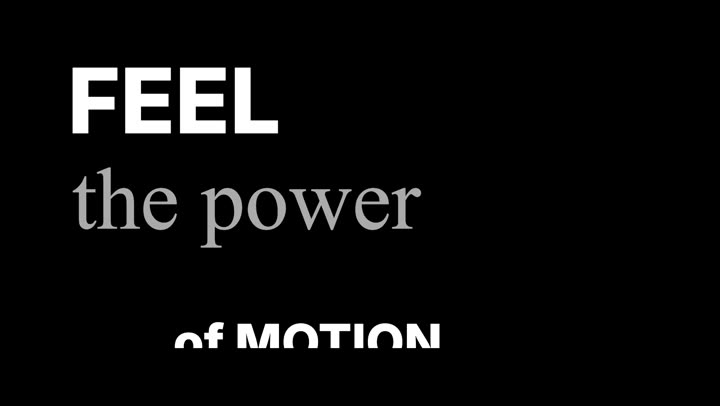
Kinetic captions in Inter Bold + Times New Roman Italic, alternating words, mask-scale entrance with 60ms ease.
Three curves drawing themselves left to right, coral / violet / teal gradient fills, soft glow, white background.

Cinematic title reveal: large uppercase letters with horizontal light wipe, gold, soft motion blur, lens flare.
Apple-style sentence on two lines, words rising through a horizontal mask with smooth ease-out. Inter, tight tracking.

Horizontal timeline drawing left to right, 5 event nodes with pop + glow, year above and title below. White on dark.
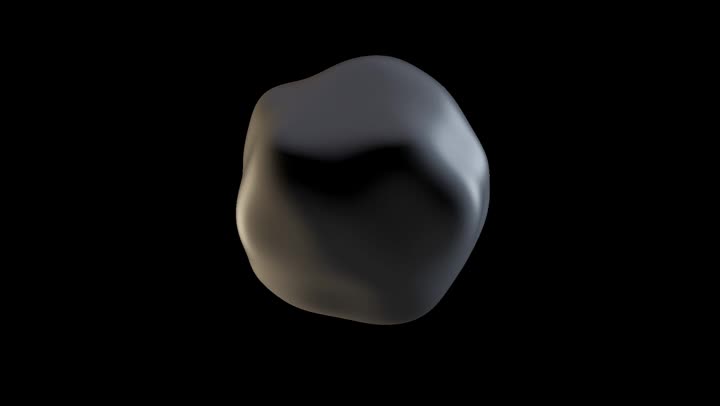
Modern minimal lettermark, white on dark, staggered entrance with smooth easing, breathing idle hold.
使い方
プロンプト
キネティックタイポグラフィ、ロゴアニメーション、データビジュアライゼーション、3Dシーン。プロンプトライブラリを使うか、自分で書きましょう。タイムラインから画像をベースとして読み込めます。
設定
最大4K60。透過背景。フォントを選び、カラーパレットを設定。設定一式をプリセットとして保存できます。
読み込み
モーショングラフィックスがクリップとしてタイムラインに直接配置されます。他のどの素材とも同じように、合成、カラー、編集が可能です。
できること
プロンプトライブラリ。自分のものを保存、40以上のプリセットを閲覧。
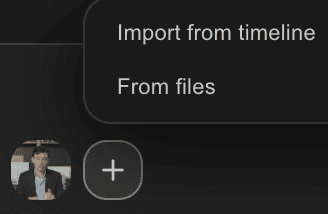
タイムラインやファイルから画像を読み込み。どのフレームもベースに。

カラーパレット内蔵。色を選び、最大4K60で書き出し。
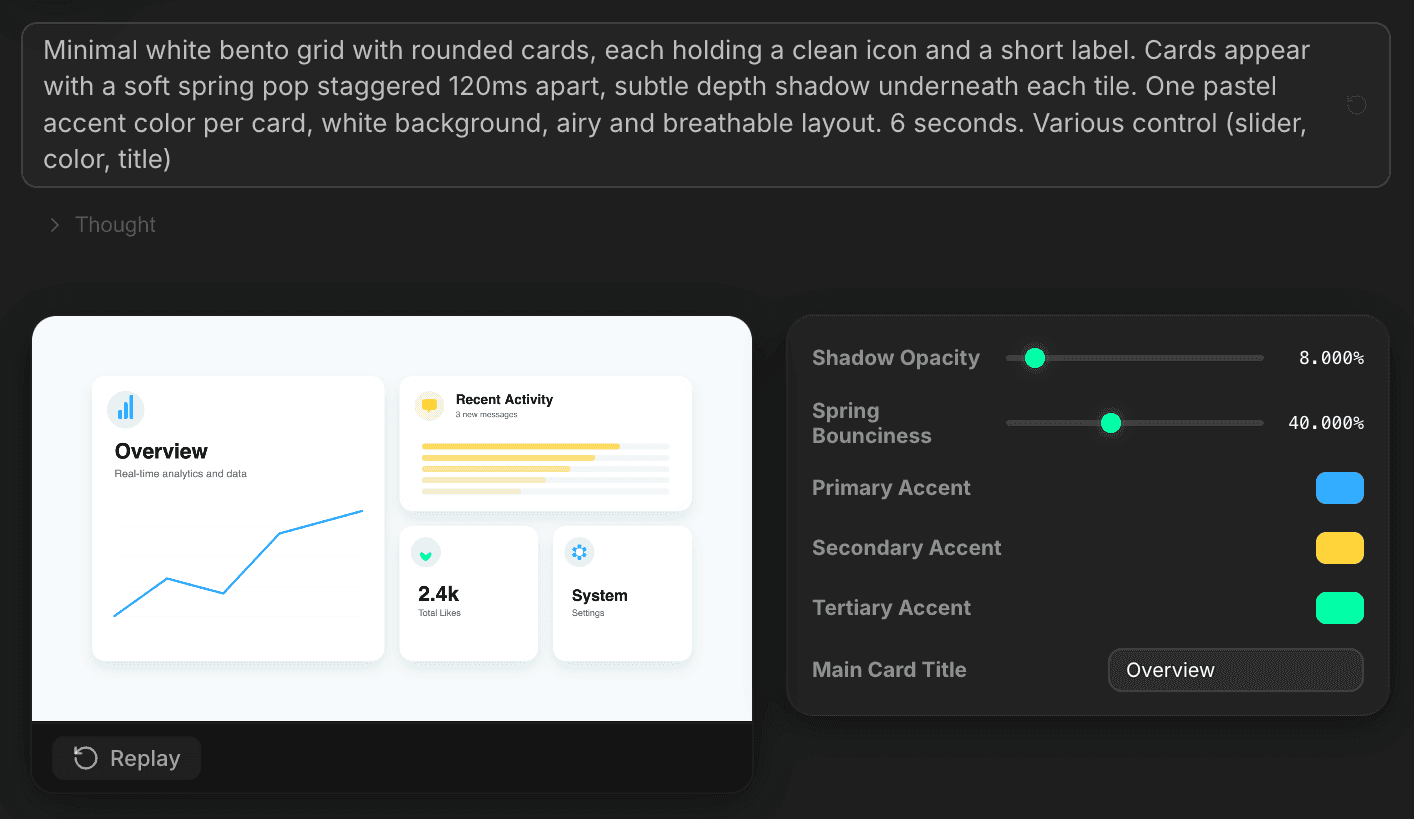
Each Vibe Motion output ships with its own settings panel — shadow opacity, spring bounciness, primary / secondary / tertiary accents, card titles. Tweak, re-render, save the full config as a reusable preset.
カスタム設定。生成ごとに、それぞれの微調整コントロールが付きます。
制限なく商用利用可能。ネイティブの DaVinci Resolve クリップ、After Effects は不要。
残りもまとめて
普通の言葉のプロンプトで、実際のタイムラインを編集。
詳しく見るあらゆる GenAI モデルを、DaVinci Resolve にネイティブで。Fal.AI 提供。
詳しく見る1単語ずつのアニメーション字幕を、99言語で。
詳しく見るアクティブスピーカー検出、マルチカム自動カット。
詳しく見る無音を自動検出して、編集を引き締めます。
詳しく見るNG テイクや言い直しを除去し、台本どおりに。
詳しく見る1時間のコンテンツを、10本の縦型バズクリップに。
詳しく見るスペルミスゼロ。Claude で補正されたネイティブ字幕。
詳しく見る1つのプロンプトから、アニメーション MoGRT チャプターを。
詳しく見る1つの音声を、話者ごとのトラックに。
詳しく見る感情に合わせて生成される V2 ズームクリップ。
詳しく見る
よくある質問
Motion Bro と AEJuice は、既製テンプレートに年間$249を請求します。Vibe Motion はプロンプトからモーションデザインを生成し—バリエーションは無限—しかも無料です。年会費なし、After Effects との往復もありません。
いいえ。無料プランには1日あたりの生成回数の上限がありますが、出力にウォーターマークは一切入りません。
はい。アルファチャンネルが保持されます。DaVinci Resolve 内でどんな映像素材の上にも合成できます。
はい。タイムラインからでもディスクからでも読み込めます。アニメーション、ロゴリビール、キネティックタイポグラフィのベースとして使えます。
DaVinci Resolve にインストールされているフォントなら何でも使えます。設定一式をプリセットとして保存できます。
DaVinci Resolve 2022 以降、macOS(Intel + Apple Silicon)と Windows。