
Guides for editing faster with AI.
Tutorials and comparisons for DaVinci Resolve editors, written by editors.
Latest articles
 ·6 min read
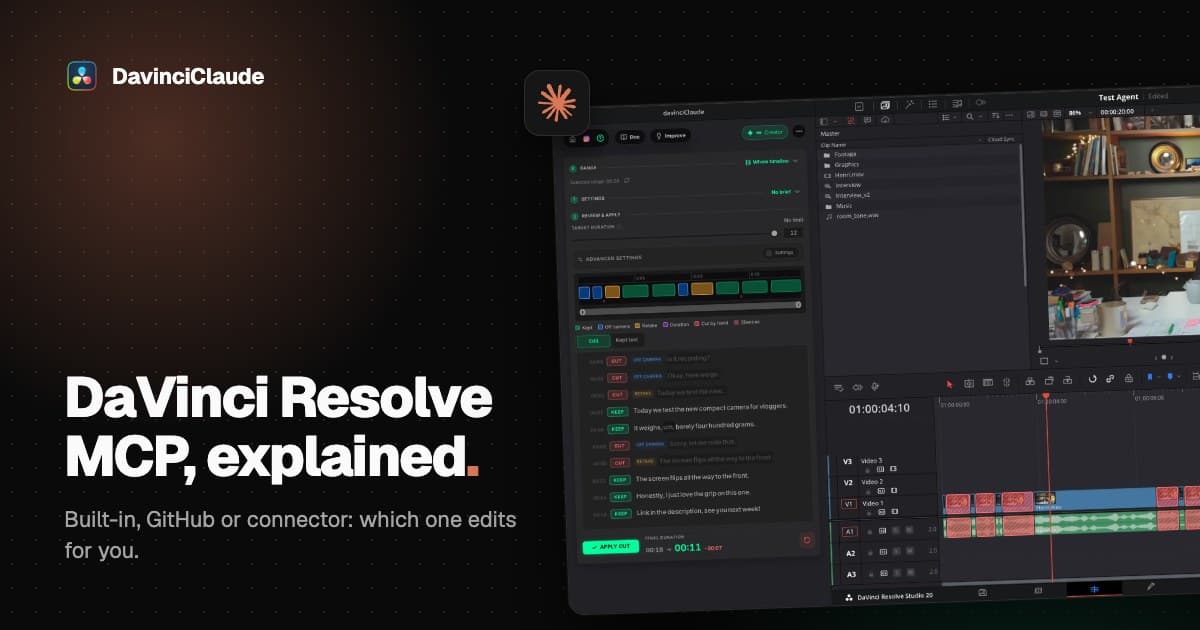
DaVinci Resolve MCP: 3 Ways to Connect Claude (2026)
Resolve Studio 21.1 ships with its own MCP server, but it is one of three ways to connect Claude, ChatGPT or Gemini to your timeline. Here is what each one actually does.
 ·11 min read
How to Use Claude AI in DaVinci Resolve (2026): The Complete Guide
Claude can't open DaVinci Resolve on its own — it needs a native bridge. Here's how to connect Claude to DaVinci Resolve and edit your timeline with a plain-English prompt.
 ·9 min read
7 Best AI Plugins for DaVinci Resolve in 2026 (Free + Paid)
DaVinci Resolve's built-in AI is powerful — but it doesn't edit your timeline. These seven tools close the gap: the ones I'd actually install today.
 ·13 min read
AI Video Editing in DaVinci Resolve: The Complete 2026 Guide
DaVinci Resolve has real AI — Magic Mask, Speed Warp, Voice Isolation. But Claude handles what the Neural Engine can't: editorial decisions, silence removal, and automated cuts. Here's the honest breakdown.
 ·10 min read
Descript Alternative for DaVinci Resolve Editors (2026)
Descript's text-based editing is genuinely great. But if you already edit in DaVinci Resolve, you shouldn't have to export your project to get it. Here's how to get the same workflow without leaving Resolve.
 ·11 min read
AI Podcast Editing in DaVinci Resolve: The 2026 Workflow
AutoPod works — but only in Premiere. If DaVinci Resolve is your NLE, here's the complete AI podcast workflow that handles silence removal, multicam switching, captions and social clips without ever leaving Resolve.
 ·8 min read
How to Remove Silences in DaVinci Resolve (AI, 1 Click, 2026)
DaVinci Resolve has no built-in silence removal tool. The manual method — scrubbing waveforms and ripple-deleting each gap — can eat 45–90 minutes of your day. Here's how to do it in under 30 seconds.
 ·9 min read
AI Subtitles & Captions for DaVinci Resolve: The 2026 Guide
DaVinci Resolve's built-in subtitle tool requires you to type every line yourself. DavinciClaude adds two things it's missing: animated word-by-word captions and 99-language subtitle generation — both free, both native in Resolve.