























Analysis
Claude reads every sentence.
For the audience or off camera, redone later, essential or not: every line gets a verdict before anything is cut.
 The native AI plugin for DaVinci Resolve·18 +
Claude Cut turns a raw talking-head take into a clean rough cut inside DaVinci Resolve. The AI reads every sentence and removes off-camera talk, retakes, fillers and silences, always keeping the last take. Free.
Studios, newsrooms, brands and universities: their video teams edit faster with DavinciClaude.
Script
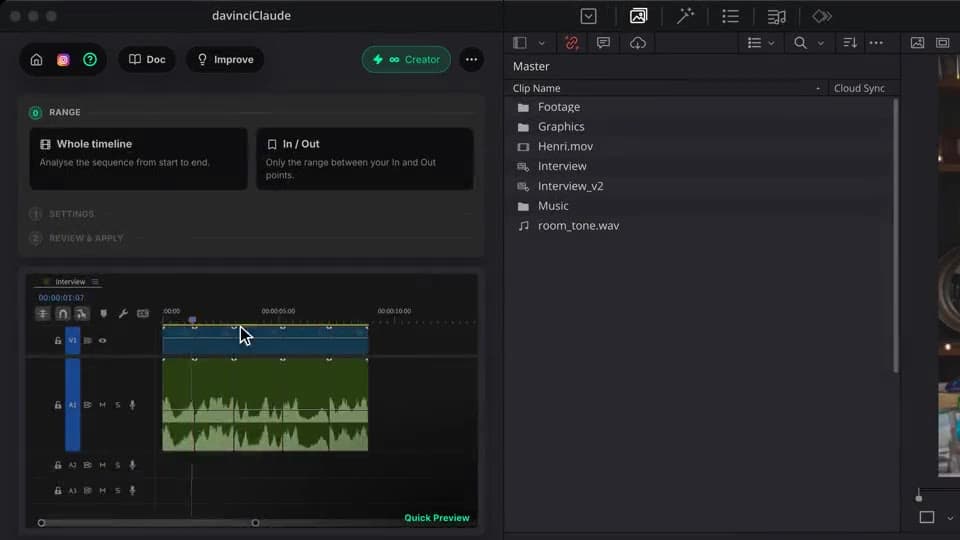
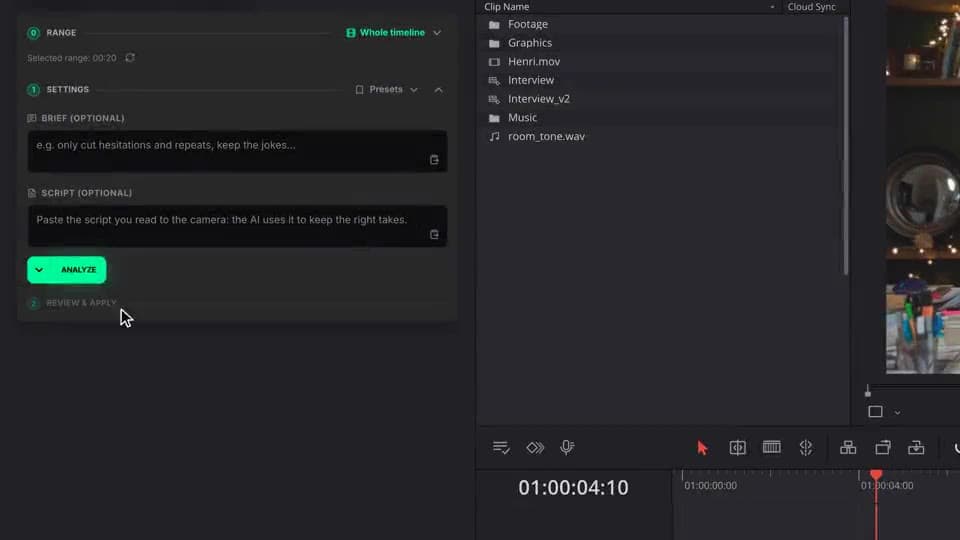
Whole timeline or In / Out, or start from a recent transcription. Paste the script you read to the camera and add a short brief: the AI uses them to keep the right takes.
Analyze
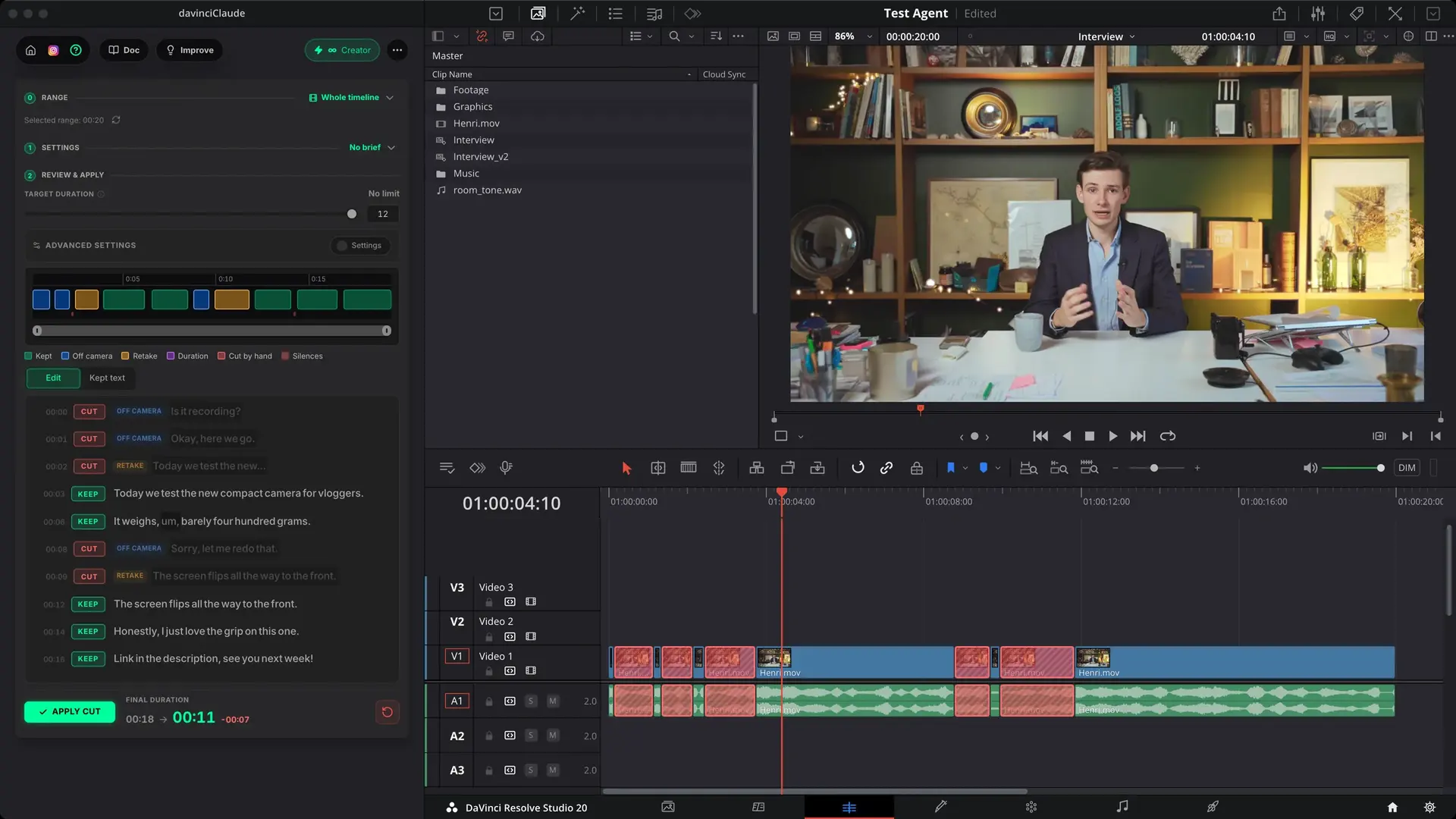
One click detects the silences, transcribes and analyzes. For each sentence the AI asks three questions: is it for the audience, does a later sentence redo it, how essential is it. The time removed grows live.
Review & apply
Drag the target duration and the least essential sentences go first. Every cut shows on the timeline preview and in the transcript, and one click keeps any sentence. Apply Cut builds a new cut timeline and your original stays untouched.
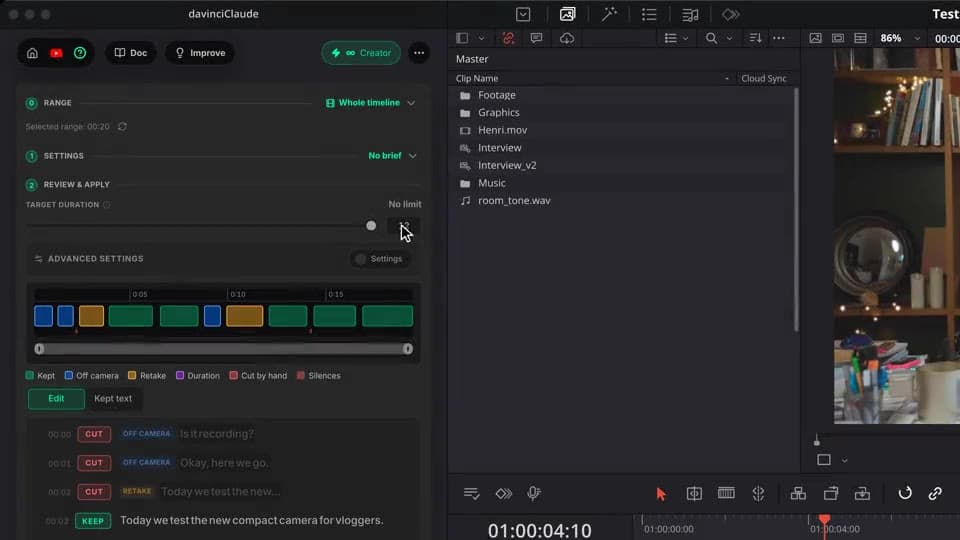
For the audience or off camera, redone later, essential or not: every line gets a verdict before anything is cut.
Said it three times? The final take stays, the first tries go.
Drag to the duration you want. The least essential sentences go first.
Every sentence on a timeline preview. One click keeps it or cuts it.
Editable cuts on your timeline, and a copy of your sequence is kept.
Share your code: they get 10% off, you earn 30% of everything they pay for 12 months. No minimum, free for every account.
Ask in the chat, the plugin runs the tools on your real timeline.
Learn moreMotion design generated from a single prompt.
Learn moreAny GenAI model, native in DaVinci Resolve. By Fal.AI.
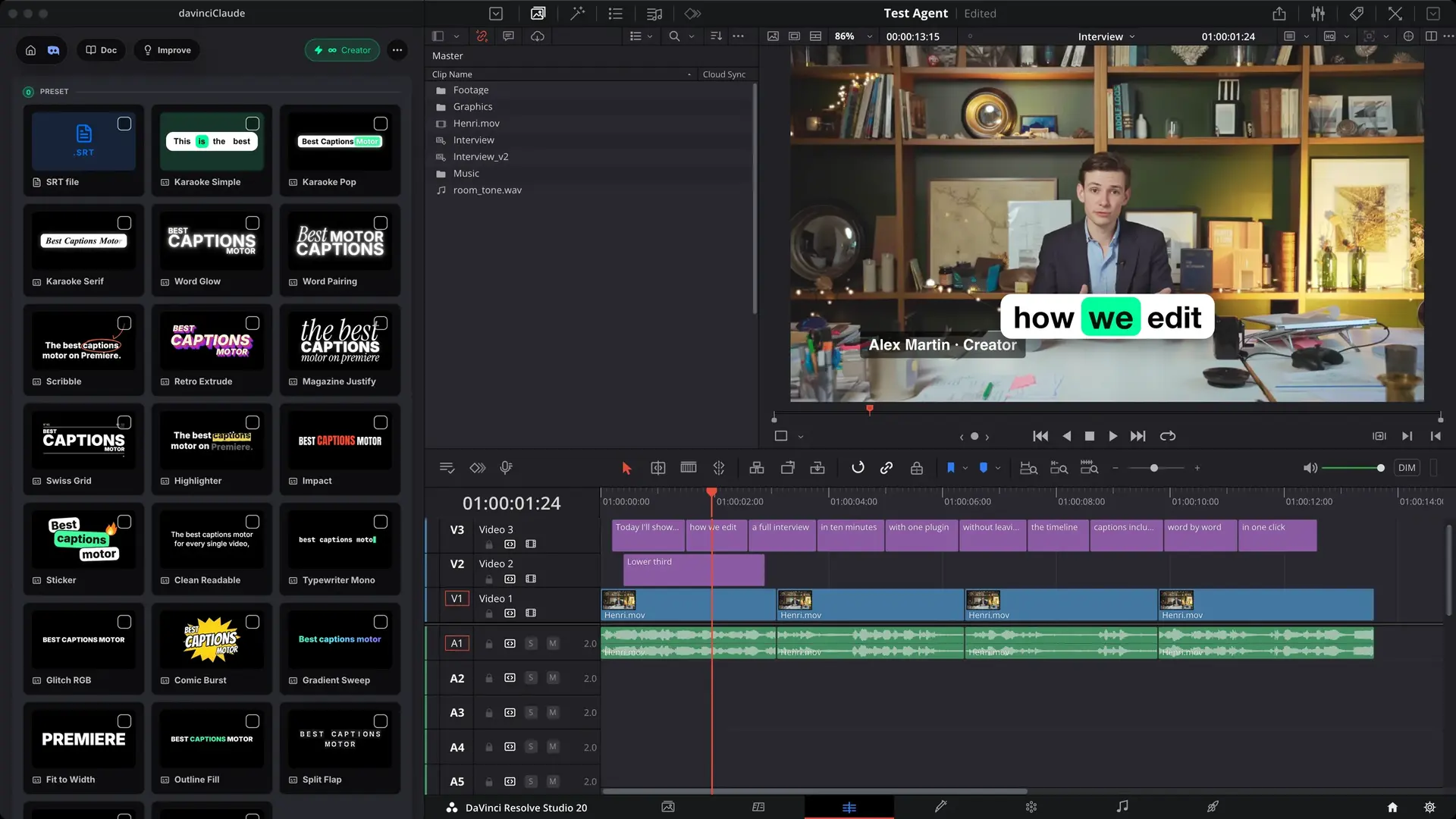
Learn moreWord-by-word, animated captions in 99 languages.
Learn moreActive speaker detection, multicam autocut.
Learn moreAuto-detect silences and tighten the edit.
Learn moreSentence-by-sentence scoring, editable 9:16 reels.
Learn moreAccurate transcription, every word editable, native subtitles.
Learn moreChapter markers and a YouTube description from a single prompt.
Learn more1 audio → speaker-by-speaker tracks.
Learn moreEmotion-driven V2 zoom clips, generated.
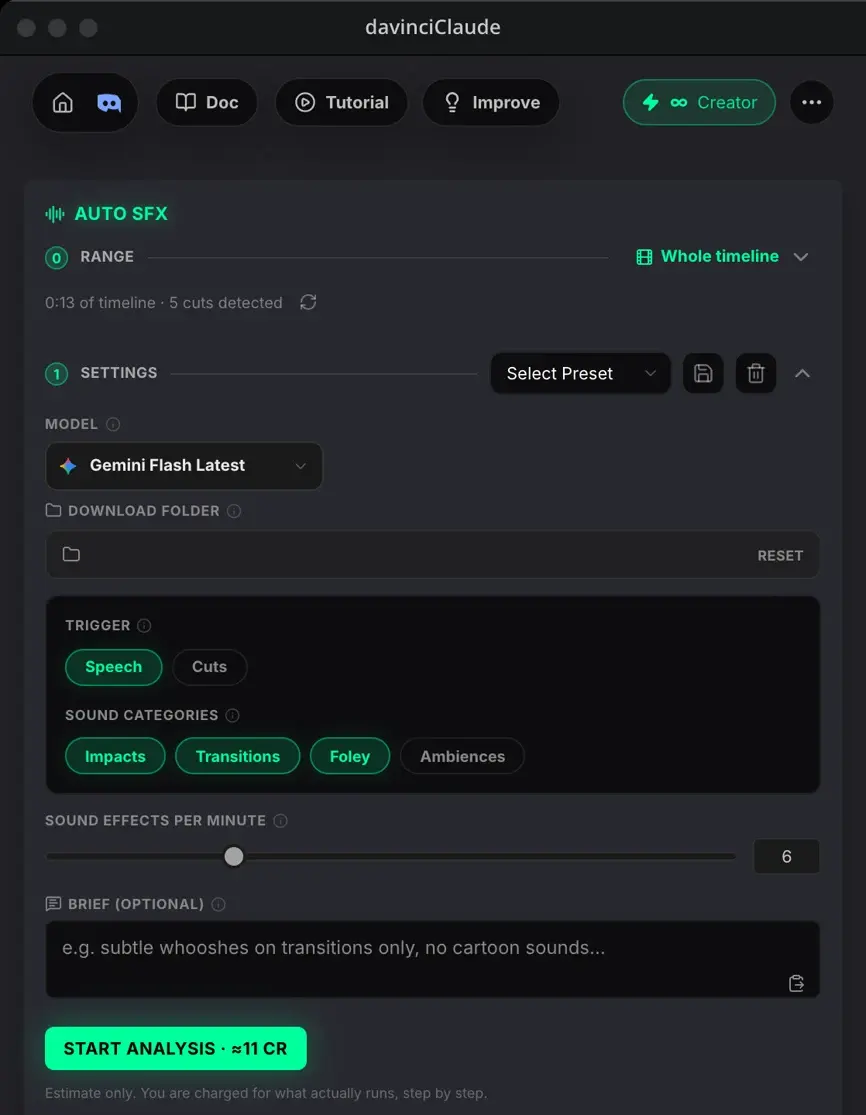
Learn moreAI sound effects, placed on your timeline.
Learn moreSwear words bleeped on the voice, in context.
Learn moreSpell check every text on your timeline.
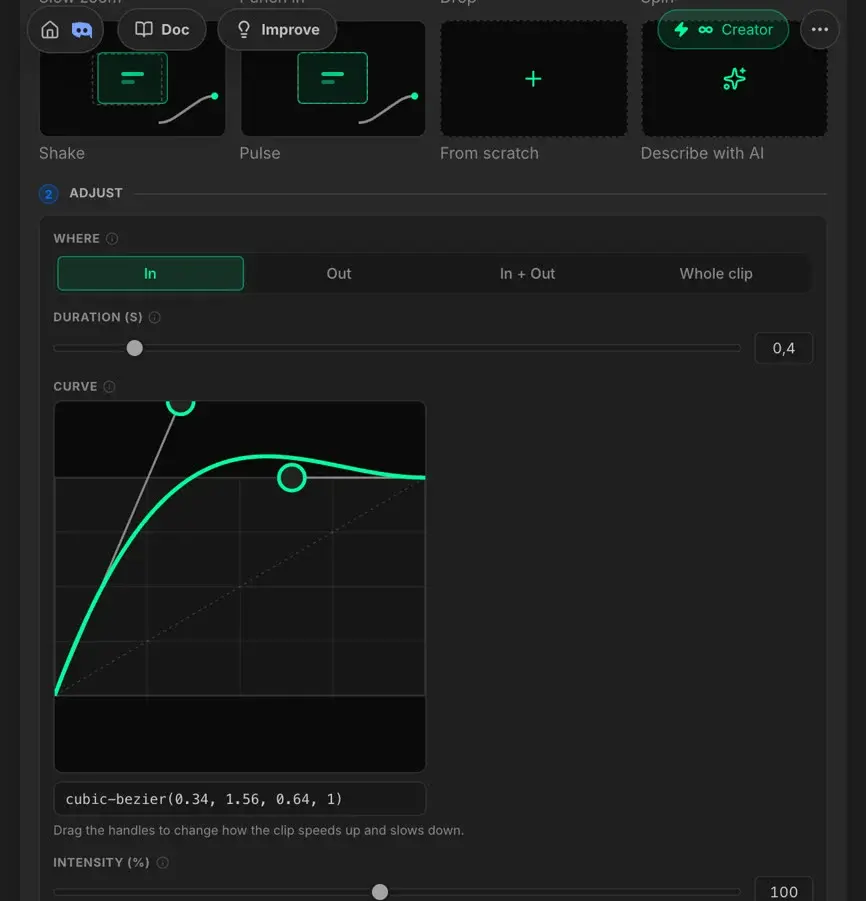
Learn moreAI kinetic text, from your own words.
Learn moreSafe zone guides for every feed.
Learn moreEvery short, exported in 1 click.
Learn moreAny emoji, placed on your timeline.
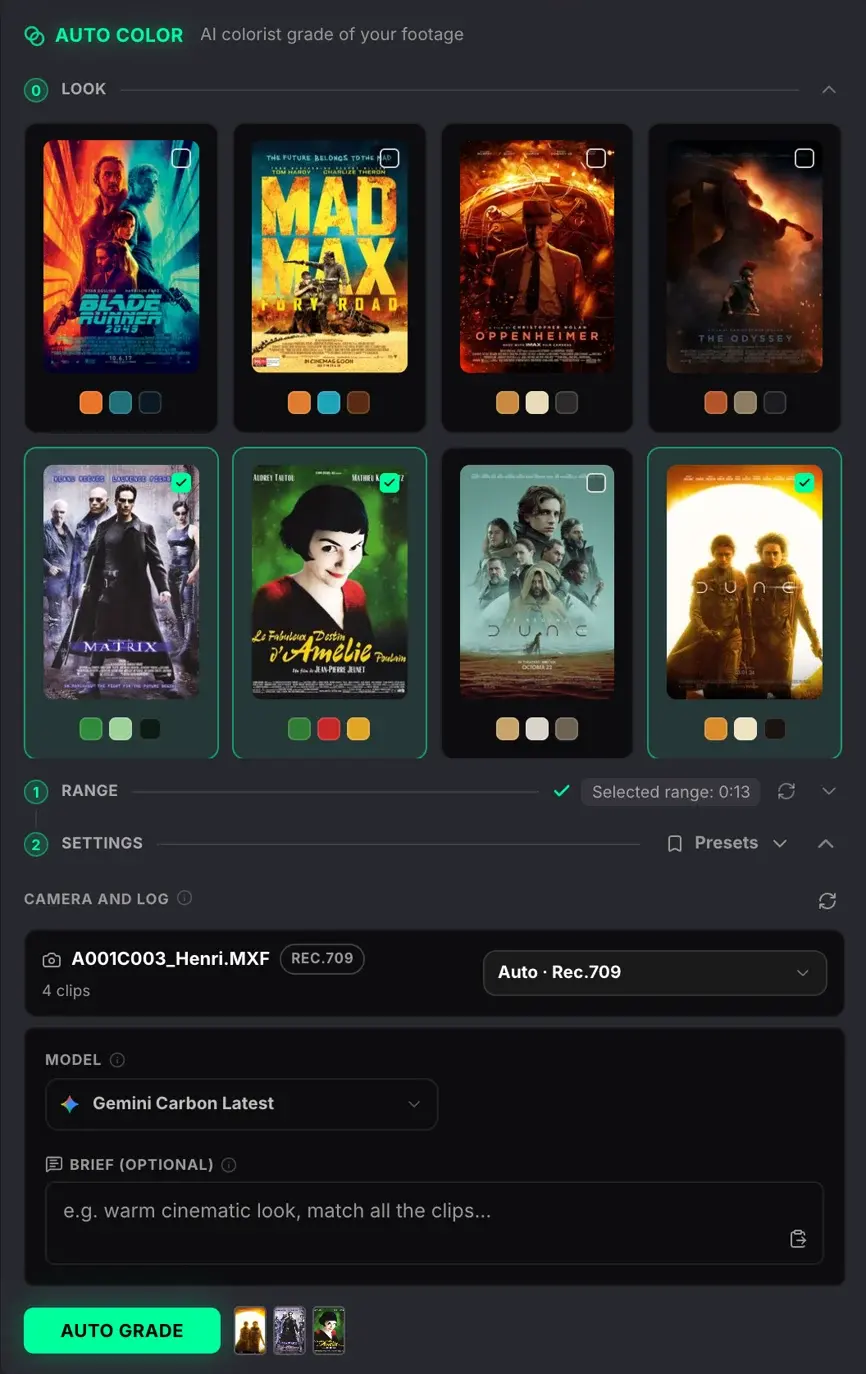
Learn moreAI color grading with film looks, matched shot to shot.
Learn moreBeat markers, placed on your music.
Learn moreYour b-roll, placed where it fits.
Learn moreYour clipboard, on the timeline.
Learn moreNew files, imported on their own.
Learn more
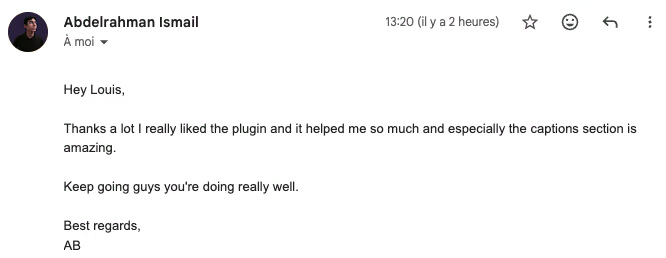
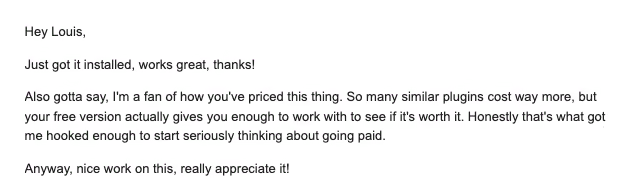
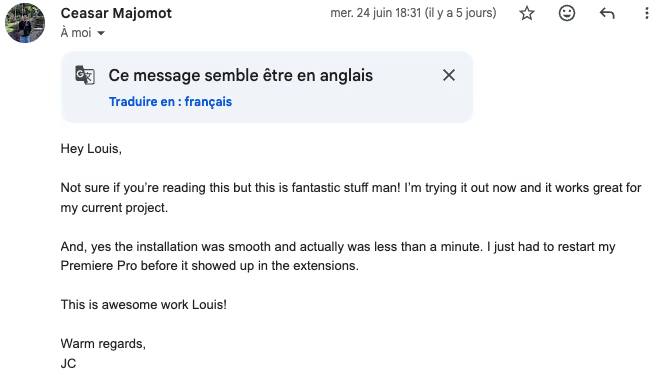
The AI reads every sentence of the transcript and answers three questions: is it meant for the audience, does a later sentence redo it, how essential is it to the video. Off-camera talk and retakes are cut, and the last take is always kept. Fillers and silences go on top.
Yes. Set a target duration: after the off-camera talk and the retakes, the least essential sentences go first until the video fits. The final duration updates live.
Yes. Every sentence shows on a timeline preview and in the transcript, in three views: Edit, Kept text and Script. One click keeps or cuts a sentence. Nothing changes until you click Apply Cut.
Paste the script you read to the camera in the settings (there is a paste button) and add a short brief if you like. The AI uses it as the reference to keep the right take and spot what is off script.
Yes. Recent transcriptions from Claude Cut, Smart Subtitles and Smart Profanity show up in the first step: one click and only the AI analysis runs.
Only the audio of the range you pick is sent, encrypted, to be transcribed, then the transcript is analyzed. Your video files never leave your machine.
Works natively in DaVinci Resolve (and in Premiere Pro), on macOS (Intel and Apple Silicon) and Windows. The cut is applied to a new timeline and your original stays untouched. Applying the cut requires DaVinci Resolve Studio.
Free for DaVinci Resolve 18 and above. macOS · Windows. The installer takes 30 seconds.