


















40
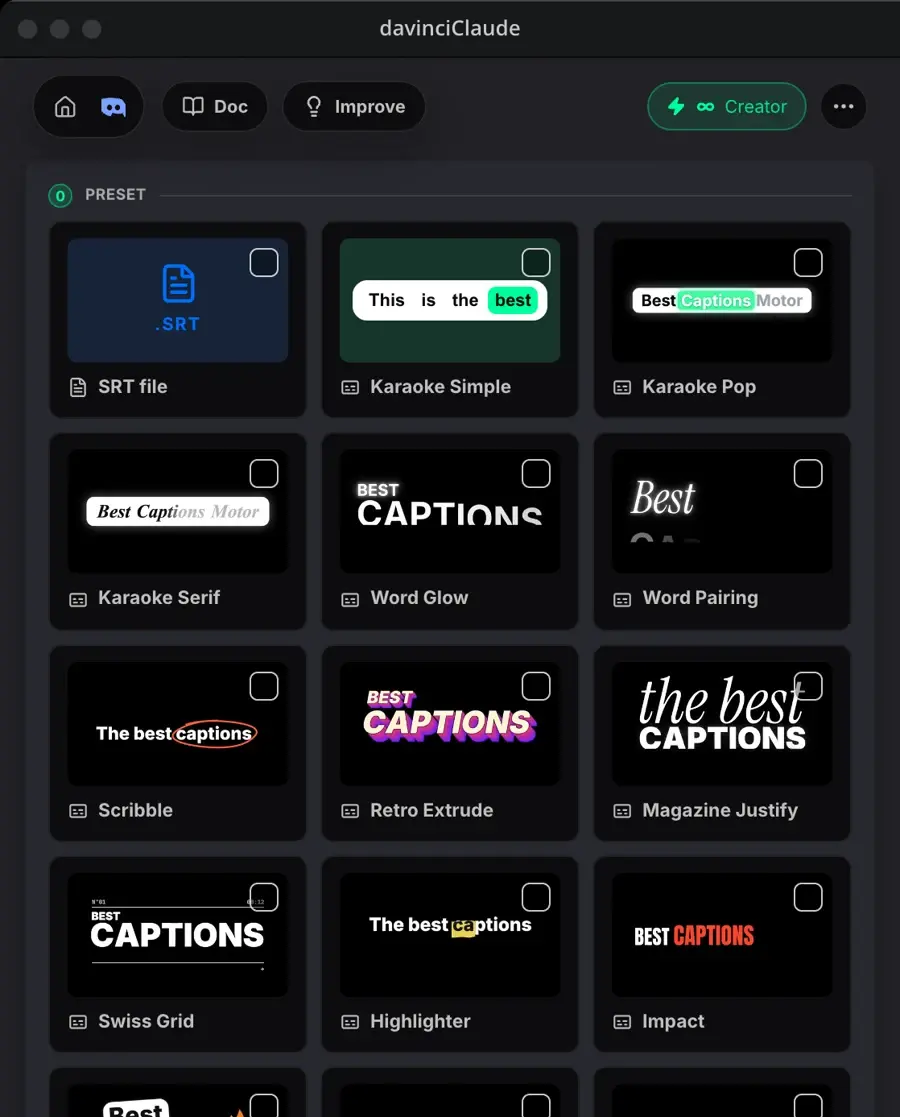
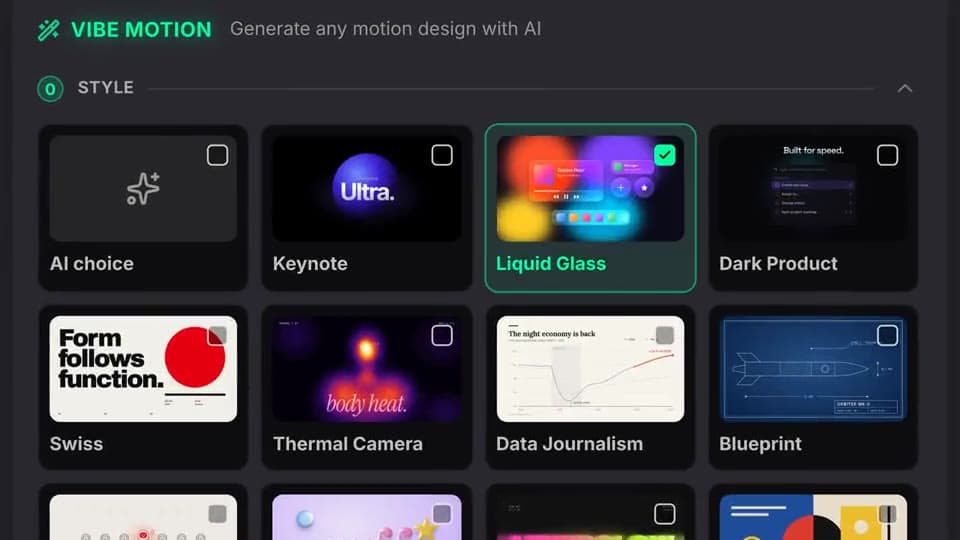
40 visual styles, or let the AI choose.
 The native AI plugin for DaVinci Resolve·18 +
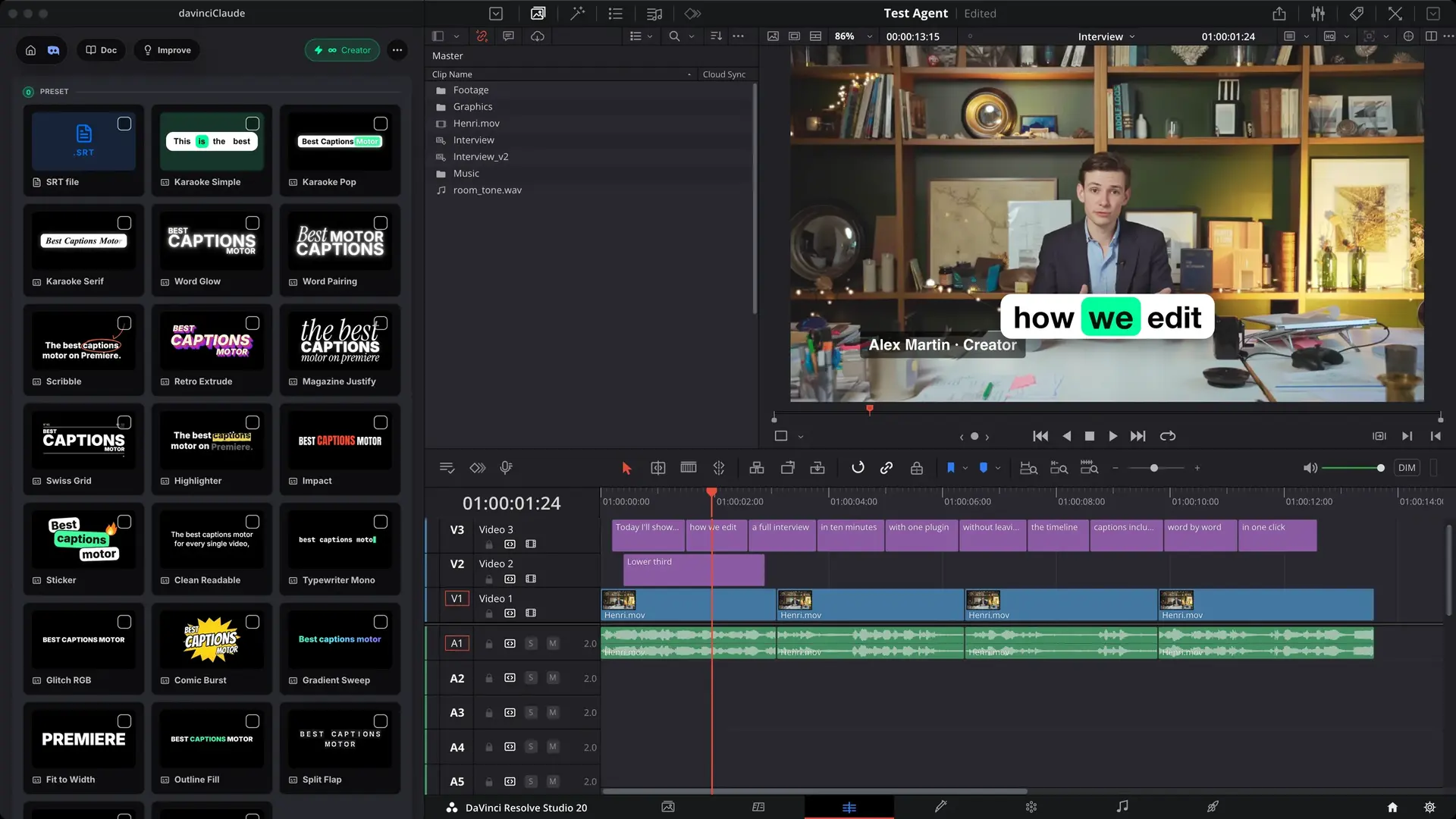
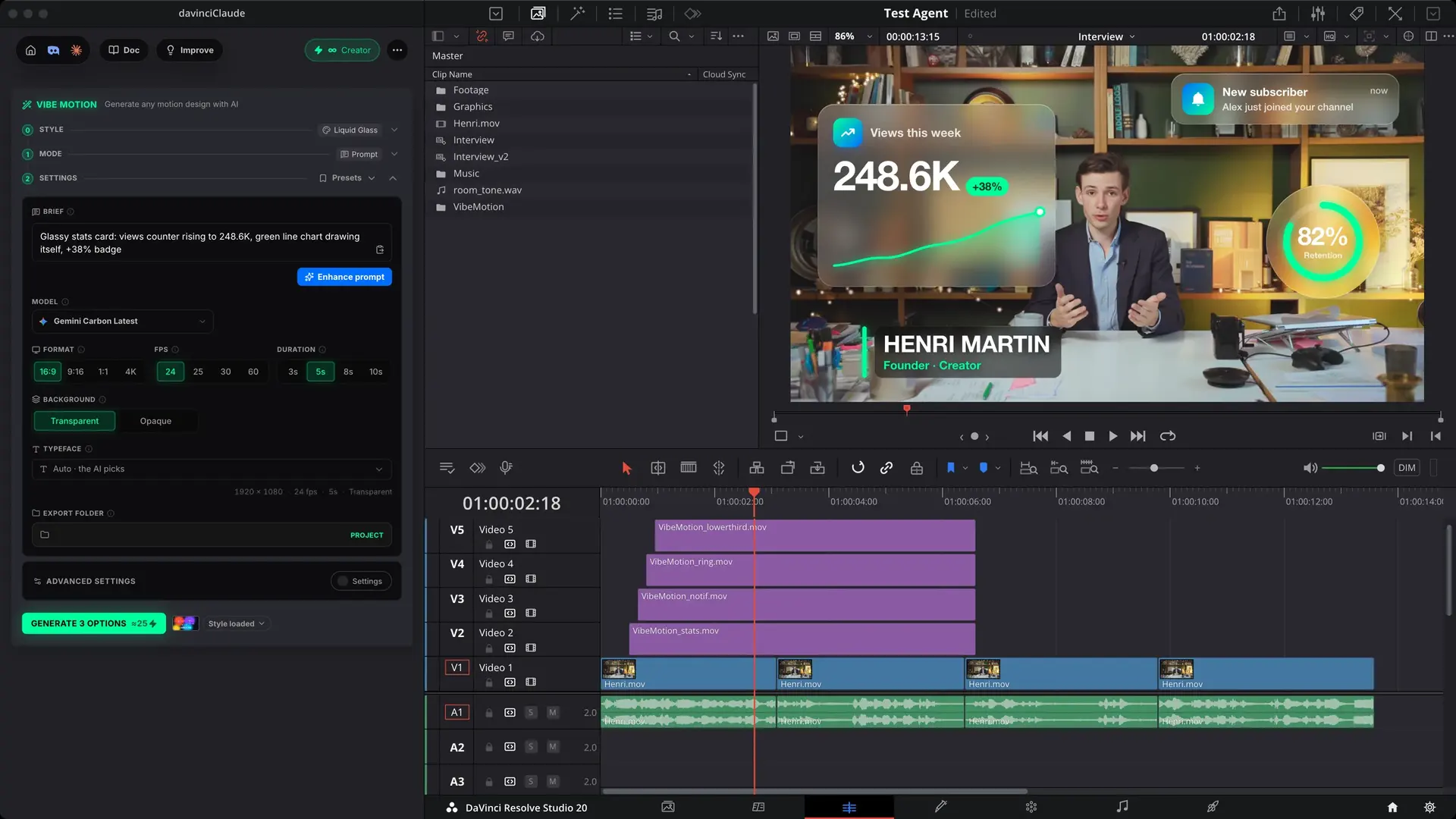
Vibe Motion generates motion design inside DaVinci Resolve from a single prompt. Up to 4K60, transparent background, no watermark. Replaces Motion Bro and AEJuice.
Studios, newsrooms, brands and universities: their video teams edit faster with DavinciClaude.
 Motion Array$24/mo
 Motion Bro$21/mo
 AEJuice$21/mo
 DavinciClaudefreeDavinciClaude Pro +annual
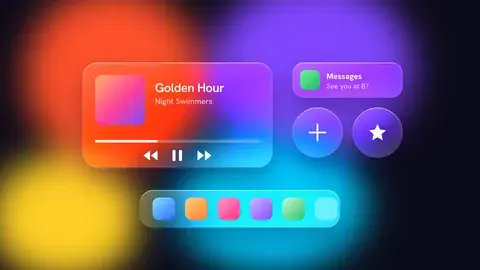
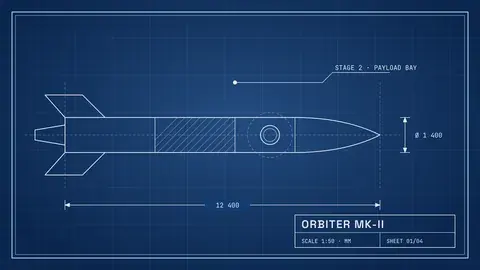
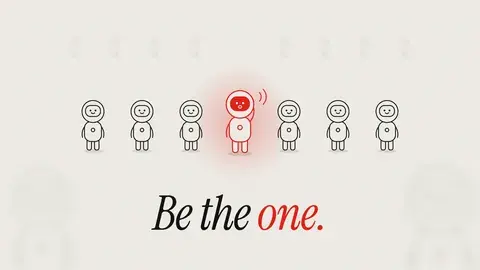
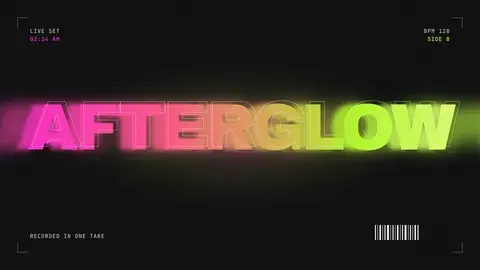
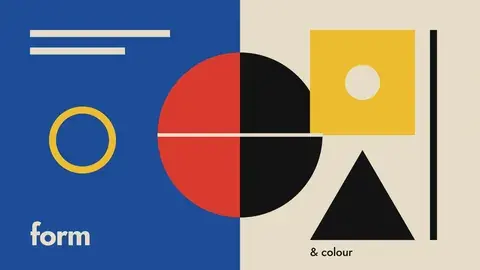
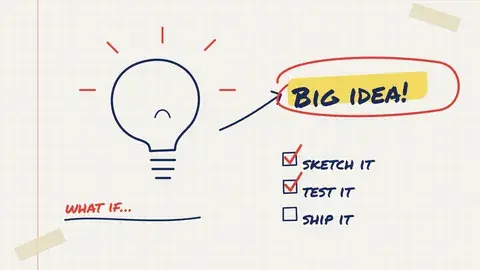
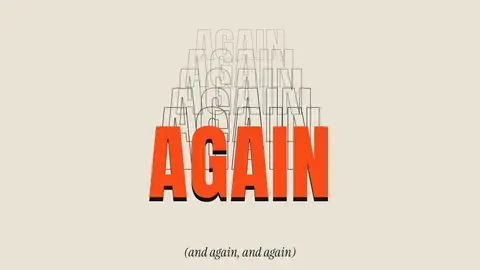
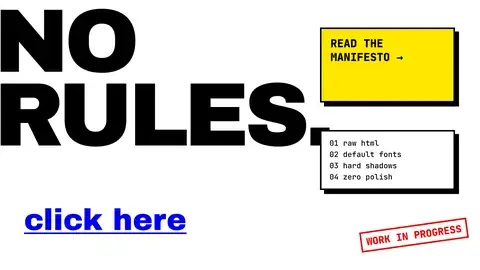
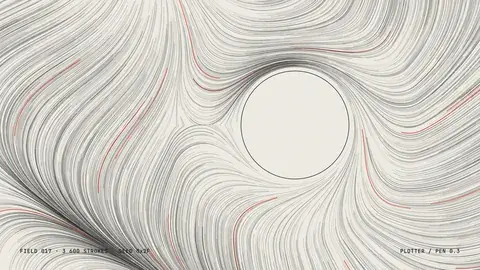
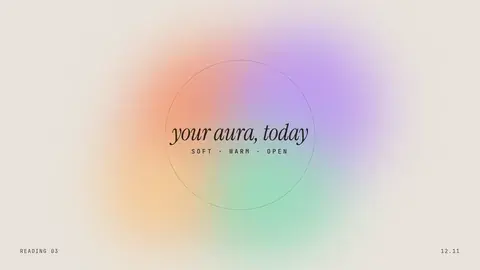
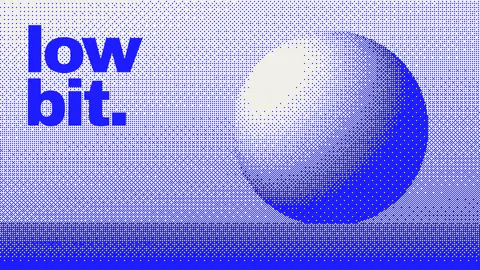
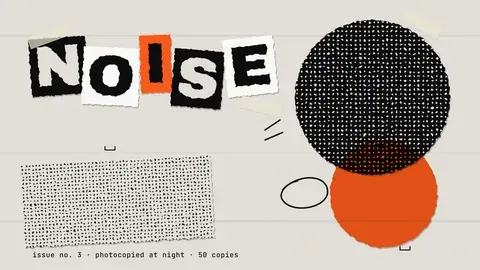
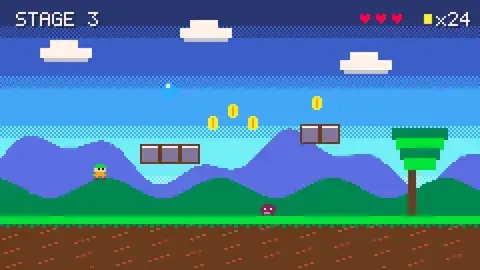
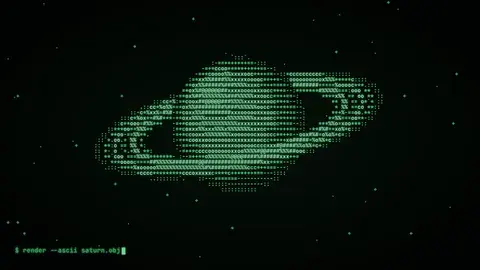
Pick a visual universe before you write a word: Blueprint, Swiss, ASCII terminal, liquid glass, risograph… Each one sets the typography, palette and motion of every animation. Choose several and each proposal explores a different one; on a whole sequence, the AI spreads them across your passages.
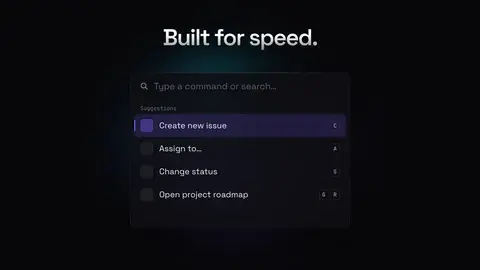
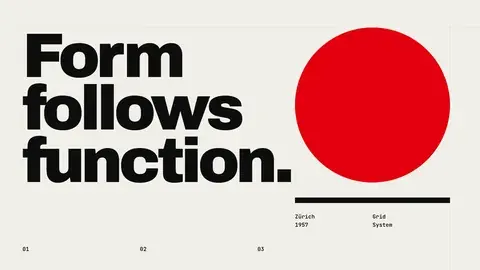
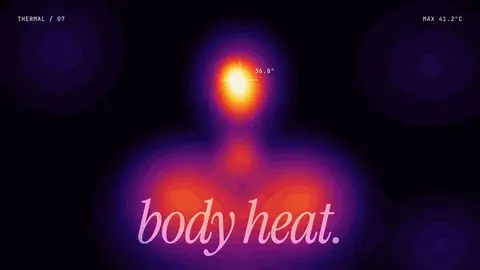
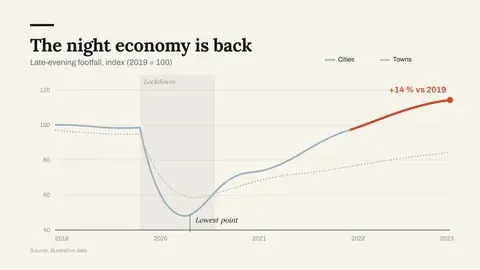

Prompt
Kinetic text, animated logos, data viz, or 3D scenes. Use the prompt library or write your own. Import an image from your timeline as base.
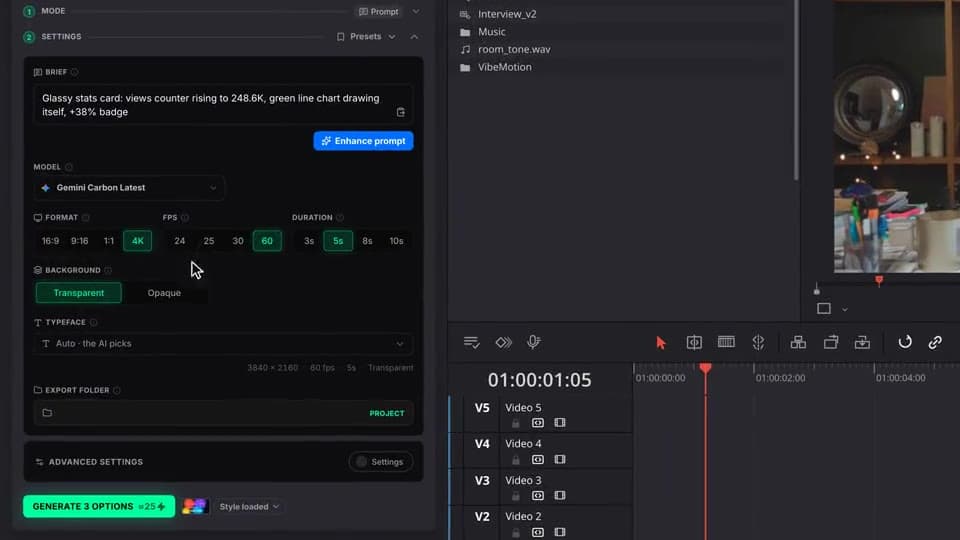
Settings
Up to 4K60. Transparent background. Pick your font, set the color palette. Save the full config as a preset.
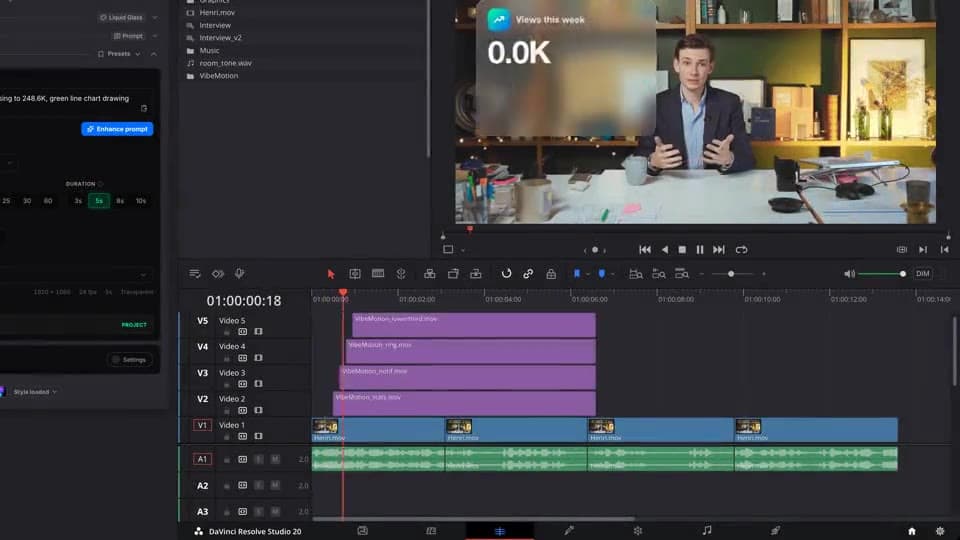
Import
The motion graphic lands directly on your timeline as a clip. Composite, color, edit — like any other source.
40 visual styles, or let the AI choose.
Capture a frame from your timeline or pick a file: the animation is built on it.
Transparent background, up to 4K at 60 fps. Drops over any shot.
Every generation ships with its own controls. Tweak, re-render, save as a preset.
Use commercially without restriction. Native DaVinci Resolve clip, no After Effects needed.
Share your code: they get 10% off, you earn 30% of everything they pay for 12 months. No minimum, free for every account.
Ask in the chat, the plugin runs the tools on your real timeline.
Learn moreAny GenAI model, native in DaVinci Resolve. By Fal.AI.
Learn moreWord-by-word, animated captions in 99 languages.
Learn moreActive speaker detection, multicam autocut.
Learn moreAuto-detect silences and tighten the edit.
Learn moreRemoves bad takes & repetitions, follows your script.
Learn moreSentence-by-sentence scoring, editable 9:16 reels.
Learn moreAccurate transcription, every word editable, native subtitles.
Learn moreChapter markers and a YouTube description from a single prompt.
Learn more1 audio → speaker-by-speaker tracks.
Learn moreEmotion-driven V2 zoom clips, generated.
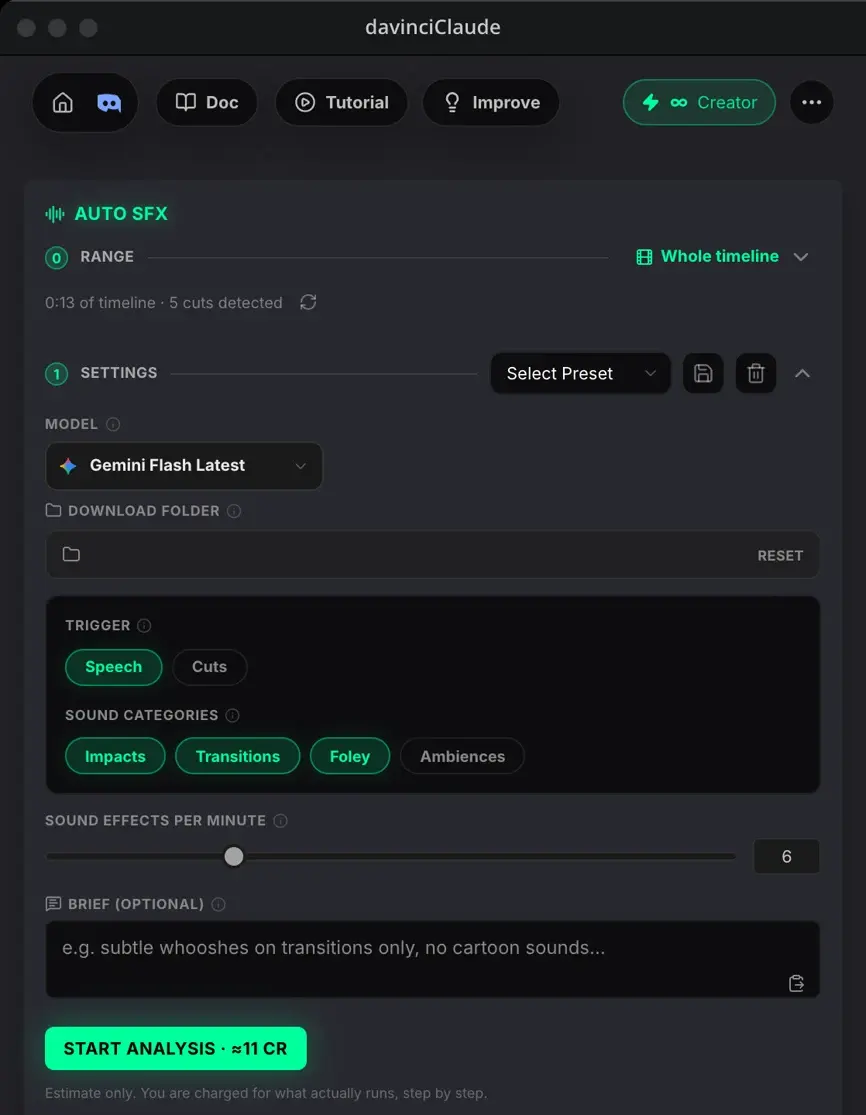
Learn moreAI sound effects, placed on your timeline.
Learn moreSwear words bleeped on the voice, in context.
Learn moreSpell check every text on your timeline.
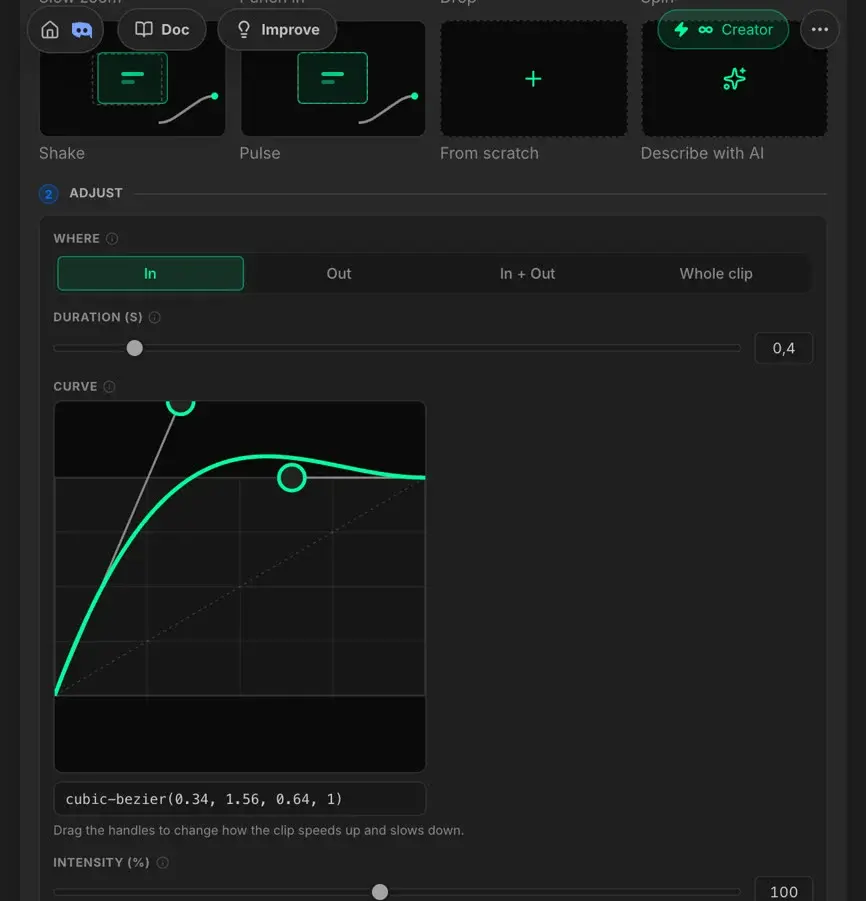
Learn moreAI kinetic text, from your own words.
Learn moreSafe zone guides for every feed.
Learn moreEvery short, exported in 1 click.
Learn moreAny emoji, placed on your timeline.
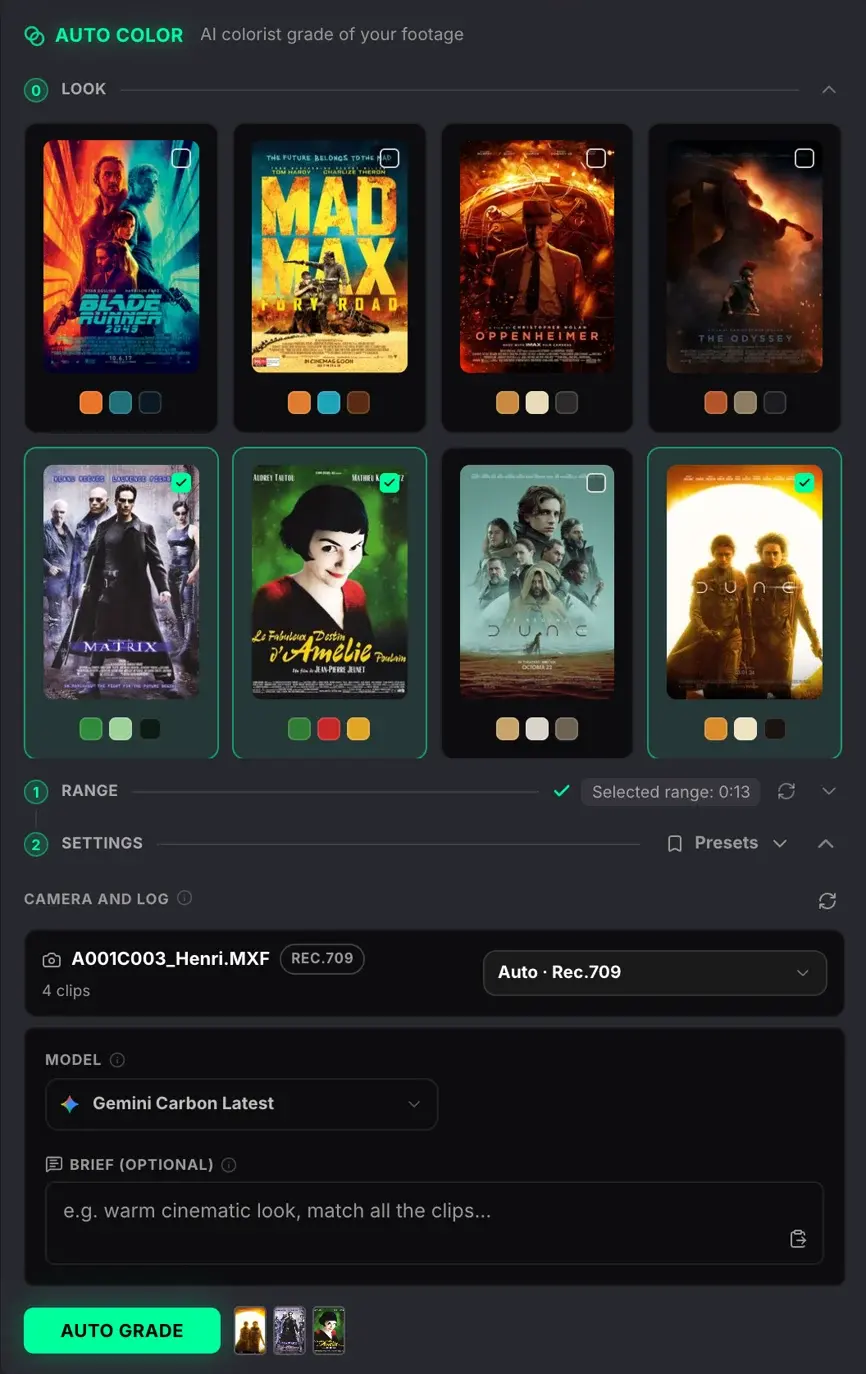
Learn moreAI color grading with film looks, matched shot to shot.
Learn moreBeat markers, placed on your music.
Learn moreYour b-roll, placed where it fits.
Learn moreYour clipboard, on the timeline.
Learn moreNew files, imported on their own.
Learn more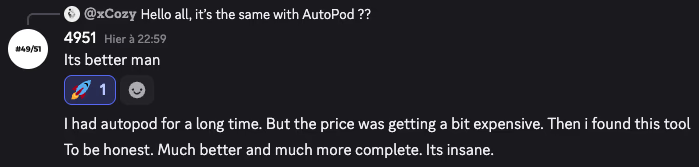
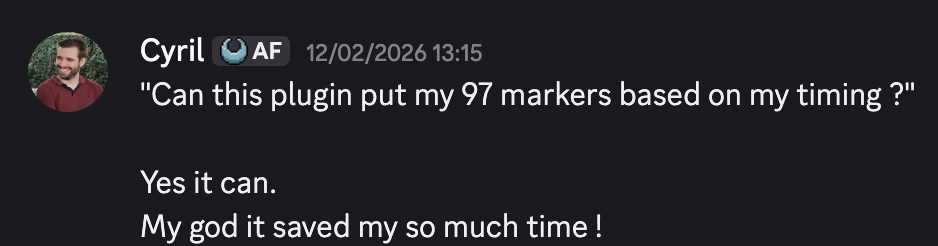
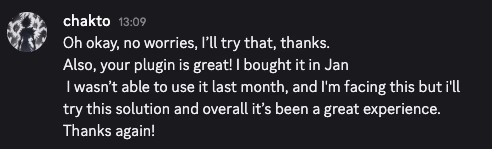
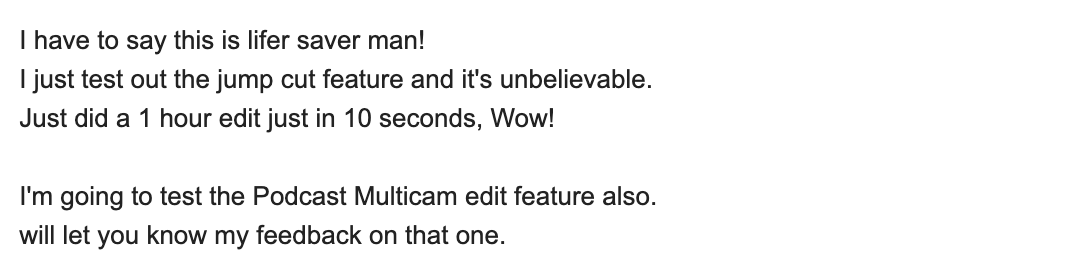
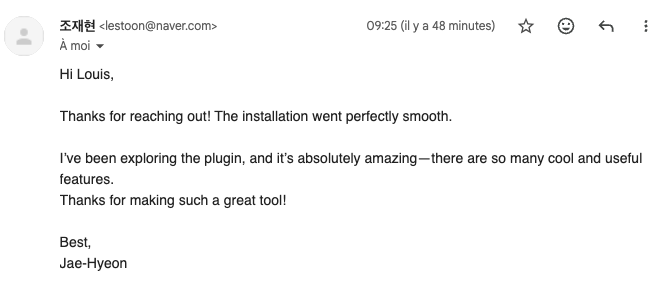
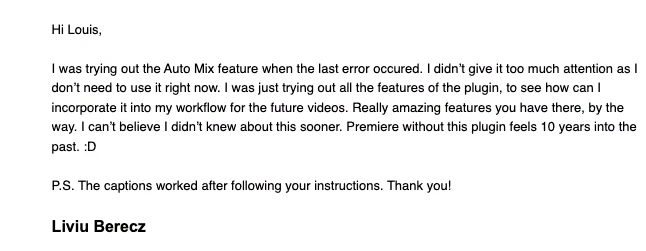
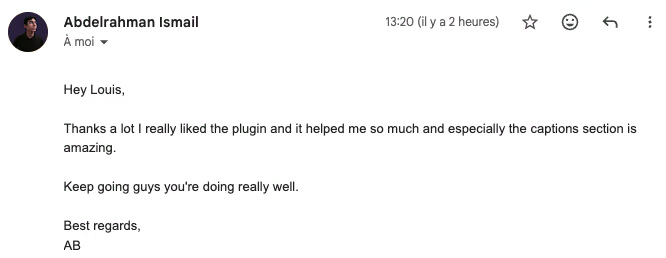
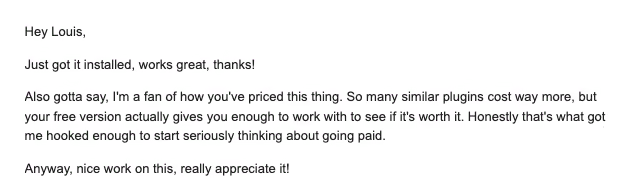
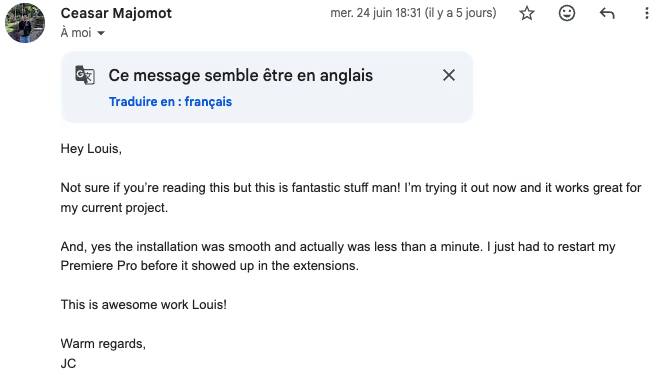
Motion Bro and AEJuice charge $249/year for pre-made templates. Vibe Motion generates motion design from a prompt — infinite variety — for free. No annual fee, no After Effects round-trip.
No. Free tier has daily generation limits but zero watermarks on output.
Yes. Alpha channel preserved. Composite over any source footage in DaVinci Resolve.
Yes. Import from timeline or from disk. Use it as a base for animation, logo reveal, or kinetic text.
Any font installed in DaVinci Resolve. Save full configurations as presets.
DaVinci Resolve 18 and later, on macOS (Intel + Apple Silicon) and Windows.
Free for DaVinci Resolve 18 and above. macOS · Windows. The installer takes 30 seconds.