
0
Speakers max, auto-detected from a single track.
 The native AI plugin for DaVinci Resolve·2022 +Blackmagic official partner
Diarization automatically detects each speaker in an audio track and splits them into dedicated DaVinci Resolve lanes (A1, A2, A3...). Native split, up to 10 voices, free.
Drop a single audio track in. DavinciClaude detects every voice and splits it into one lane per speaker, ready for Podcast Multicam, individual EQ, or per-speaker ducking. Free.
How it works
Drop
Pick any audio clip on your timeline, or import a fresh WAV/MP3. Diarization handles up to 90 minutes per pass.
Detect
Up to 10 speakers identified automatically. Review the detected voices in the editor: rename, merge, or split a speaker before applying. Crosstalk handled gracefully.
Split
Each speaker lands on their own audio track (A1, A2, A3...) on your real DaVinci Resolve timeline. Now you can run Podcast Multicam autocut, EQ each voice individually, or duck the music under each speaker.
What ships
Speakers max, auto-detected from a single track.
Free with daily quota. Pro+ at $7.99/mo.
Turn-detection accuracy on clean recordings.
Each detected voice lands on its own native DaVinci Resolve audio track. Ready for Podcast Multicam, individual EQ, or per-speaker ducking.
Native audio tracks. Edit like any source.
Stack the rest
Plain-English prompts that edit your real timeline.
Learn moreMotion design generated from a single prompt.
Learn moreAny GenAI model, native in DaVinci Resolve. By Fal.AI.
Learn moreWord-by-word, animated captions in 99 languages.
Learn moreActive speaker detection, multicam autocut.
Learn moreAuto-detect silences and tighten the edit.
Learn moreRemoves bad takes & repetitions, follows your script.
Learn moreTurn 1h of content into 10 vertical viral clips.
Learn more0 spelling mistakes. Claude corrected, native subtitles.
Learn moreAnimated MoGRT chapters from a single prompt.
Learn moreEmotion-driven V2 zoom clips, generated.
Learn more

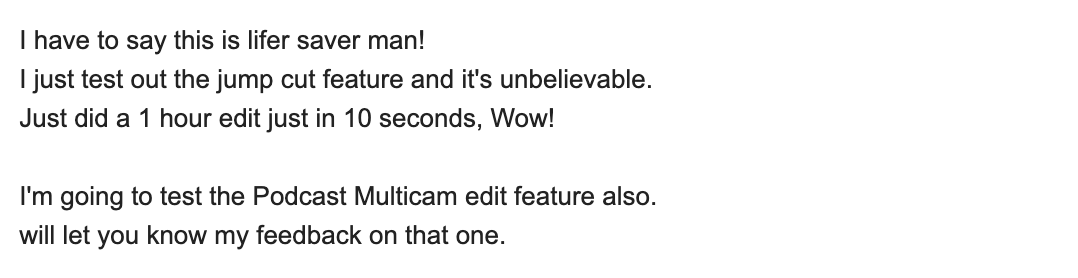
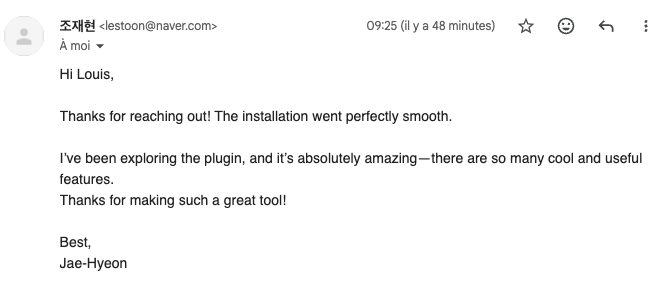
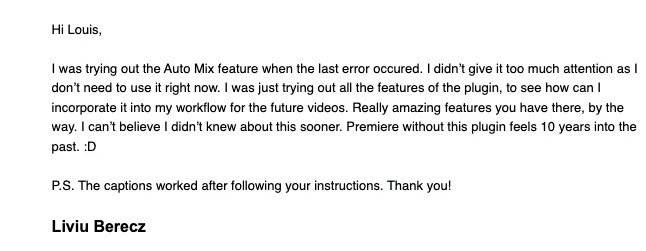
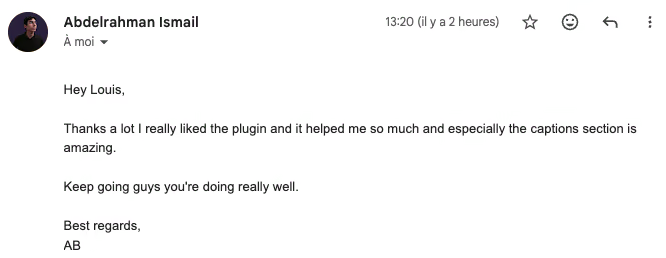
FAQ
It splits a single audio track into one lane per detected voice. Most useful before running Podcast Multicam, since multicam autocut needs each speaker on their own track. Also handy for individual EQ, noise reduction, or ducking per speaker.
Up to 10. Auto-detection picks up overlapping speech and short interventions; you can manually merge or rename speakers in the editor before applying.
Built on a state-of-the-art diarization model with 99.5% turn-detection accuracy on clean recordings. Quality drops on heavy crosstalk, but you can fine-tune any lane afterwards on the DaVinci Resolve timeline.
Yes, voice separation is language-agnostic. 99 languages supported for the optional transcript output.
Diarization runs on our servers (encrypted in transit, deleted right after). No silent uploads, no model training on your content.
DaVinci Resolve 2022 and later, on macOS (Intel + Apple Silicon) and Windows.