
























Every voice found
Sarah
Alex
Tom
Several peopleSilence
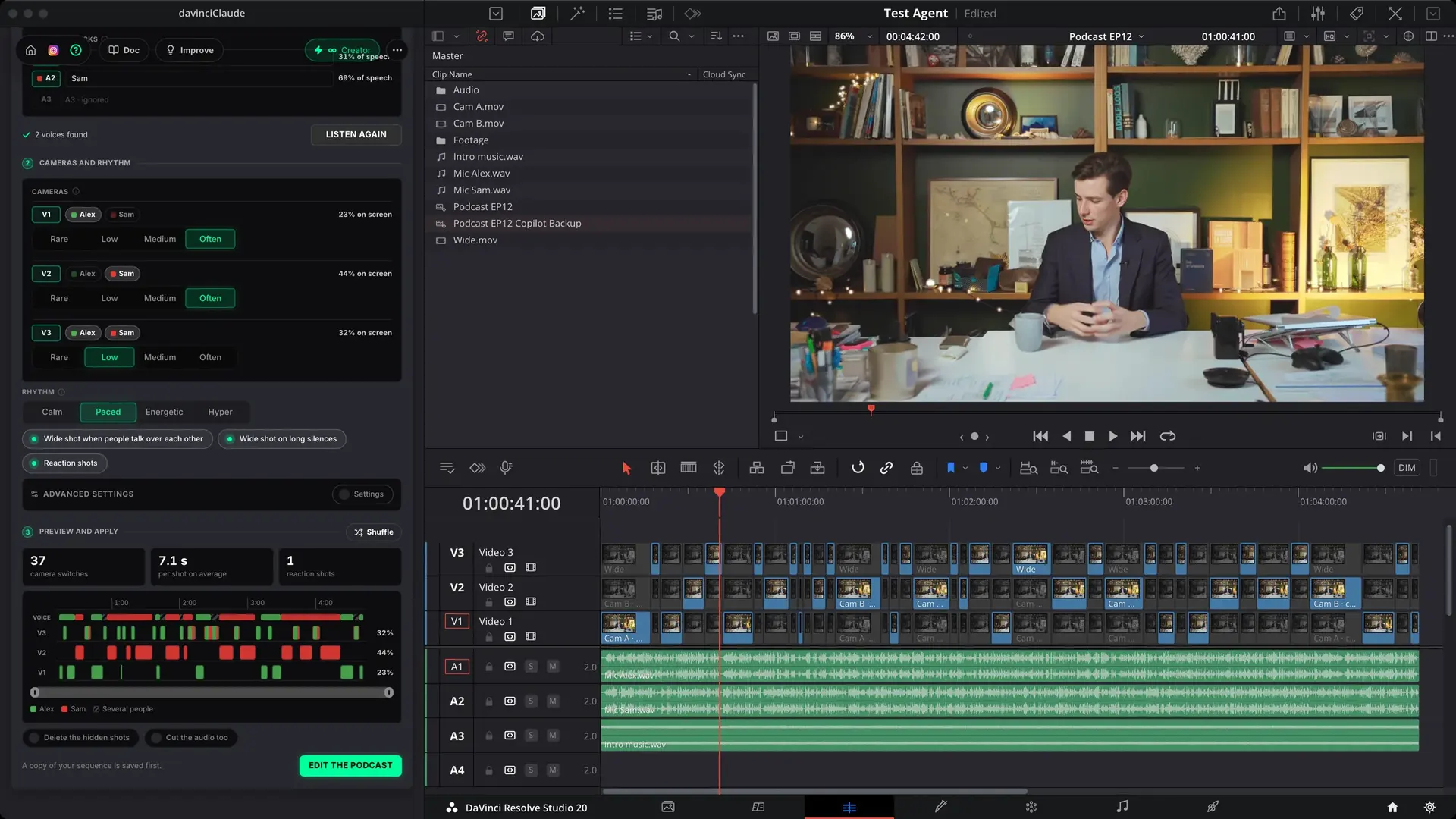
One audio track per speaker. Podcast listens to each one: who talks when, their share of the episode, overlaps and silences.
 The native AI plugin for DaVinci Resolve·18 +
Podcast Multicam is an DaVinci Resolve plugin that cuts your multicam podcast on whoever is speaking. See the whole edit in a live preview, fine-tune every camera, rhythm and shot instantly, no new export, then apply it on your real timeline. Free or $59 lifetime.
Studios, newsrooms, brands and universities: their video teams edit faster with DavinciClaude.
AutoPod and AutoCut keep charging you, month after month. Over 3 years, that's >$1,000 spent on plugins you stop owning the second you cancel. DavinciClaude is $59 once, yours forever.
 AutoPod$29/mo
 AutoCut AI$19.8/mo
 DavinciClaudelifetime
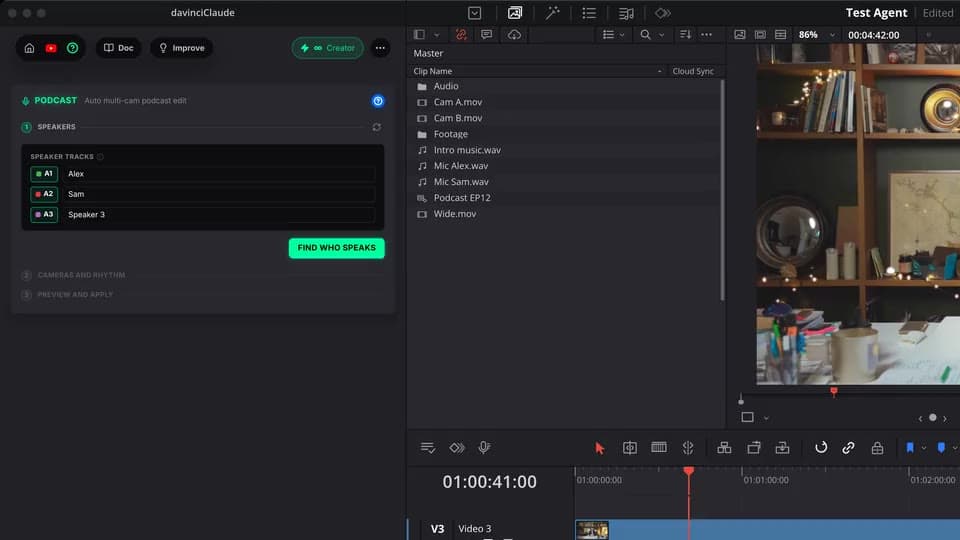
Assign
DavinciClaude lists your audio tracks. Keep one per speaker, switch off music and camera sound, name everyone. One mixed track for the whole table? Smart Diarization splits it first.
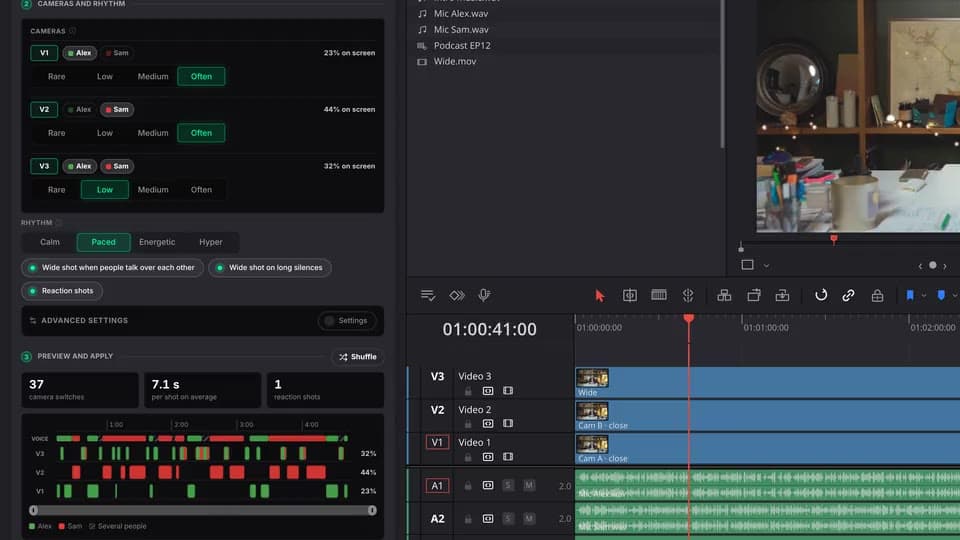
Fine tune
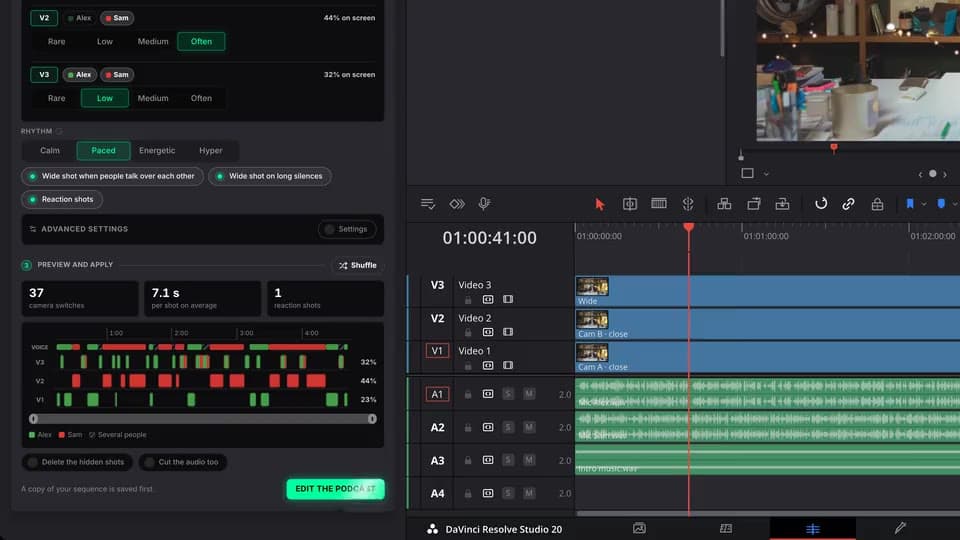
Pick who each camera shows, how often it comes back, and the rhythm: Calm, Paced, Energetic or Hyper. Wide shots on crosstalk, reaction shots. The preview updates instantly, no new analysis.
Run
Click a shot to change its camera, then apply. Only your camera tracks are cut, or your angles land in a native DaVinci Resolve multicam clip you can still switch. One-click restore.
Bonus · Jump Cut
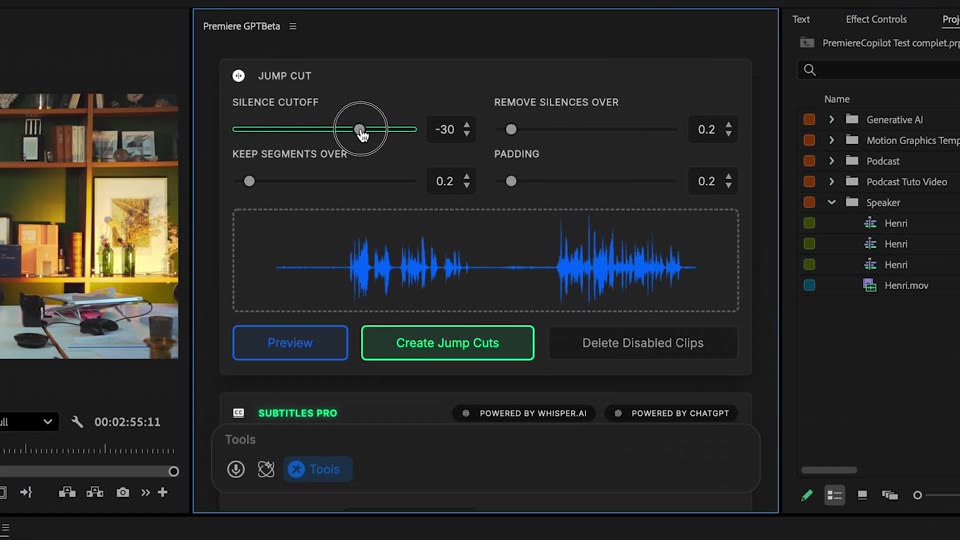
The Podcast pack also ships Smart Silence, our jump-cut tool. After the multicam autocut lands, hit Analyze and DavinciClaude ripples out every breath, gap and dead air from your timeline. Tight episode, zero busywork. Bundled with the same license.
One audio track per speaker. Podcast listens to each one: who talks when, their share of the episode, overlaps and silences.
 Cam 1
 Cam 2
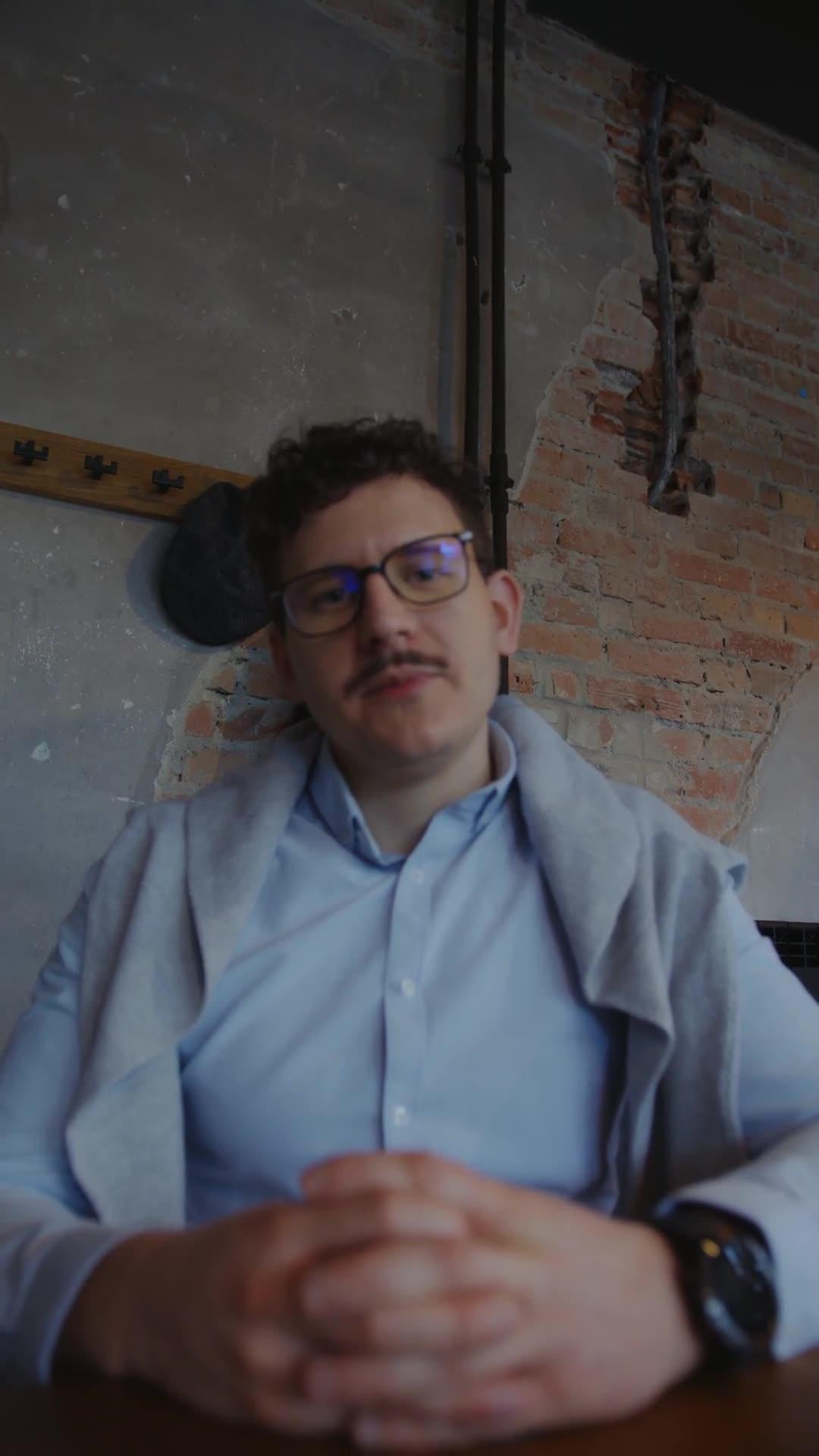
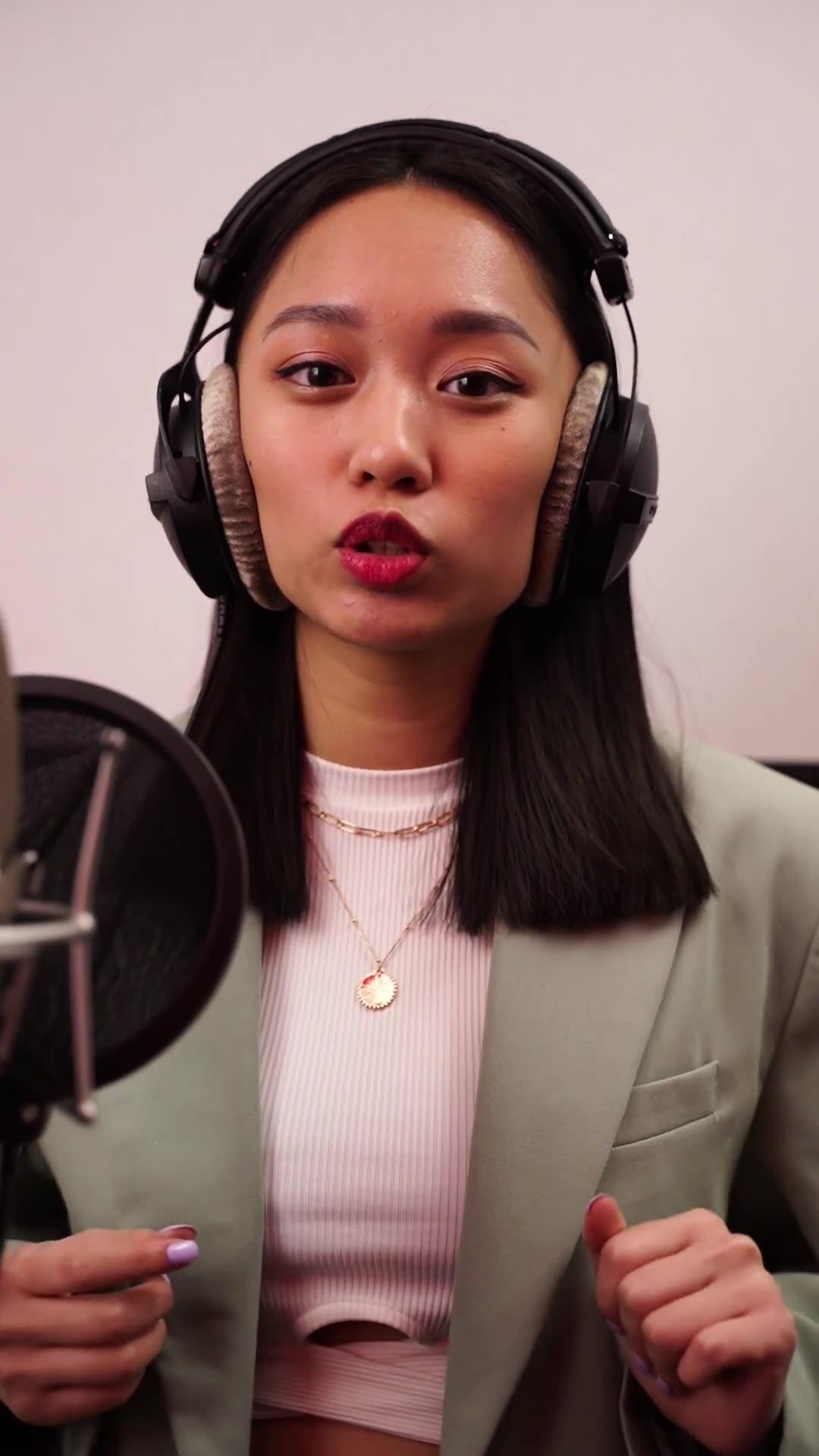
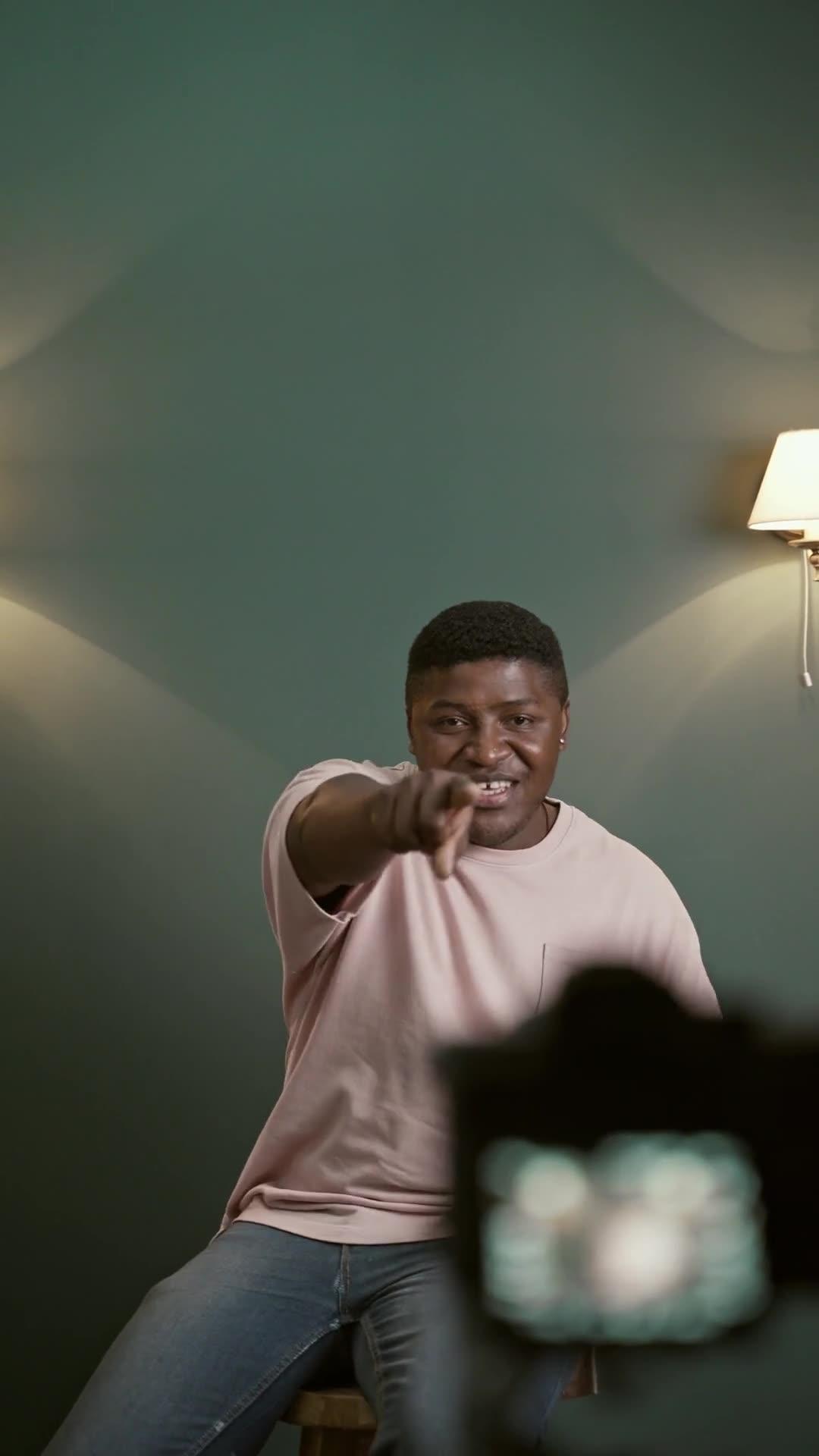
Map every camera to a speaker, or to several people for a wide shot. You see how long each one stays on screen before applying.
Calm, Paced, Energetic or Hyper. The camera switches and average shot length update live, flash cuts under 0.8 s are merged.
Cut to whoever speaks, to the wide shot when people talk over each other or go quiet. Every cut lands on the voice.
A native multicam clip you can re-switch in Premiere, plain cuts, or hidden shots at 0% opacity. The sequence is backed up first.
Free with daily quota. $59 once for unlimited, lifetime. No subscription.
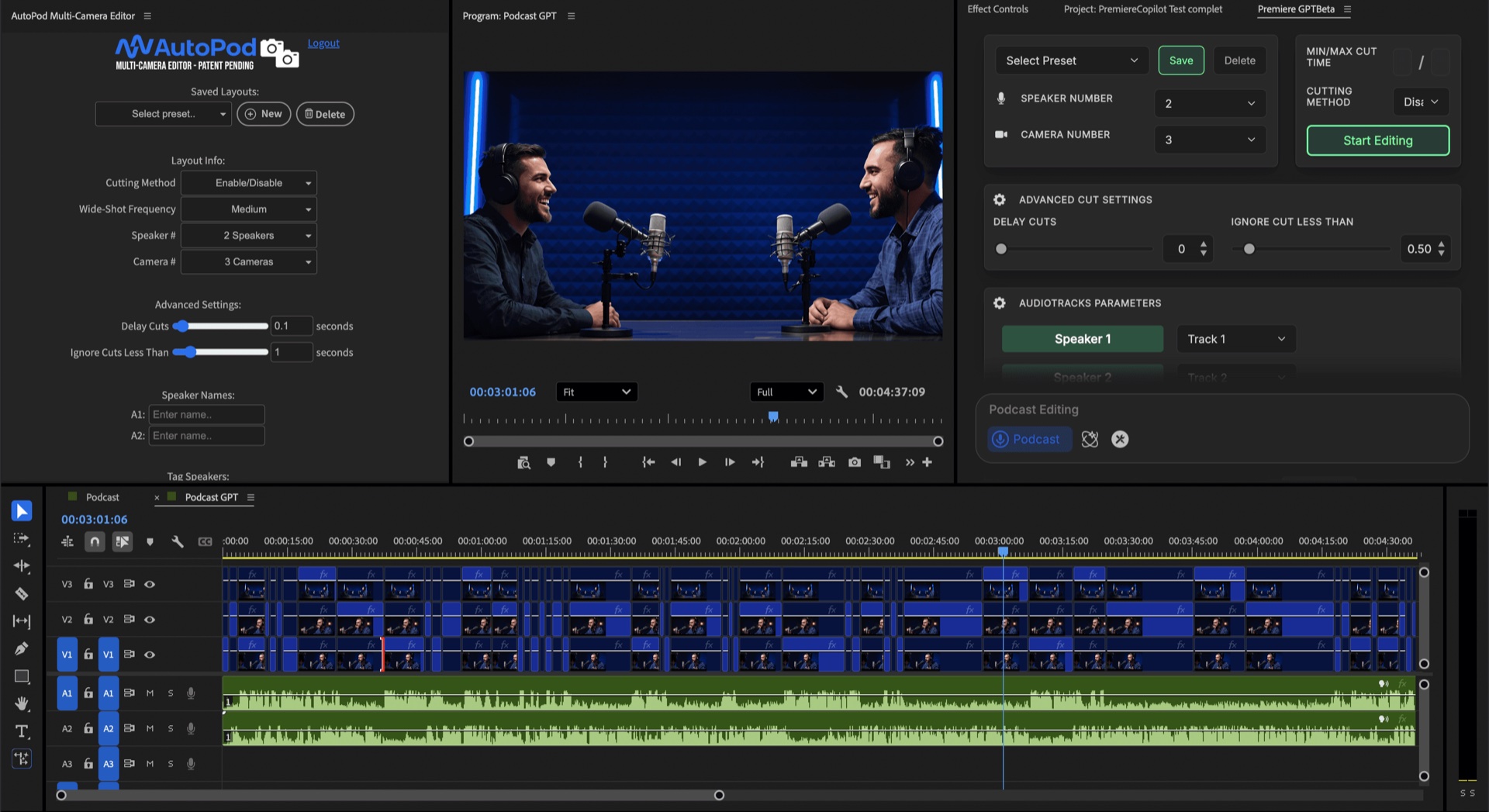
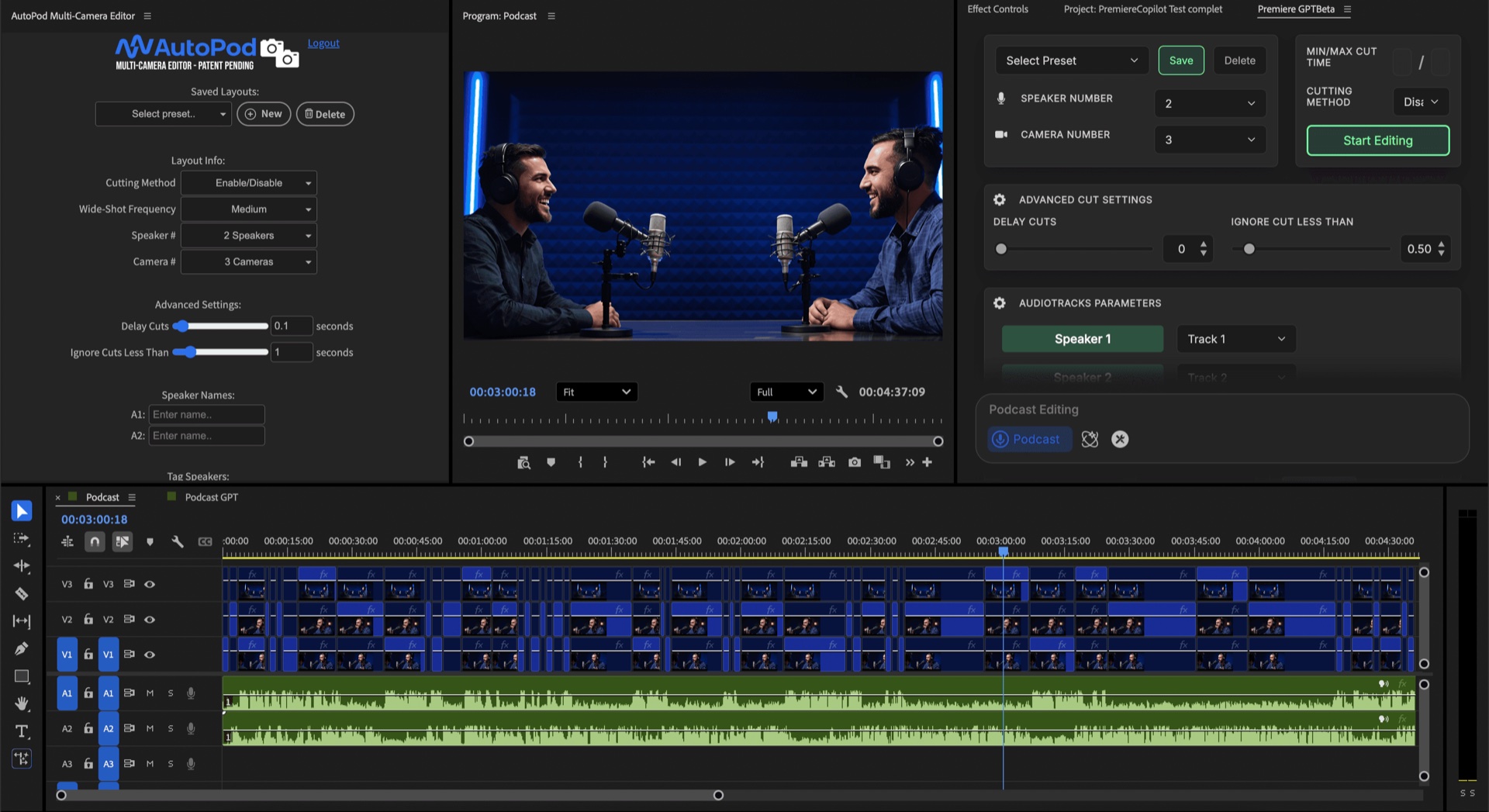 AutoPodDavinciClaude
Drag · Touch to compare
Ask in the chat, the plugin runs the tools on your real timeline.
Learn moreMotion design generated from a single prompt.
Learn moreAny GenAI model, native in DaVinci Resolve. By Fal.AI.
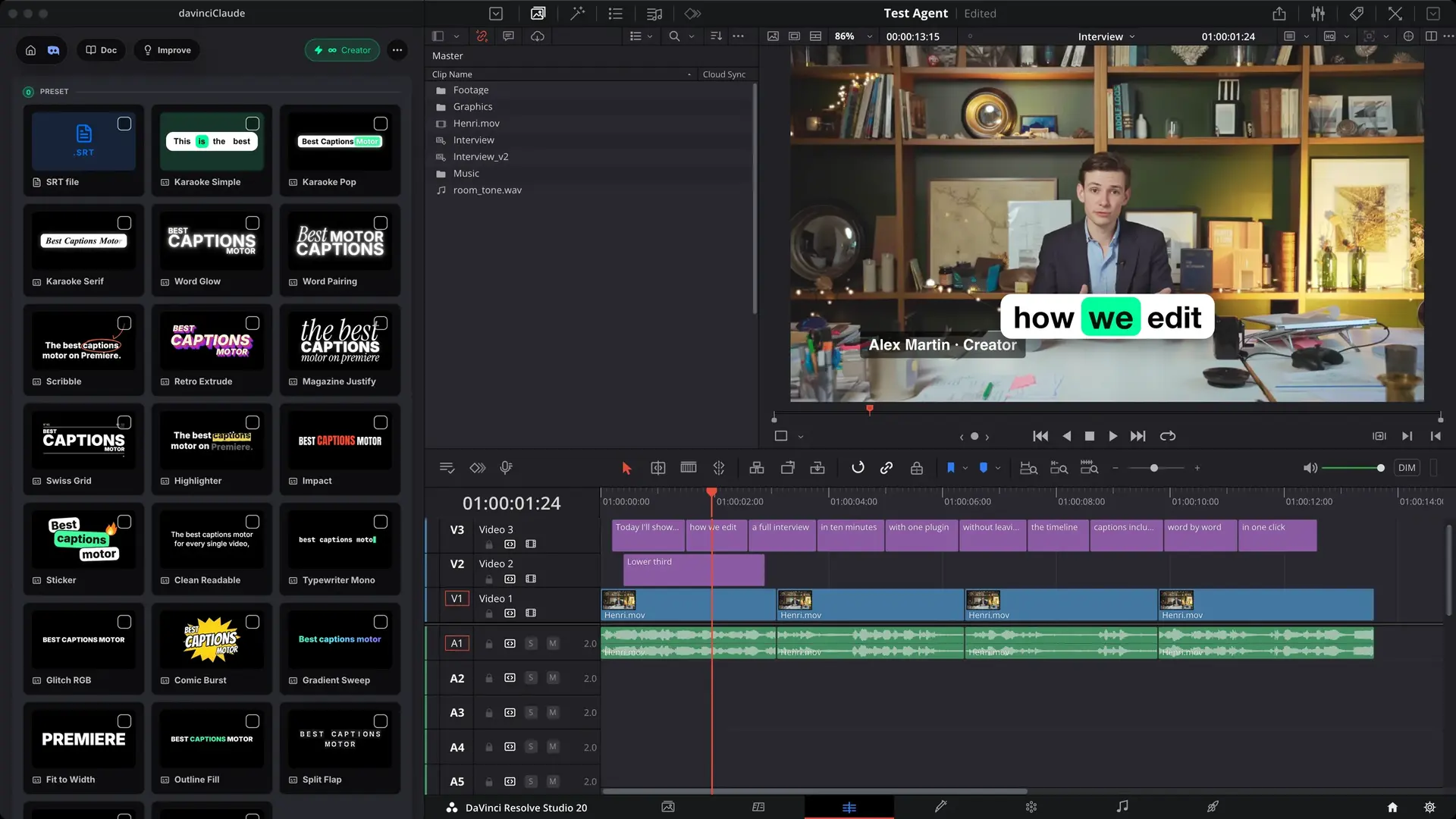
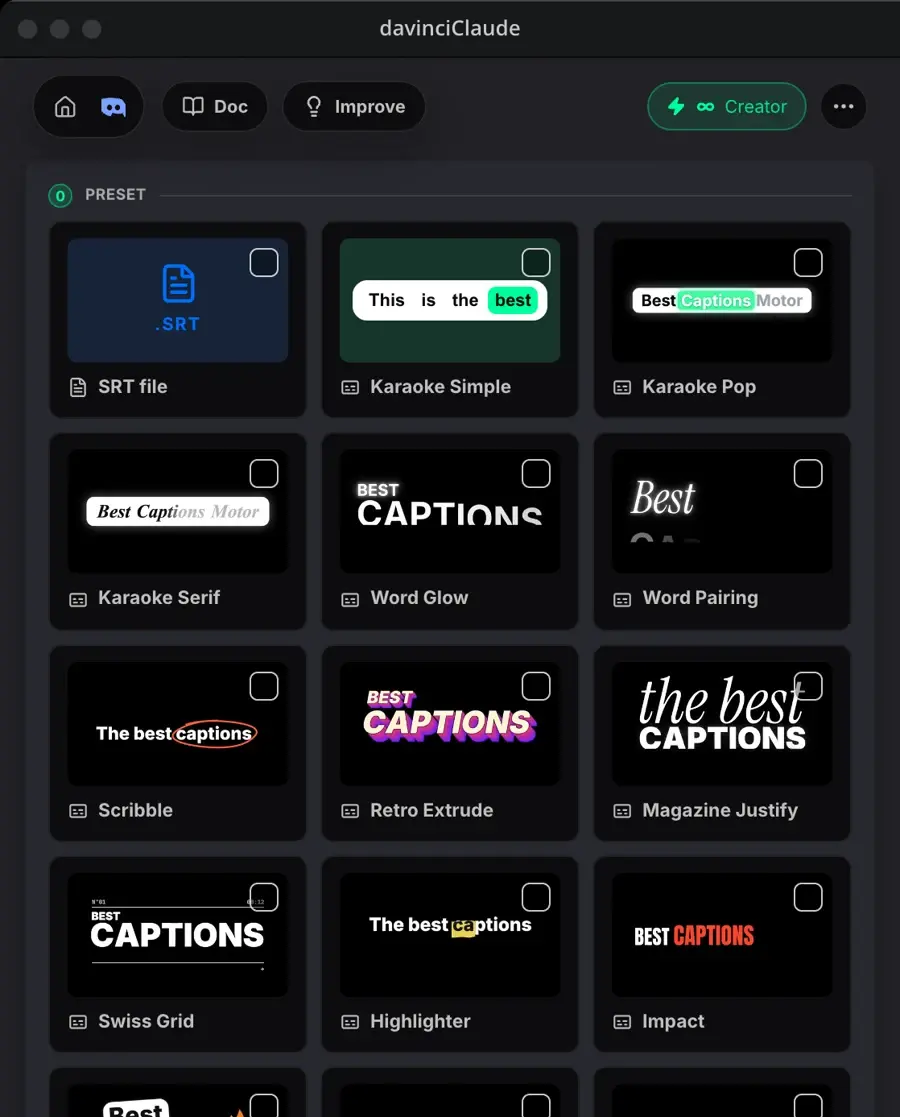
Learn moreWord-by-word, animated captions in 99 languages.
Learn moreAuto-detect silences and tighten the edit.
Learn moreRemoves bad takes & repetitions, follows your script.
Learn moreSentence-by-sentence scoring, editable 9:16 reels.
Learn moreAccurate transcription, every word editable, native subtitles.
Learn moreChapter markers and a YouTube description from a single prompt.
Learn more1 audio → speaker-by-speaker tracks.
Learn moreEmotion-driven V2 zoom clips, generated.
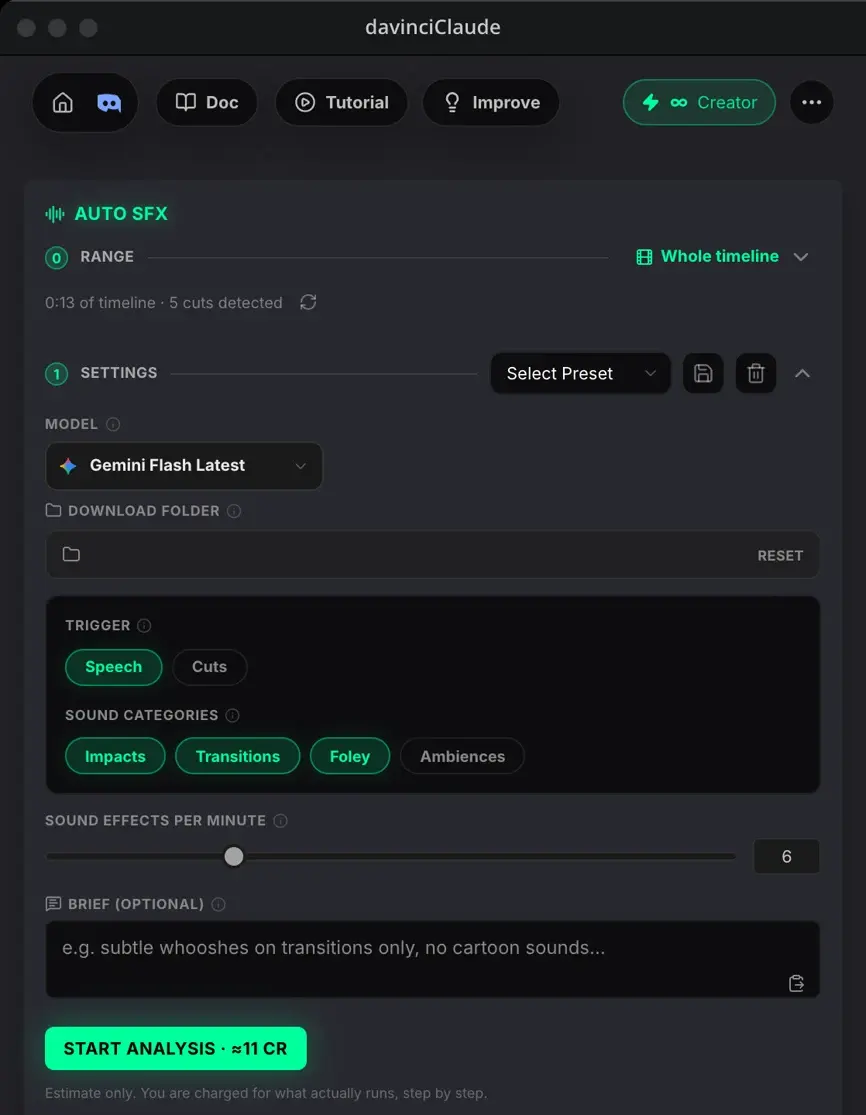
Learn moreAI sound effects, placed on your timeline.
Learn moreSwear words bleeped on the voice, in context.
Learn moreSpell check every text on your timeline.
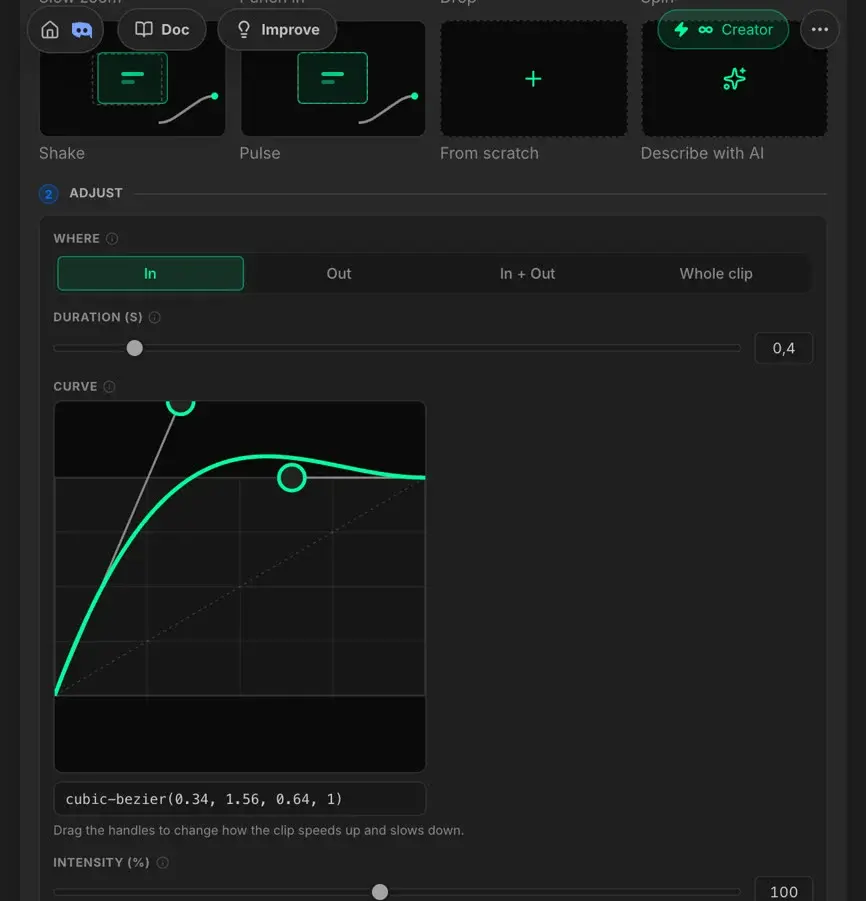
Learn moreAI kinetic text, from your own words.
Learn moreSafe zone guides for every feed.
Learn moreEvery short, exported in 1 click.
Learn moreAny emoji, placed on your timeline.
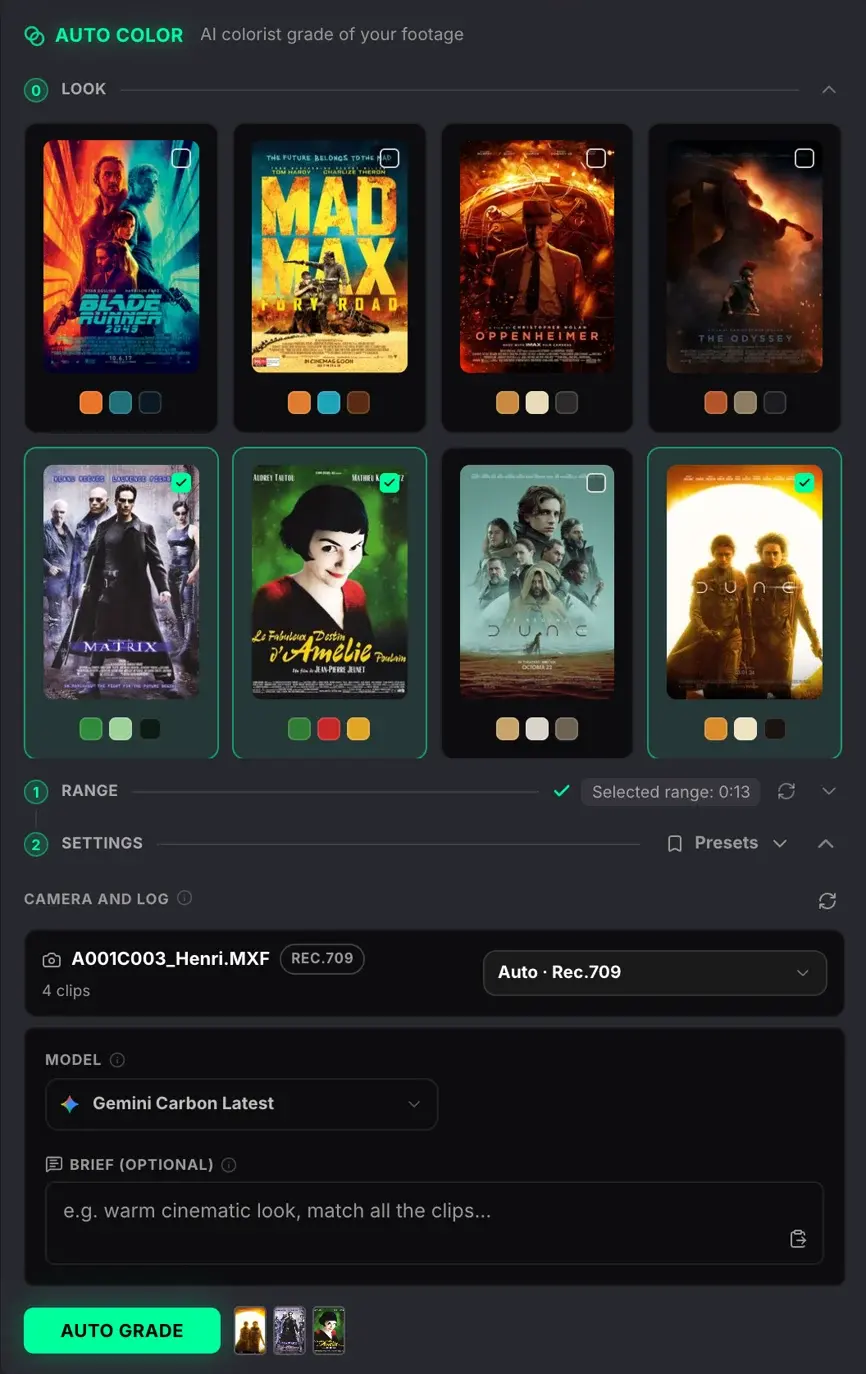
Learn moreAI color grading with film looks, matched shot to shot.
Learn moreBeat markers, placed on your music.
Learn moreYour b-roll, placed where it fits.
Learn moreYour clipboard, on the timeline.
Learn moreNew files, imported on their own.
Learn more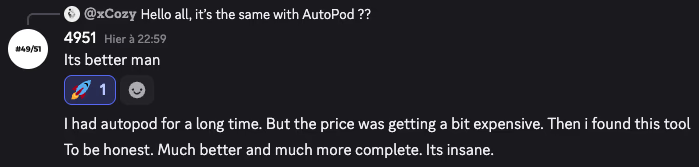
No. DavinciClaude is free, with a generous daily allowance on every tool. If you outgrow the free tier, paid plans are $7.99/mo (Pro+) or $59 lifetime for Podcast & Jump Cut, about a quarter of AutoPod's $29/mo. Cancel anytime, 7-day refund.
10 cameras, 10 speakers. Each camera can host more than one speaker. Active-speaker detection picks the right angle frame by frame.
Speaker detection runs on our servers (encrypted in transit, deleted right after). No silent uploads, no model training on your content. Local-only mode is on the roadmap.
It's better. Same algorithm class, plus diarization (which AutoPod lacks), longer cuts (up to 10s), and tighter frame accuracy. Read the comparison below.
Every cut is a real DaVinci Resolve edit on a normal timeline. Undo it, slip it, ripple it, it's your timeline, not a black box. Cancel any subscription within 7 days, full refund.
DaVinci Resolve 18 and later, on macOS (Intel + Apple Silicon) and Windows. We test against Beta builds.
Free for DaVinci Resolve 18 and above. macOS · Windows. The installer takes 30 seconds.