


























Scoring
Every sentence, scored live.
Hook, development, payoff, call to action and viral potential, sentence by sentence.
 The native AI plugin for DaVinci Resolve·18 +
Smart Virals scores every sentence of a long video as a hook, development, payoff or call to action, then builds vertical reels from the best moments inside DaVinci Resolve. Editable, captioned, made of real clips. Free.
Studios, newsrooms, brands and universities: their video teams edit faster with DavinciClaude.
 Munch$49/mo
 Opus Clip$20/mo
 AutoCut AI$19.8/mo
 DavinciClaudefree
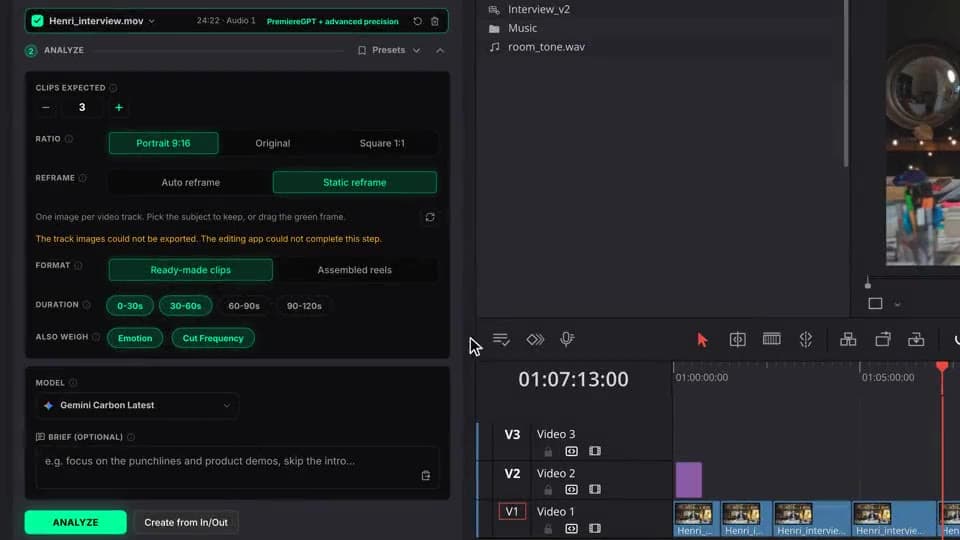
Analyze
Pick the range (whole timeline or In/Out), ready-made clips or assembled reels, your target durations and how many results you want. Click Analyze: every sentence gets a hook, development, payoff, call to action and viral potential score, live.
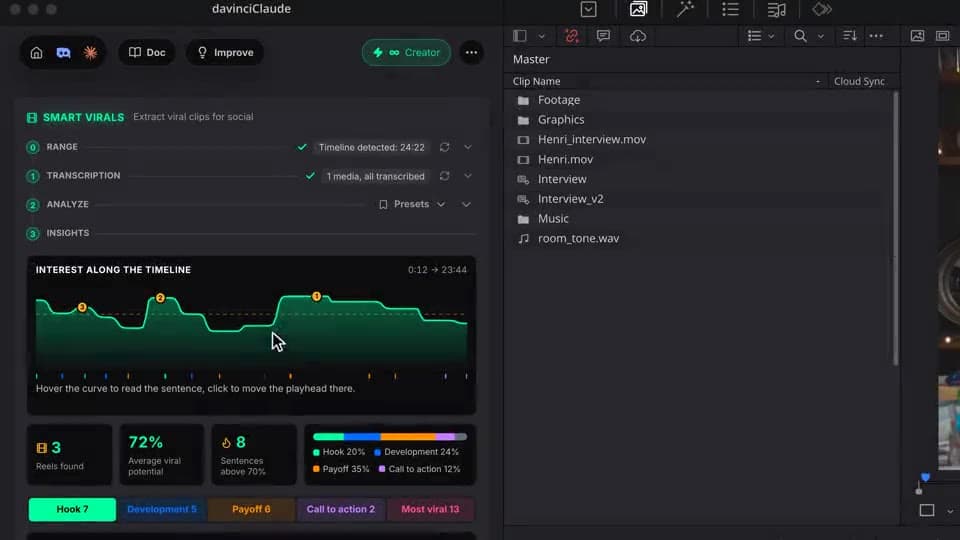
Shape
Follow the interest curve, browse the best hooks, payoffs and calls to action, and add any sentence to a reel with +. Arrows reorder, × removes. Viral score and length update live.
Create
One 1080×1920 sequence per reel with Smart Reframe. Real clips, not nested sequences: effects, music and handles kept, every cut editable in DaVinci Resolve. Captions in the same run.
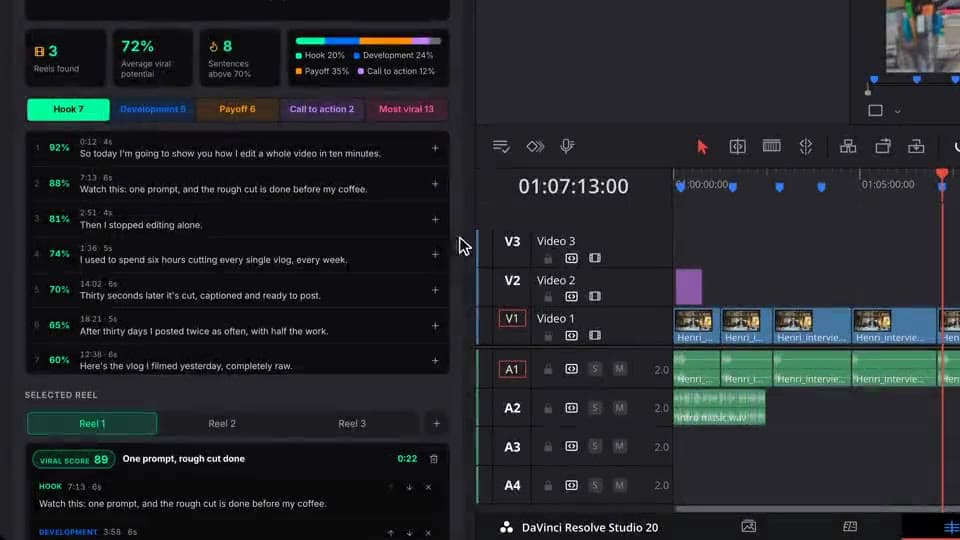
Hook, development, payoff, call to action and viral potential, sentence by sentence.
Ready-made clips or reels assembled by the AI, ranked by viral score.
1080×1920 sequences, ready for Reels, Shorts and TikTok.
The AI builds each reel from the best moments, anywhere in the video.
Each reel is its own DaVinci Resolve sequence. Trim or extend any cut.
Share your code: they get 10% off, you earn 30% of everything they pay for 12 months. No minimum, free for every account.
Ask in the chat, the plugin runs the tools on your real timeline.
Learn moreMotion design generated from a single prompt.
Learn moreAny GenAI model, native in DaVinci Resolve. By Fal.AI.
Learn moreWord-by-word, animated captions in 99 languages.
Learn moreActive speaker detection, multicam autocut.
Learn moreAuto-detect silences and tighten the edit.
Learn moreRemoves bad takes & repetitions, follows your script.
Learn moreAccurate transcription, every word editable, native subtitles.
Learn moreChapter markers and a YouTube description from a single prompt.
Learn more1 audio → speaker-by-speaker tracks.
Learn moreEmotion-driven V2 zoom clips, generated.
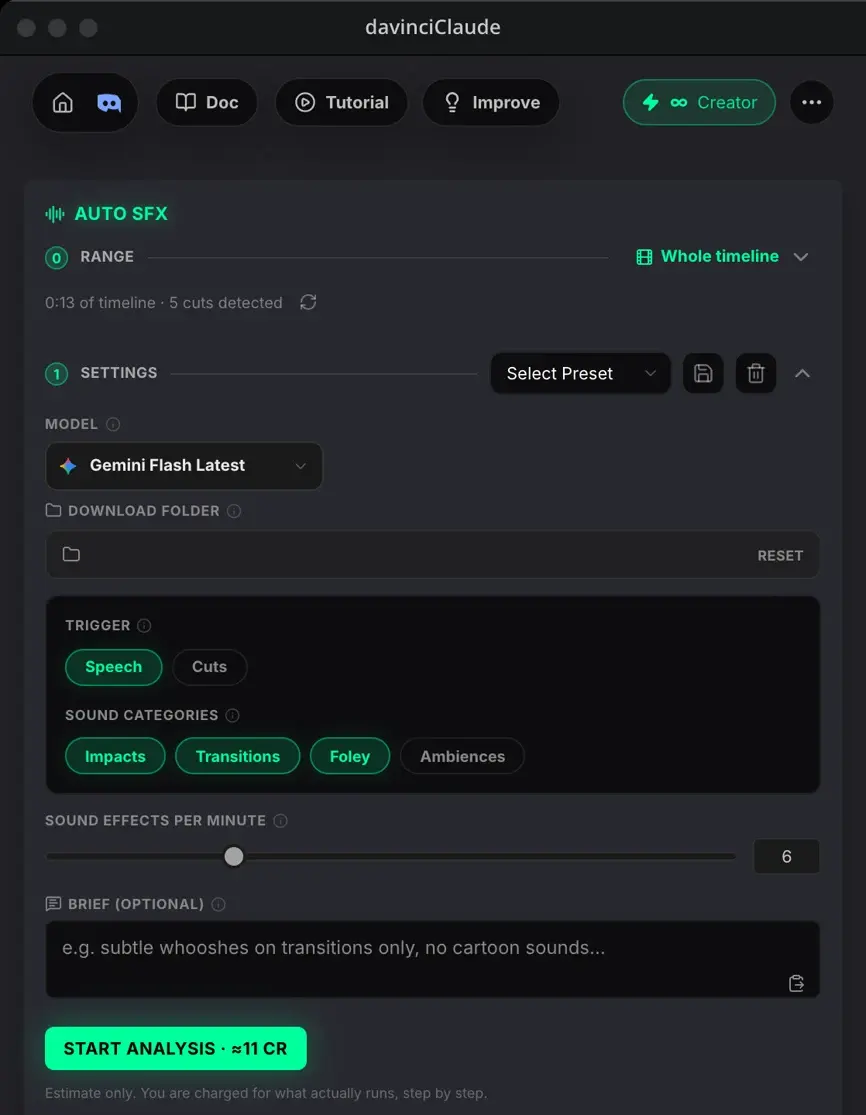
Learn moreAI sound effects, placed on your timeline.
Learn moreSwear words bleeped on the voice, in context.
Learn moreSpell check every text on your timeline.
Learn moreAI kinetic text, from your own words.
Learn moreSafe zone guides for every feed.
Learn moreEvery short, exported in 1 click.
Learn moreAny emoji, placed on your timeline.
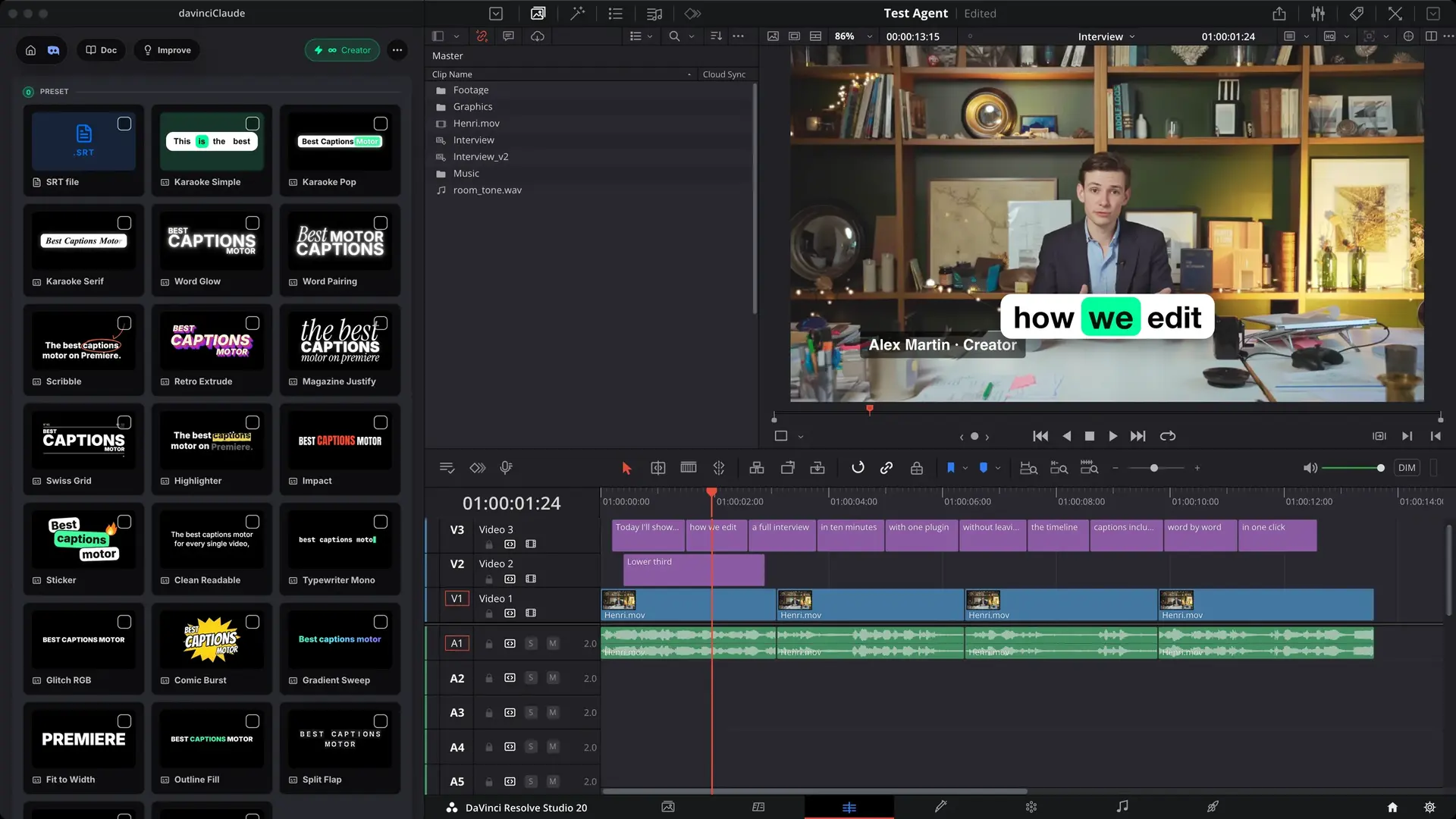
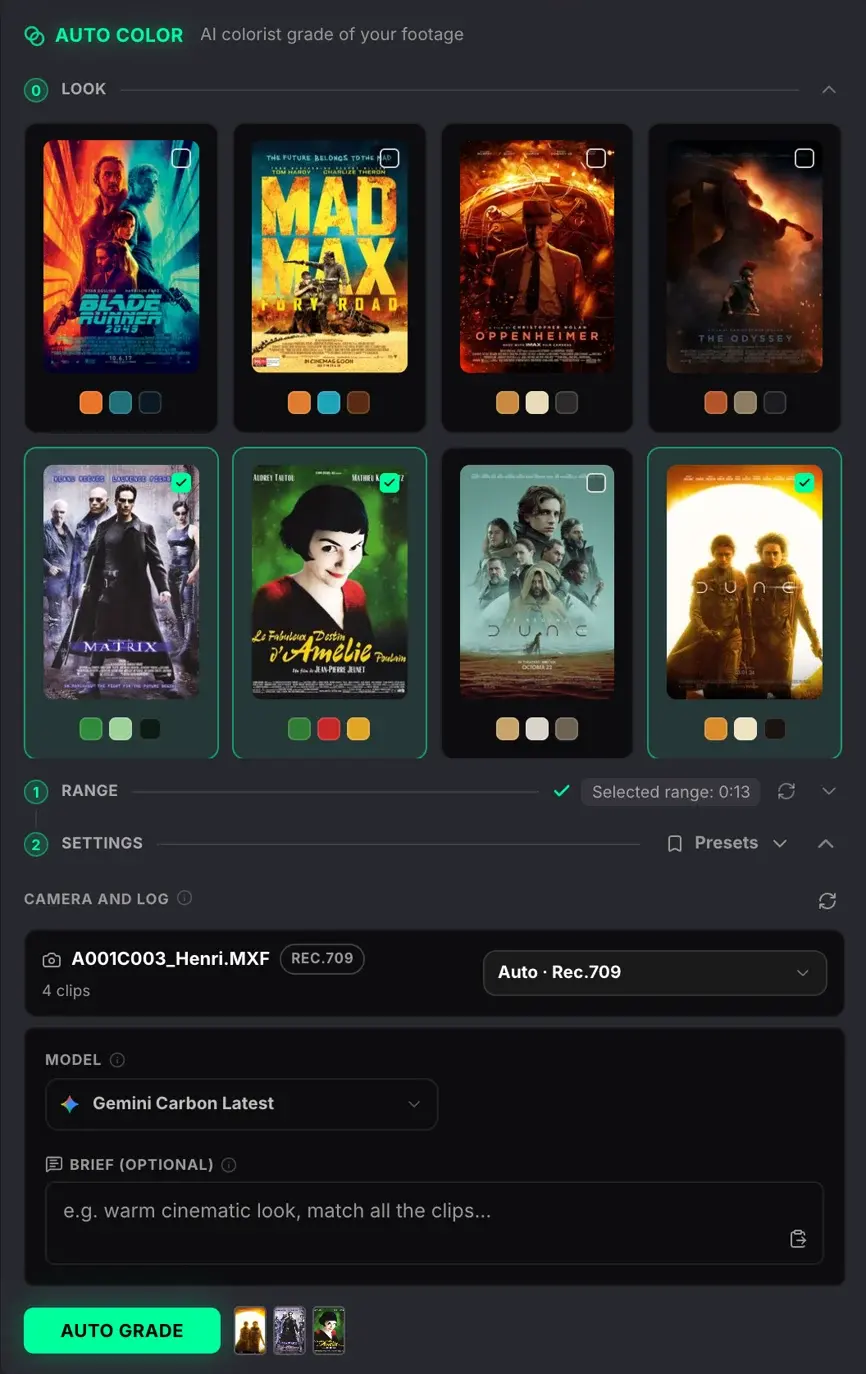
Learn moreAI color grading with film looks, matched shot to shot.
Learn moreBeat markers, placed on your music.
Learn moreYour b-roll, placed where it fits.
Learn moreYour clipboard, on the timeline.
Learn moreNew files, imported on their own.
Learn more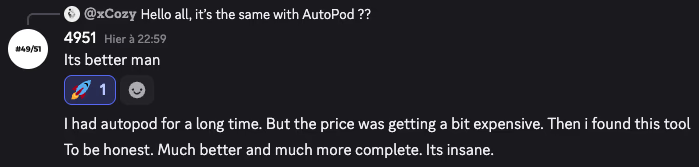
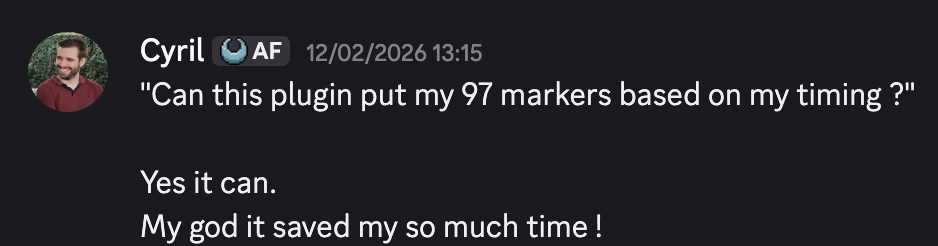
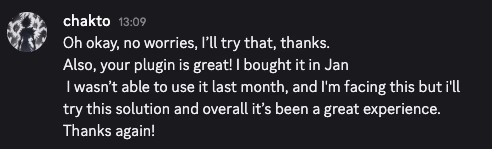
Opus Clip re-exports your video as a new file. Smart Virals runs inside DaVinci Resolve and builds each reel as a native sequence made of real clips, so every cut stays editable. Free vs Opus's $20+/mo.
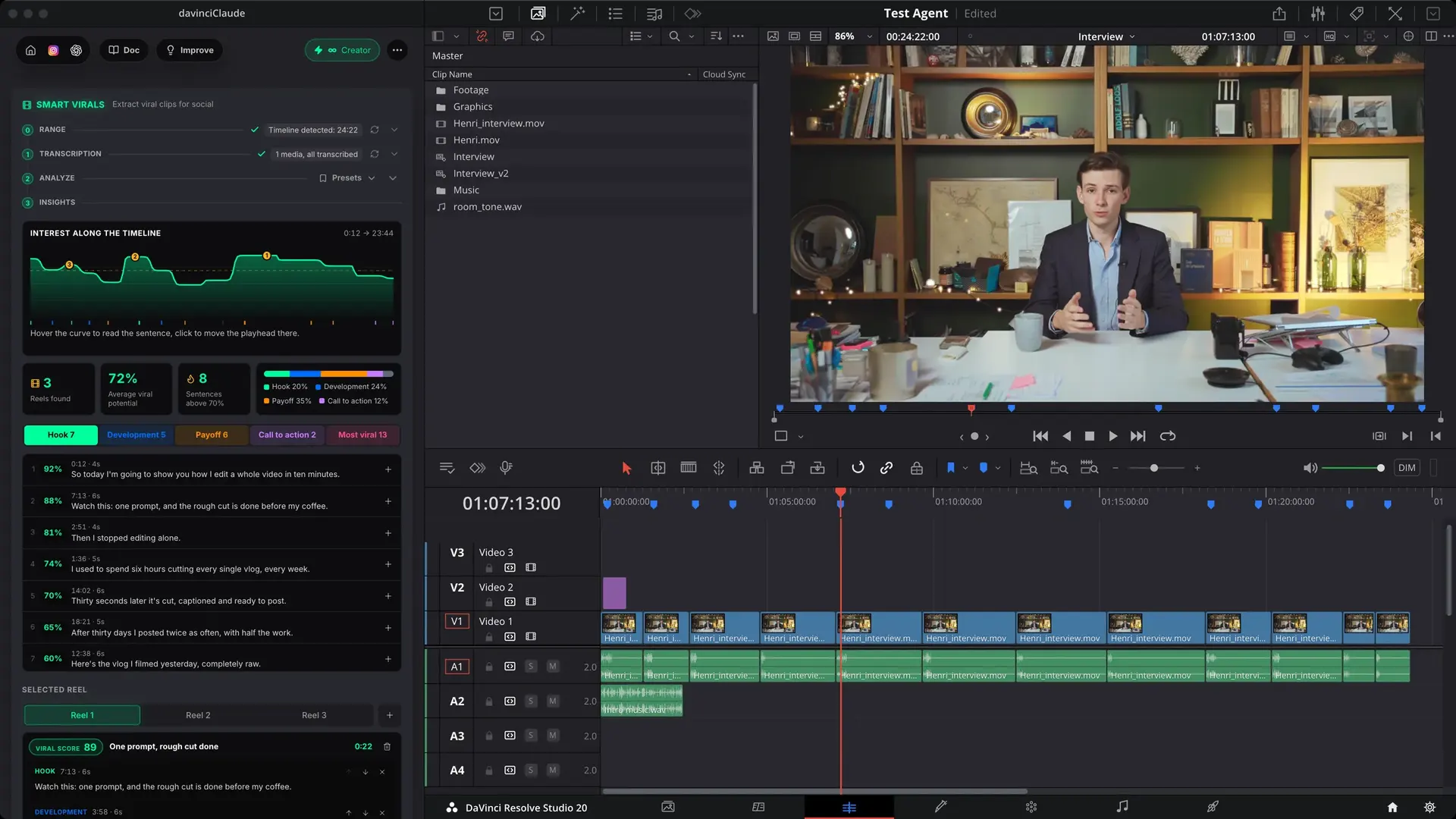
It reads your video sentence by sentence and scores each one as a hook, development, payoff and call to action, plus a viral potential score. The AI model you pick then builds the reels from the best candidates for each role, and its ranking is balanced with a score computed from them: a reel that skips the strongest moments ranks lower.
An interest curve along your timeline with the hottest moments numbered, tiles for reels found, average viral potential, sentences above 70% and the role split, plus ranked lists of the best hooks, developments, payoffs, calls to action and most viral sentences. Click any sentence to move the playhead there.
Yes. Click + next to any sentence to add it to the selected reel: it lands in playback order, hook first, then development, payoff and call to action. Arrows reorder the parts, × removes one. The viral score and the length update live, and the length turns green inside your target duration.
Both. Ready-made clips keep one continuous passage. Assembled reels stitch 3 to 5 moments into one story, hook first and call to action last. Ask for 1 to 20 results and set one or more target durations.
Yes. Each reel becomes a vertical 1080×1920 sequence with Smart Reframe. The parts are real clips, not nested sequences: effects, adjustment layers, music and media handles are kept, so you can trim or extend any clip.
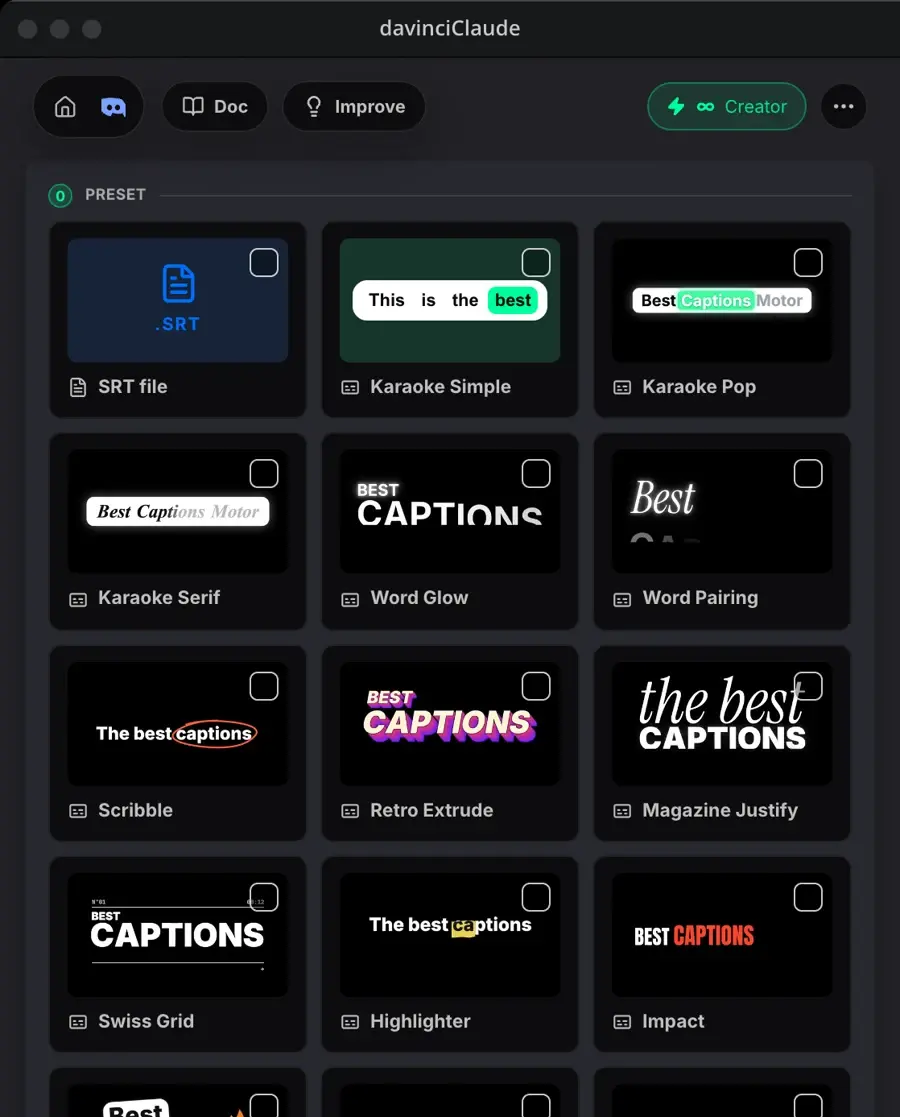
Yes, in the same run, with the same presets and Design step as Smart Captions. Pick several presets and they are spread across your reels.
DaVinci Resolve 18 and later, on macOS (Intel + Apple Silicon) and Windows.
Free for DaVinci Resolve 18 and above. macOS · Windows. The installer takes 30 seconds.