0
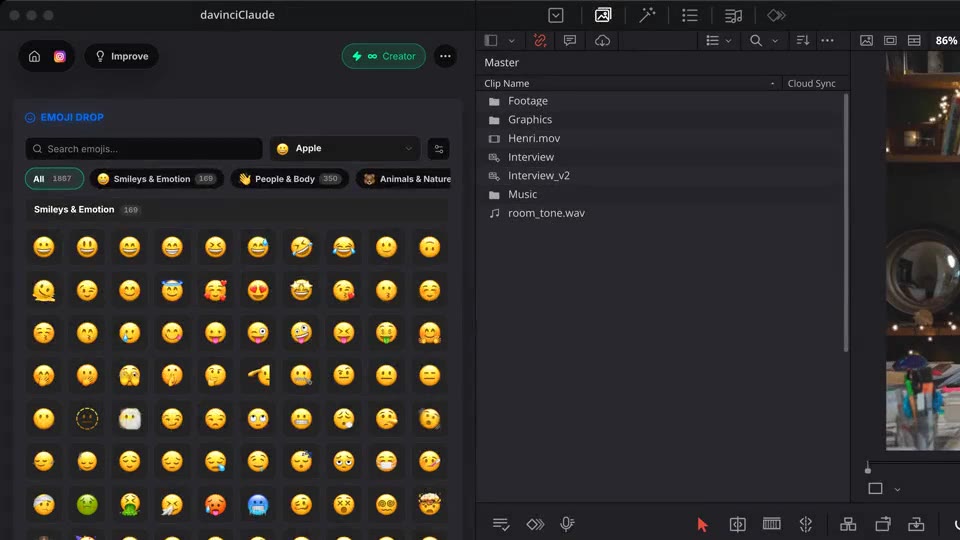
Emojis, sorted into 9 categories.
 The native AI plugin for DaVinci Resolve·2022 +Blackmagic official partner
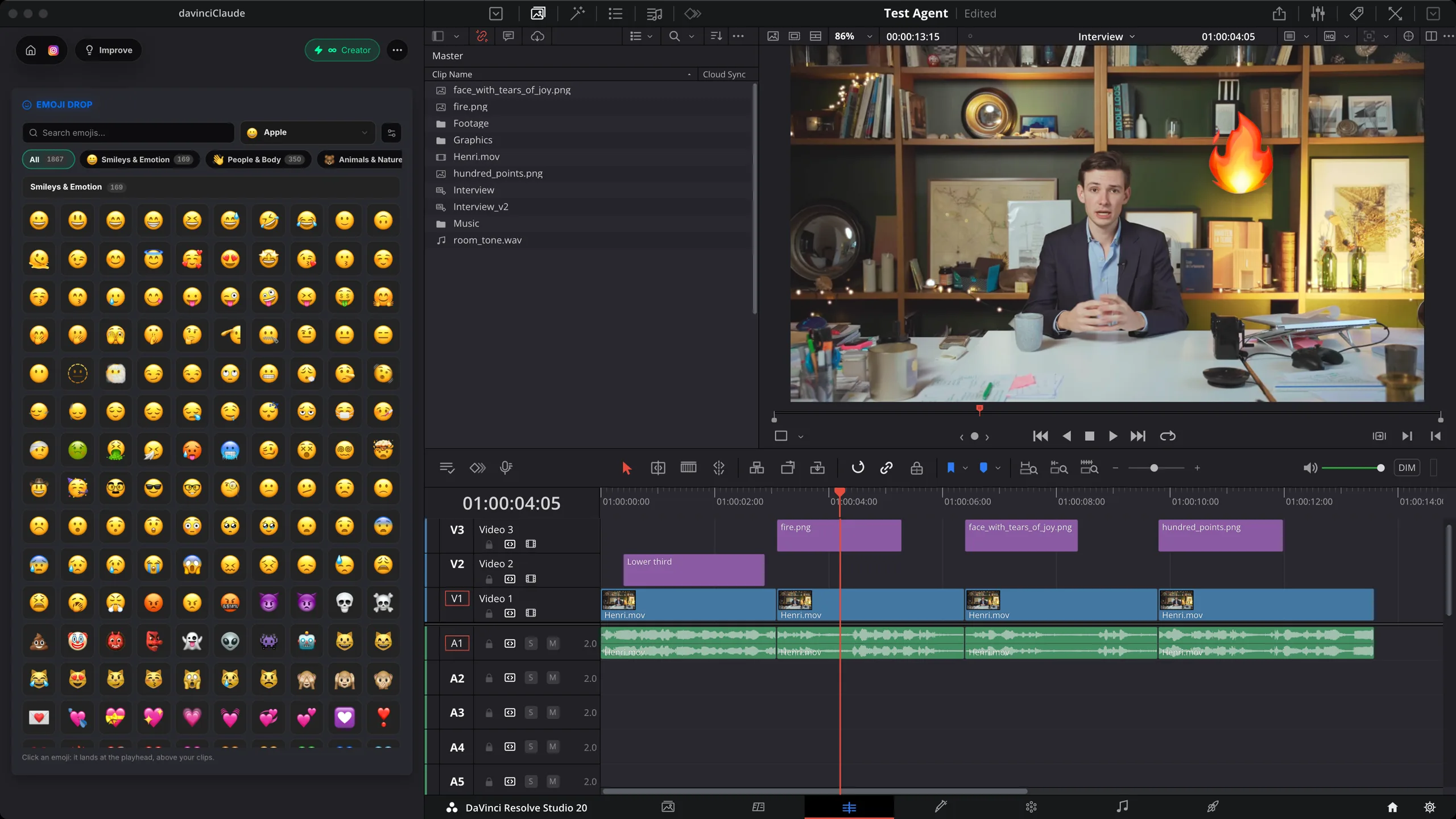
Emoji Drop puts a full emoji picker inside DaVinci Resolve. Search 1,870 emojis in six styles, click one, and it lands at the playhead above your clips as a transparent PNG. Free, no credits.
No more googling a PNG, cleaning the background and importing it. Apple, Google, Microsoft 3D, Twemoji or OpenMoji, right where you edit. Native to DaVinci Resolve.
How it works
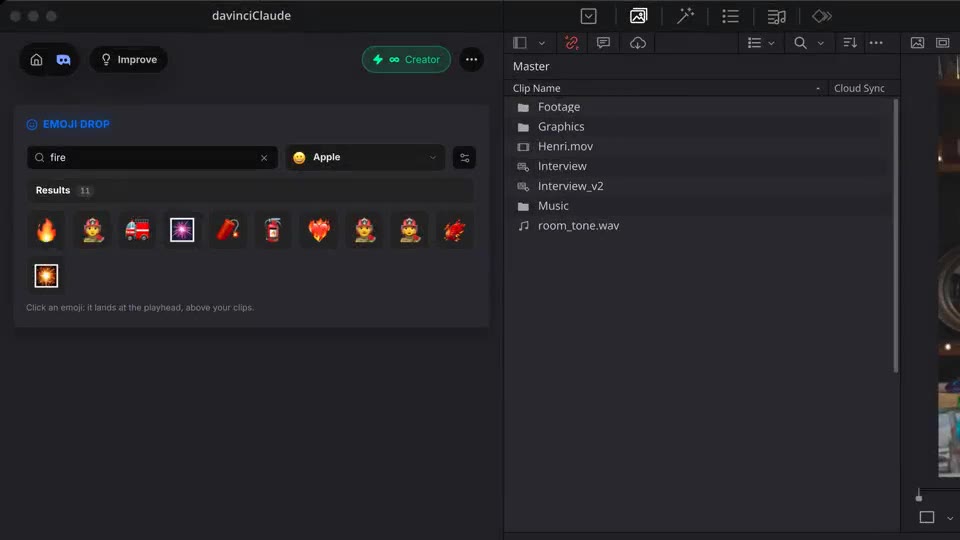
Search
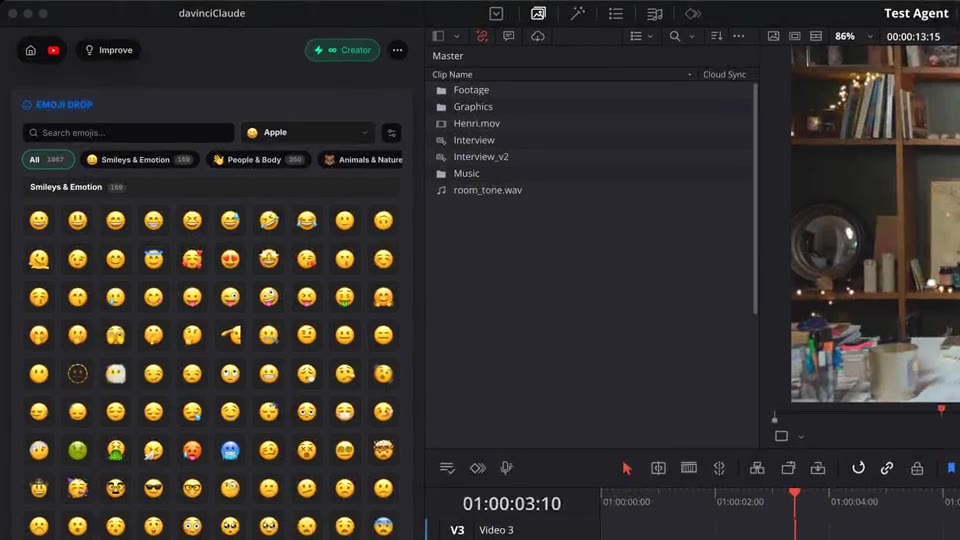
Type a word in your language or browse 9 categories. Your recent emojis stay one click away.
Drop
The emoji lands at the playhead, on a free track above your clips, as a transparent PNG.
Settings
Set the size on screen, the duration and the skin tone once. Every next emoji follows them.
What ships
Emojis, sorted into 9 categories.
On every plan. No credits, no limit.
Emoji styles: Apple, Google, Google 3D, Microsoft 3D, Twemoji and OpenMoji.
Search languages. Type your own words, with or without accents.
Transparent PNG at the playhead. Resize, move or trim it like any clip.
Stack the rest
Plain-English prompts that edit your real timeline.
Learn moreMotion design generated from a single prompt.
Learn moreAny GenAI model, native in DaVinci Resolve. By Fal.AI.
Learn moreWord-by-word, animated captions in 99 languages.
Learn moreActive speaker detection, multicam autocut.
Learn moreAuto-detect silences and tighten the edit.
Learn moreRemoves bad takes & repetitions, follows your script.
Learn moreTurn 1h of content into 10 vertical viral clips.
Learn more0 spelling mistakes. Claude corrected, native subtitles.
Learn moreAnimated MoGRT chapters from a single prompt.
Learn more1 audio → speaker-by-speaker tracks.
Learn moreEmotion-driven V2 zoom clips, generated.
Learn moreAI sound effects, placed on your timeline.
Learn moreSpell check every text on your timeline.
Learn moreAI kinetic text, from your own words.
Learn moreSafe zone guides for every feed.
Learn moreEvery short, exported in 1 click.
Learn moreAI color grading, matched shot to shot.
Learn moreBeat markers, placed on your music.
Learn moreYour b-roll, placed where it fits.
Learn moreYour clipboard, on the timeline.
Learn moreNew files, imported on their own.
Learn more
FAQ
It puts a full emoji picker inside your editor. Search or browse, click an emoji, and it lands on your timeline at the playhead, on a free track above your clips, as a transparent PNG.
Yes. Emoji Drop is free on every plan and uses no credits. Click as many emojis as you want.
Six libraries: Apple, Google, Google 3D, Microsoft 3D, Twemoji and OpenMoji. Up to 1,870 emojis, sorted into 9 categories, with your recent picks kept on top.
Yes. Search works in the 8 languages of the panel (English, French, Spanish, Portuguese, German, Japanese, Korean and Hindi), and finds words with or without accents.
Yes. Pick a size (small, medium or large, from 15% to 40% of the frame width), a duration from 0.5 to 10 seconds and one of 5 skin tones. You can still resize or trim the clip on the timeline.
In a folder you choose, as transparent PNGs, then imported into your project. An emoji you already used is reused instead of saved twice. Works in DaVinci Resolve and DaVinci Resolve, on macOS and Windows.