
0
Formats: MP4, MP4 light, HEVC, ProRes.
 The native AI plugin for DaVinci Resolve·2022 +Blackmagic official partner
Auto Export finds every short laid out side by side on your DaVinci Resolve sequence and exports them all in one click, one file each, named the way you want. Free.
No more In and Out points, one export at a time. Pick the format and the file names, click once, get every file. Native to DaVinci Resolve.
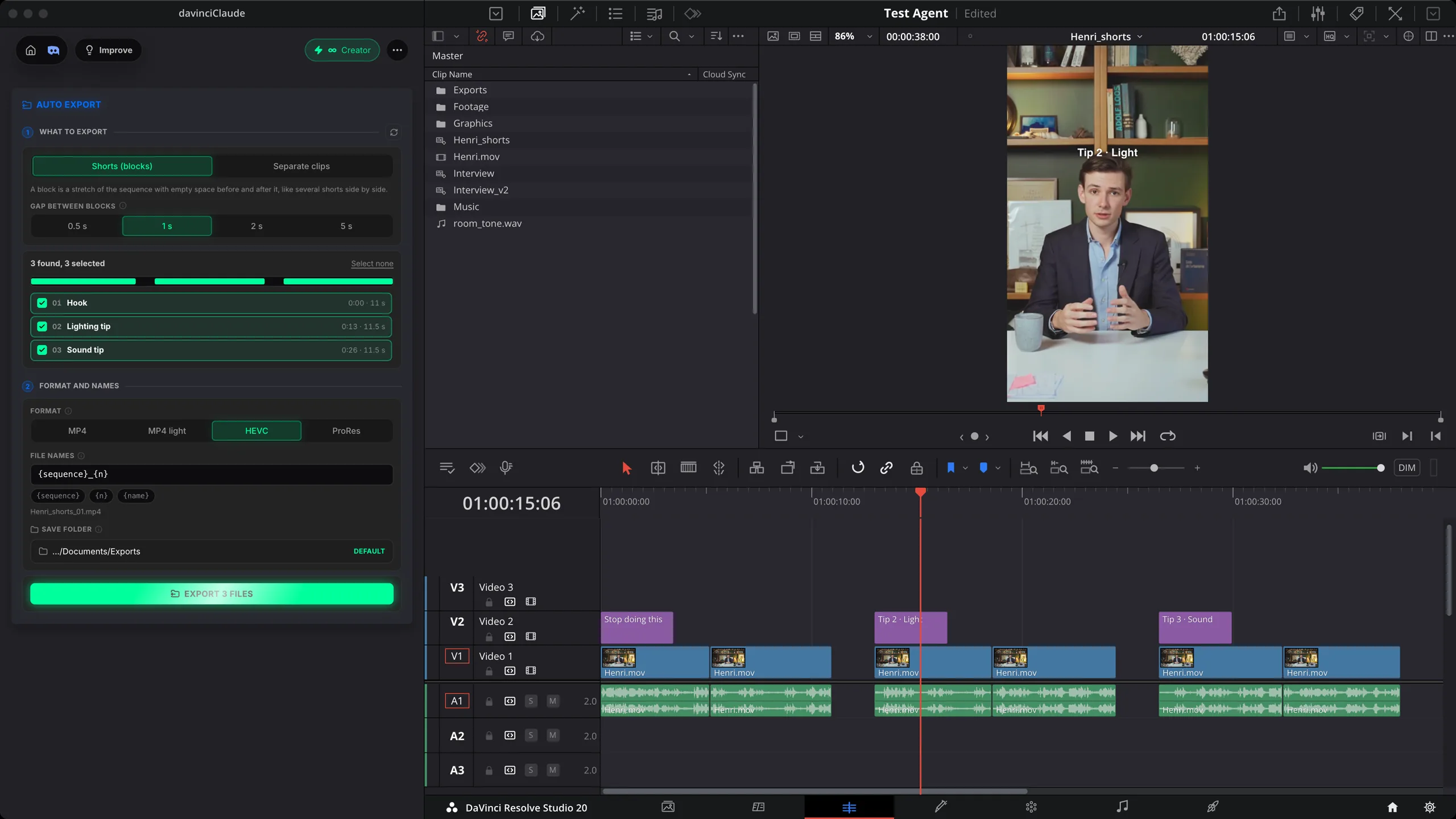
How it works
Find
Each stretch between empty gaps becomes a block. Choose the gap that splits them, untick what you don't need. Or switch to one file per clip.
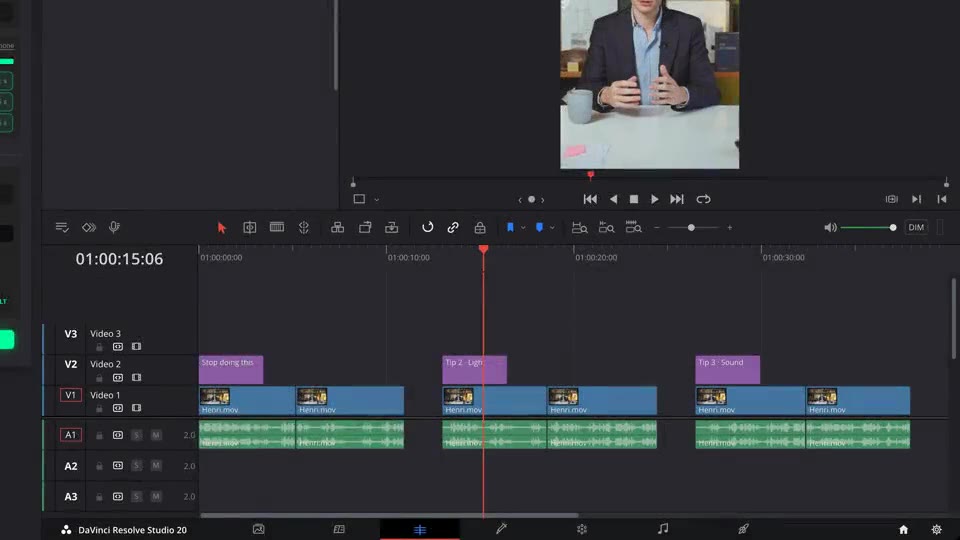
Format and names
Same size and frame rate as the sequence. Build the file names from the sequence name, the number and the block name.
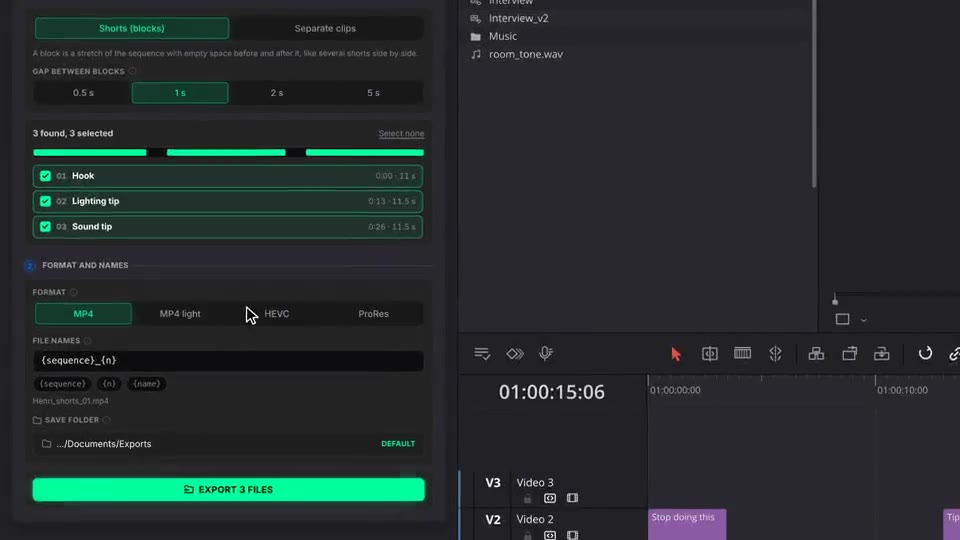
Export
Each short is exported in turn to your folder. An existing file is never overwritten, and Safe Zones guides stay out.
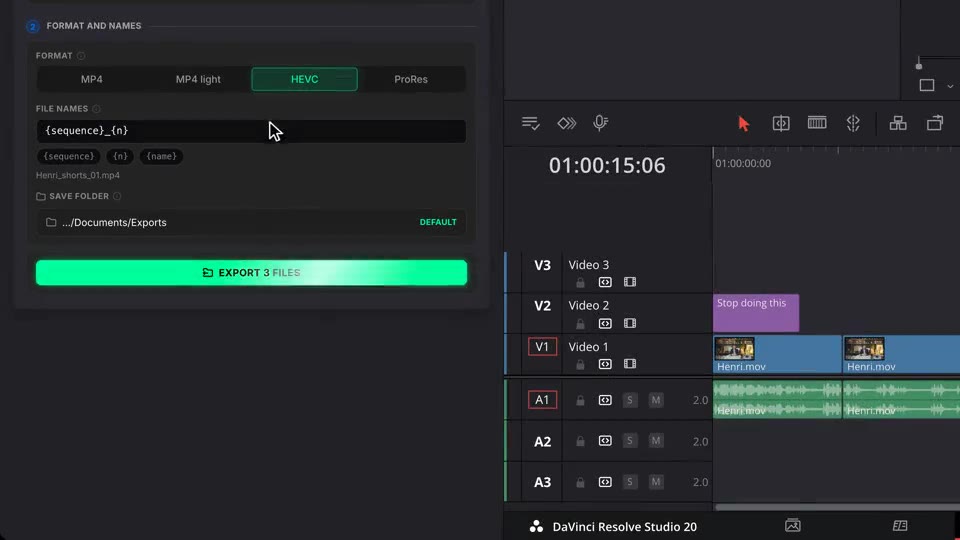
What ships
Formats: MP4, MP4 light, HEVC, ProRes.
No credits. Export as many shorts as you lay out.
Shorts found from the gaps, or one file per clip of a track.
File names from a pattern. Existing files are never overwritten.
Straight from your sequence. Safe Zones guides are hidden during the export.
Stack the rest
Plain-English prompts that edit your real timeline.
Learn moreMotion design generated from a single prompt.
Learn moreAny GenAI model, native in DaVinci Resolve. By Fal.AI.
Learn moreWord-by-word, animated captions in 99 languages.
Learn moreActive speaker detection, multicam autocut.
Learn moreAuto-detect silences and tighten the edit.
Learn moreRemoves bad takes & repetitions, follows your script.
Learn moreTurn 1h of content into 10 vertical viral clips.
Learn more0 spelling mistakes. Claude corrected, native subtitles.
Learn moreAnimated MoGRT chapters from a single prompt.
Learn more1 audio → speaker-by-speaker tracks.
Learn moreEmotion-driven V2 zoom clips, generated.
Learn moreAI sound effects, placed on your timeline.
Learn moreSpell check every text on your timeline.
Learn moreAI kinetic text, from your own words.
Learn moreSafe zone guides for every feed.
Learn moreAny emoji, placed on your timeline.
Learn moreAI color grading, matched shot to shot.
Learn moreBeat markers, placed on your music.
Learn moreYour b-roll, placed where it fits.
Learn moreYour clipboard, on the timeline.
Learn moreNew files, imported on their own.
Learn more
FAQ
It finds every short laid out side by side on your sequence and exports them all in one click, one file each. Or it exports each clip of a track as its own file, with everything stacked above it.
A short is a block: a stretch of the sequence with empty space before and after it. You choose the gap that splits two blocks (0.5, 1, 2 or 5 seconds). Shorter gaps stay inside the same block. Untick any block you don't want.
MP4 for social media, MP4 light for smaller files, HEVC for sharper files at the same size, ProRes for further editing. Every file keeps the size and frame rate of the sequence.
With a pattern you control: {sequence} is the sequence name, {n} the number, {name} the first marker or clip of the block. Files go to an Exports folder by default, or any folder you pick. An existing file is never overwritten.
They are left out and hidden during the export, so no TikTok or Reels interface ends up in your files.
Yes, Auto Export is free and uses no credits. It works natively in DaVinci Resolve, on macOS (Intel and Apple Silicon) and Windows.