
0
Sound families: impacts, transitions, foley, ambiences.
 The native AI plugin for DaVinci Resolve·2022 +Blackmagic official partner
Auto SFX reads your edit, proposes timed sound effects, generates them with AI and places them on your DaVinci Resolve timeline. You review every sound before it is generated.
Whooshes on the cuts, impacts on the reveals, foley on the actions. Pick the style and the density, review the list, place it in 1 click. Native to DaVinci Resolve.
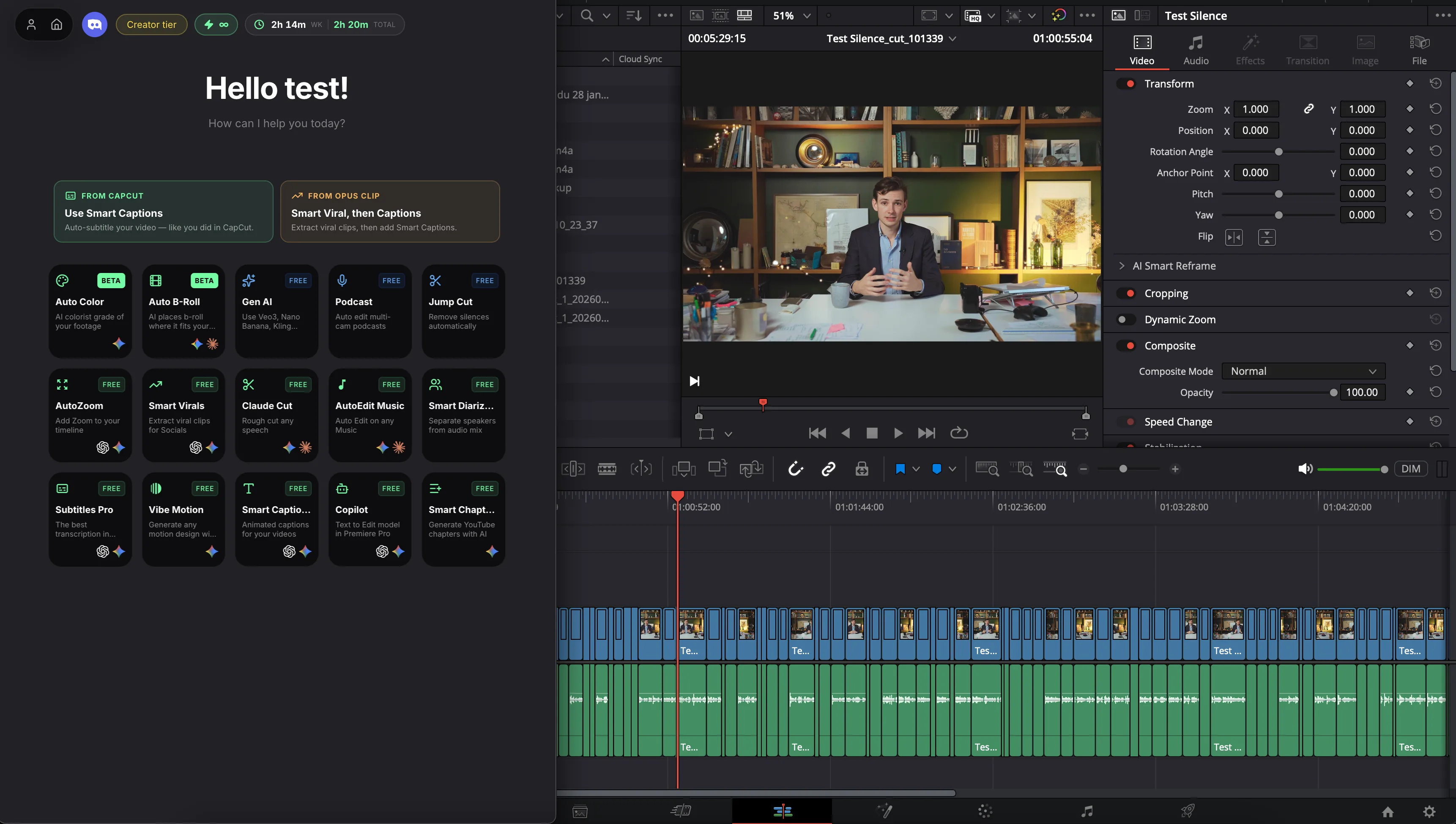
How it works
Settings
Trigger on speech, on cuts, or both. Choose the families (impacts, transitions, foley, ambiences), the density and an optional brief.
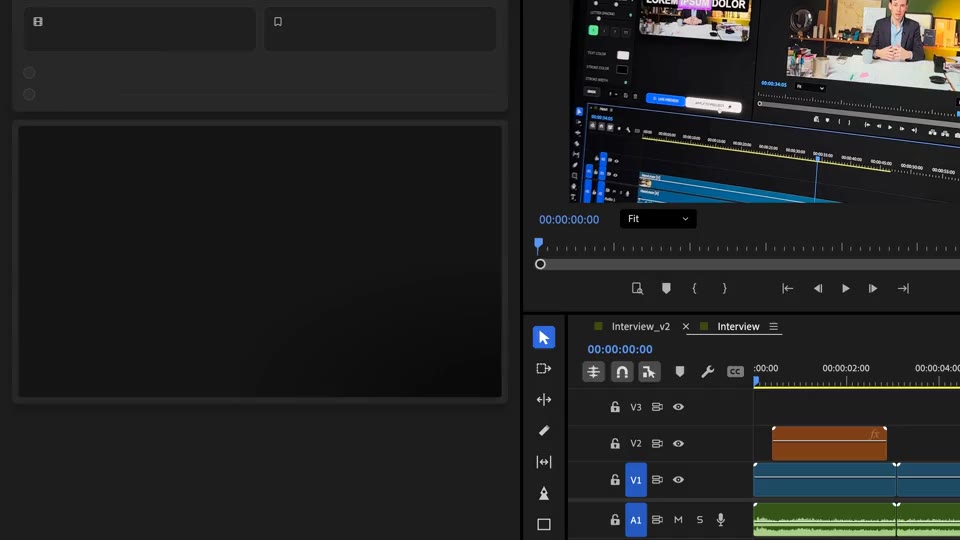
Generate & place
Review the proposed list, keep what you like, then generate. Each sound is placed so its attack hits the moment, on its own track.
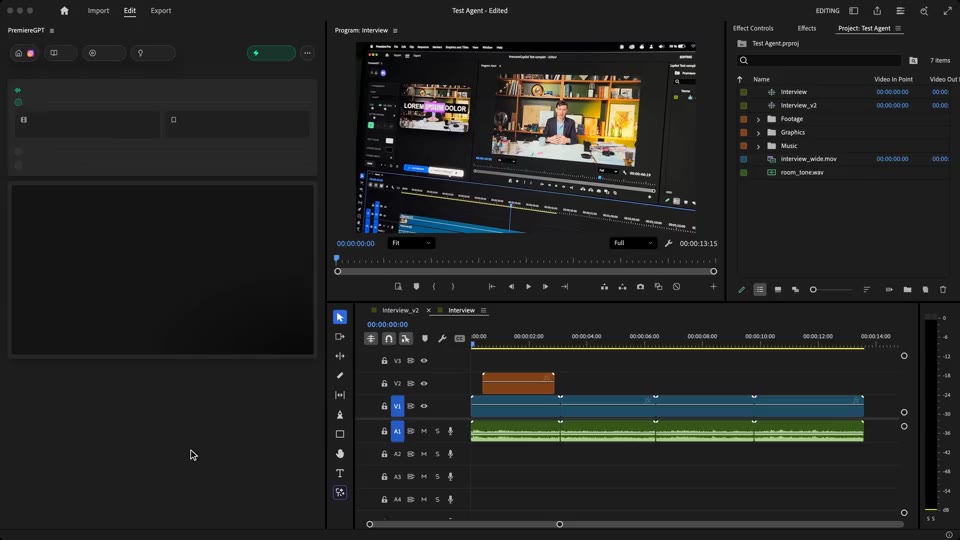
Fine-tune
Every sound is a regular audio clip on your DaVinci Resolve timeline. Move it, trim it, lower it or delete it.
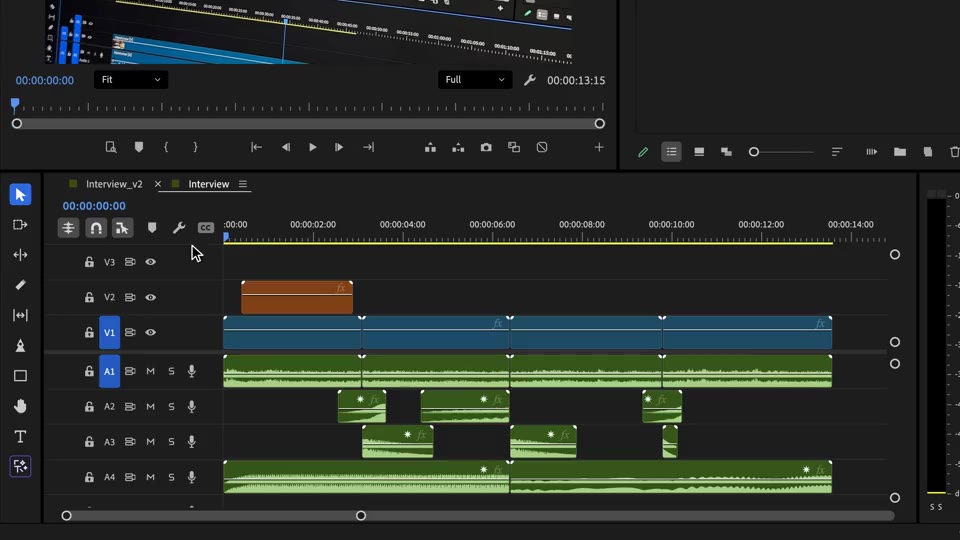
What ships
Sound families: impacts, transitions, foley, ambiences.
Per unique sound. A sound reused at several moments is charged once.
See every sound, its timecode and its prompt before you pay to generate it.
From discreet documentary sound to dense Shorts and trailers.
Real audio clips on new tracks. Your dialogue stays untouched.
Stack the rest
Plain-English prompts that edit your real timeline.
Learn moreMotion design generated from a single prompt.
Learn moreAny GenAI model, native in DaVinci Resolve. By Fal.AI.
Learn moreWord-by-word, animated captions in 99 languages.
Learn moreActive speaker detection, multicam autocut.
Learn moreAuto-detect silences and tighten the edit.
Learn moreRemoves bad takes & repetitions, follows your script.
Learn moreTurn 1h of content into 10 vertical viral clips.
Learn more0 spelling mistakes. Claude corrected, native subtitles.
Learn moreAnimated MoGRT chapters from a single prompt.
Learn more1 audio → speaker-by-speaker tracks.
Learn moreEmotion-driven V2 zoom clips, generated.
Learn more





FAQ
It reads your edit (what is said, and the picture around each cut), proposes timed sound effects, generates them with AI and places them on new audio tracks of your timeline.
Yes. Analysis and generation are separate. You get a list with timecode, category and prompt for every sound, deselect what you don't want, add your own, then click Generate & place.
4 credits per unique generated sound, plus transcription (10 credits per hour of audio) and 1 credit per picture sheet when Cuts is on. A sound reused at several moments is generated and charged once.
Four families: Impacts, Transitions, Foley and Ambiences. You pick which ones the AI may use and how dense the sound design gets, from 1 to 20 sounds per minute.
Yes. They are real clips on your DaVinci Resolve timeline: move, trim, mute, change the level or delete them like any other audio clip.
Works natively in DaVinci Resolve, on macOS (Intel and Apple Silicon) and Windows.