


























0
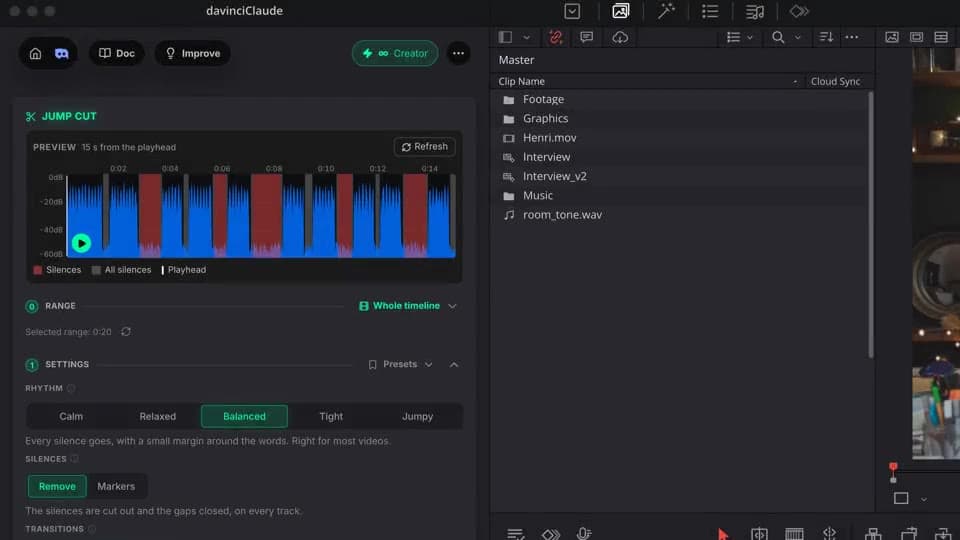
Rhythms, from Calm (long pauses only) to Jumpy (cuts right at the words, for Shorts and Reels).
 The native AI plugin for DaVinci Resolve·18 +
Smart Silences finds the silences in your DaVinci Resolve sequence and removes or marks them. A live dB waveform shows what goes before you cut, 5 rhythms go from Calm to Jumpy, and a review timeline lets you keep any silence. Free.
Studios, newsrooms, brands and universities: their video teams edit faster with DavinciClaude.
 AutoPod$29/mo
 AutoCut AI$19.8/mo
 DavinciClaudefreeDavinciClaude · Bundlelifetime
Preview
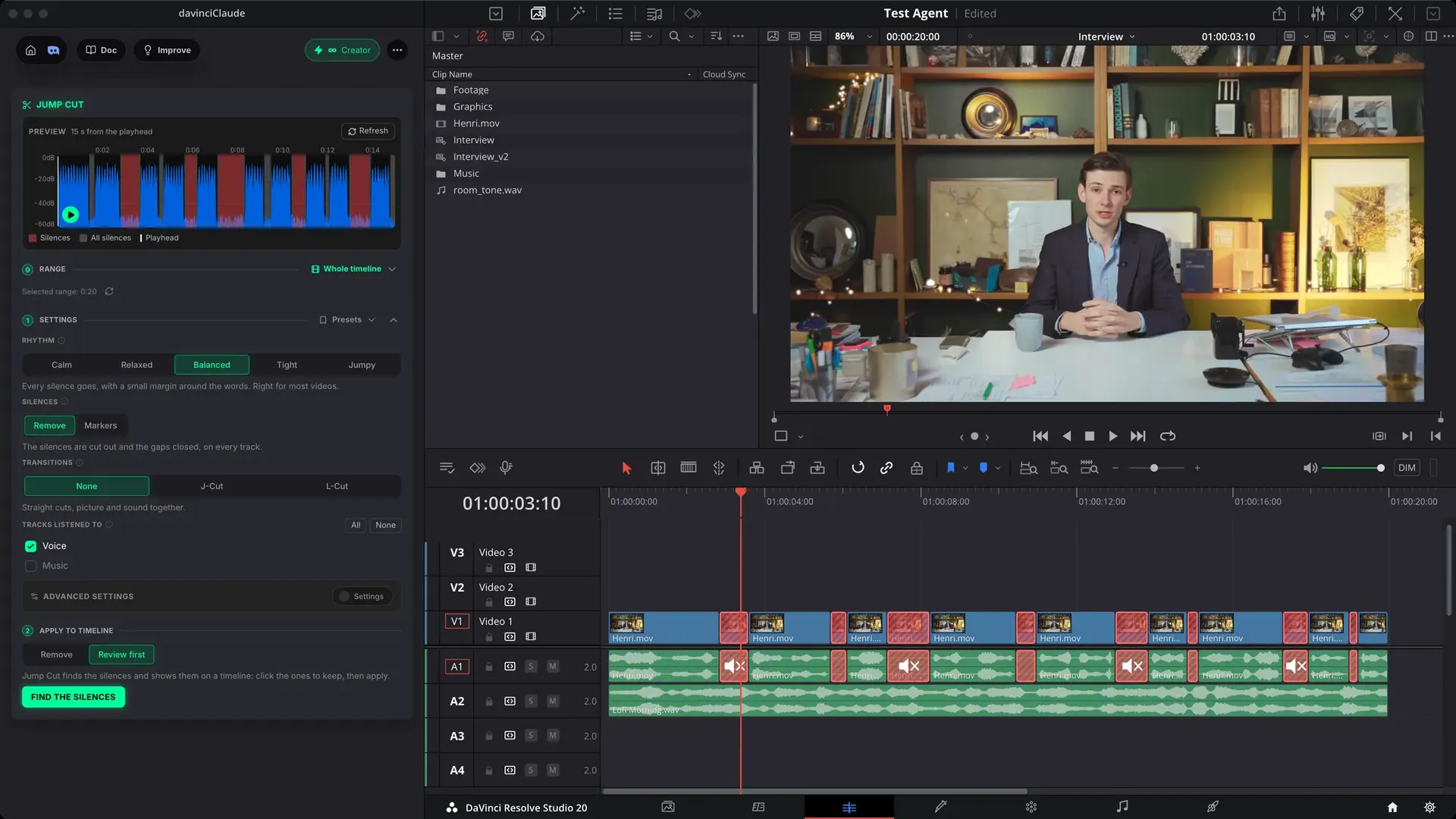
The waveform of the 15 seconds after your playhead shows up in dB as soon as Jump Cut opens. Silences to remove are red, the extra ones the Jumpy rhythm would also cut are grey. Switch between 5 rhythms, from Calm to Jumpy, and the red follows live.
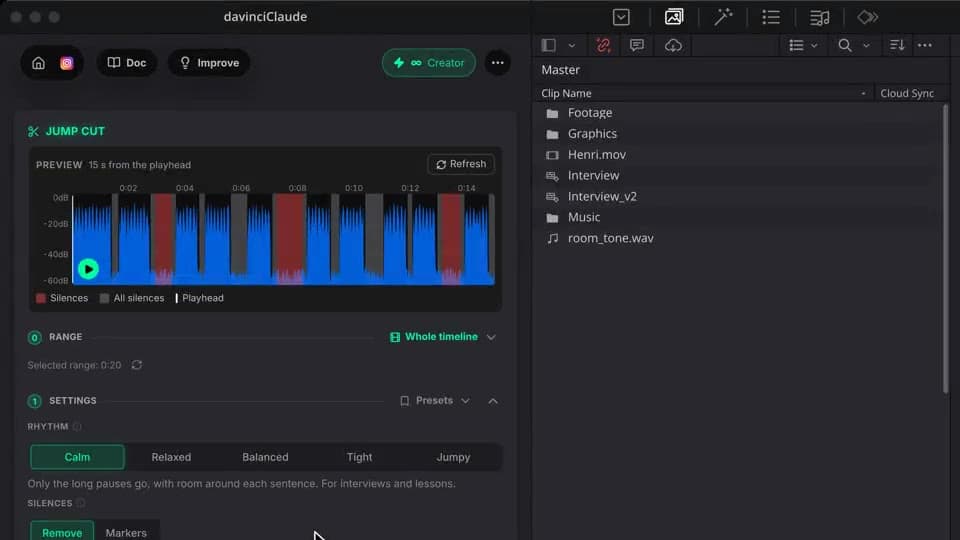
Settings
Remove or mark the silences. Add a J-Cut or an L-Cut at each cut. Untick music and sound effects so only the voice is listened to. Save it all as a named preset.
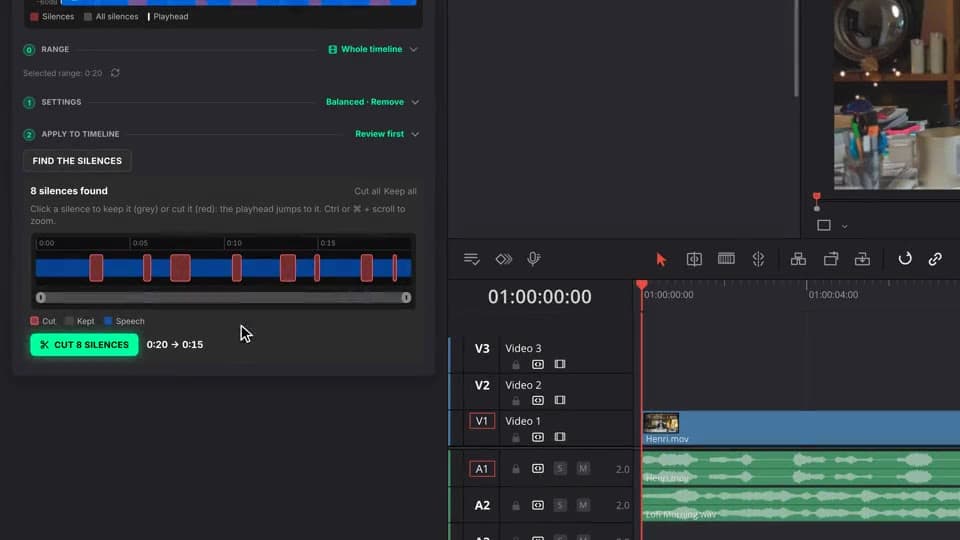
Review & cut
Review first lays every silence on a timeline: red is cut, grey is kept. One click switches it and the playhead jumps there. Cut, and the gaps close on every track. Restore the original stays one click away.
Rhythms, from Calm (long pauses only) to Jumpy (cuts right at the words, for Shorts and Reels).
Free on the daily quota, or $59 lifetime in the Podcast & Jump Cut bundle.
Live waveform preview as soon as the tool opens. Red is cut, grey is what Jumpy would add.
Every silence on a timeline. Click to keep it or cut it, then apply.
DaVinci ResolveNative DaVinci Resolve cuts on every track. Restore the original in 1 click.
Share your code: they get 10% off, you earn 30% of everything they pay for 12 months. No minimum, free for every account.
Ask in the chat, the plugin runs the tools on your real timeline.
Learn moreMotion design generated from a single prompt.
Learn moreAny GenAI model, native in DaVinci Resolve. By Fal.AI.
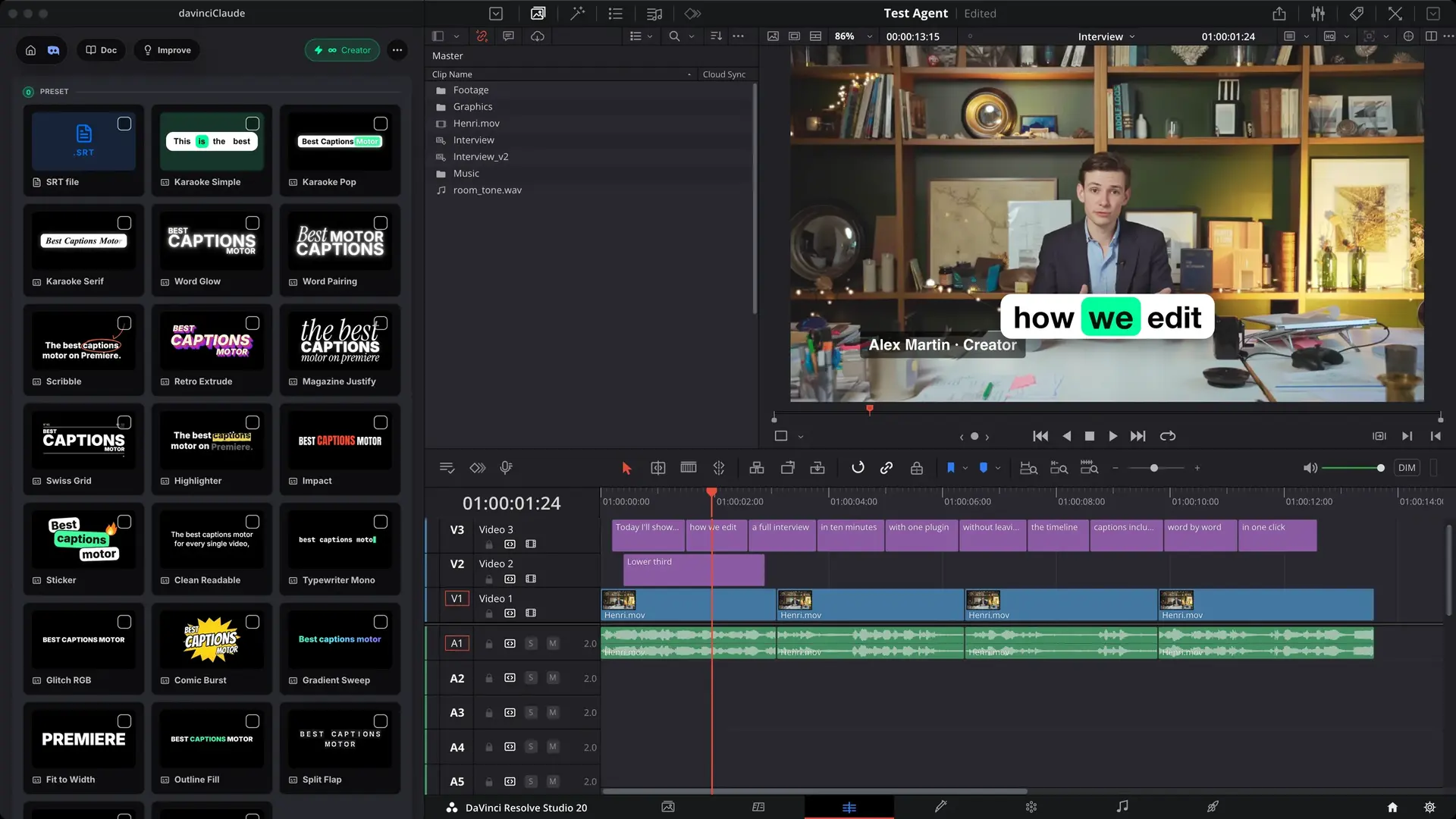
Learn moreWord-by-word, animated captions in 99 languages.
Learn moreActive speaker detection, multicam autocut.
Learn moreRemoves bad takes & repetitions, follows your script.
Learn moreSentence-by-sentence scoring, editable 9:16 reels.
Learn moreAccurate transcription, every word editable, native subtitles.
Learn moreChapter markers and a YouTube description from a single prompt.
Learn more1 audio → speaker-by-speaker tracks.
Learn moreEmotion-driven V2 zoom clips, generated.
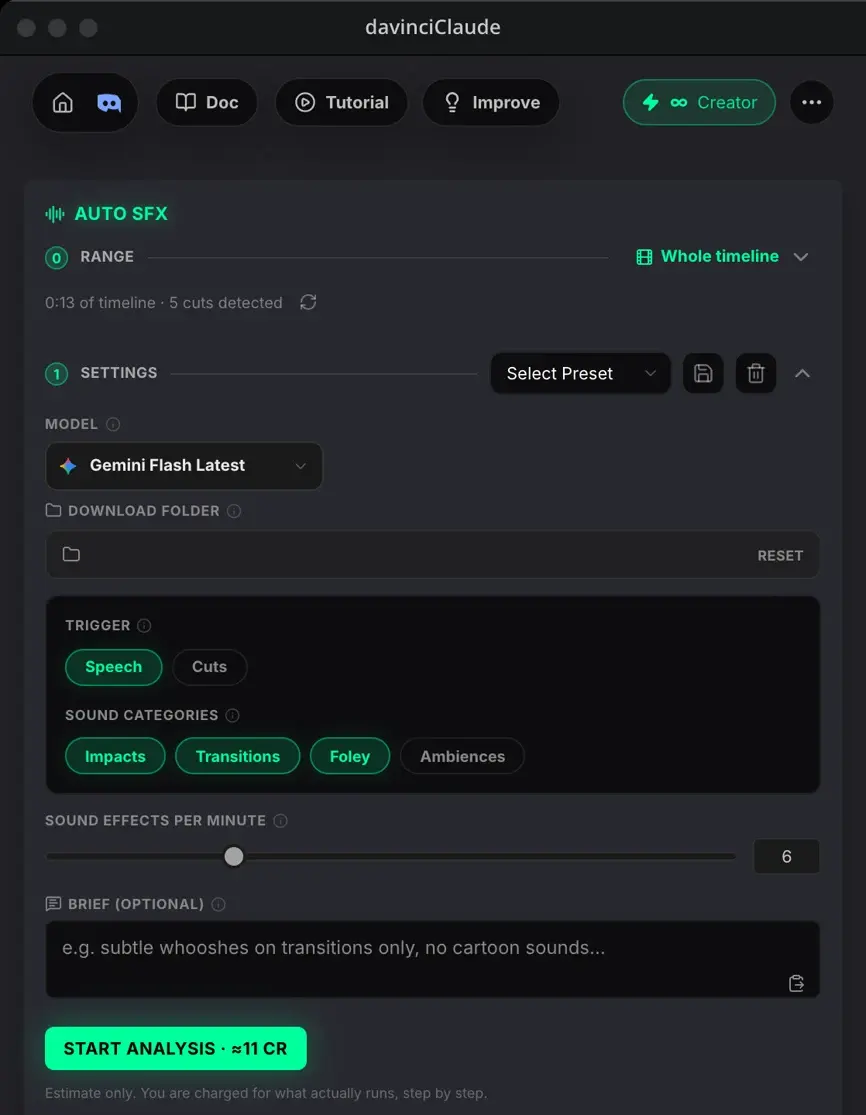
Learn moreAI sound effects, placed on your timeline.
Learn moreSwear words bleeped on the voice, in context.
Learn moreSpell check every text on your timeline.
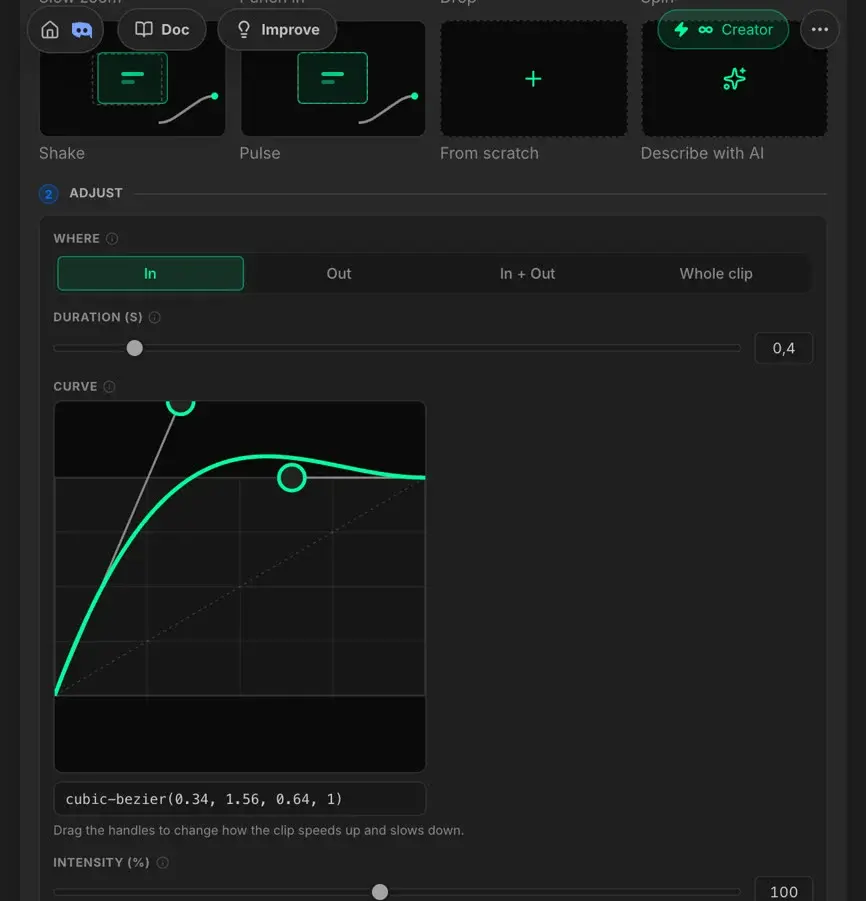
Learn moreAI kinetic text, from your own words.
Learn moreSafe zone guides for every feed.
Learn moreEvery short, exported in 1 click.
Learn moreAny emoji, placed on your timeline.
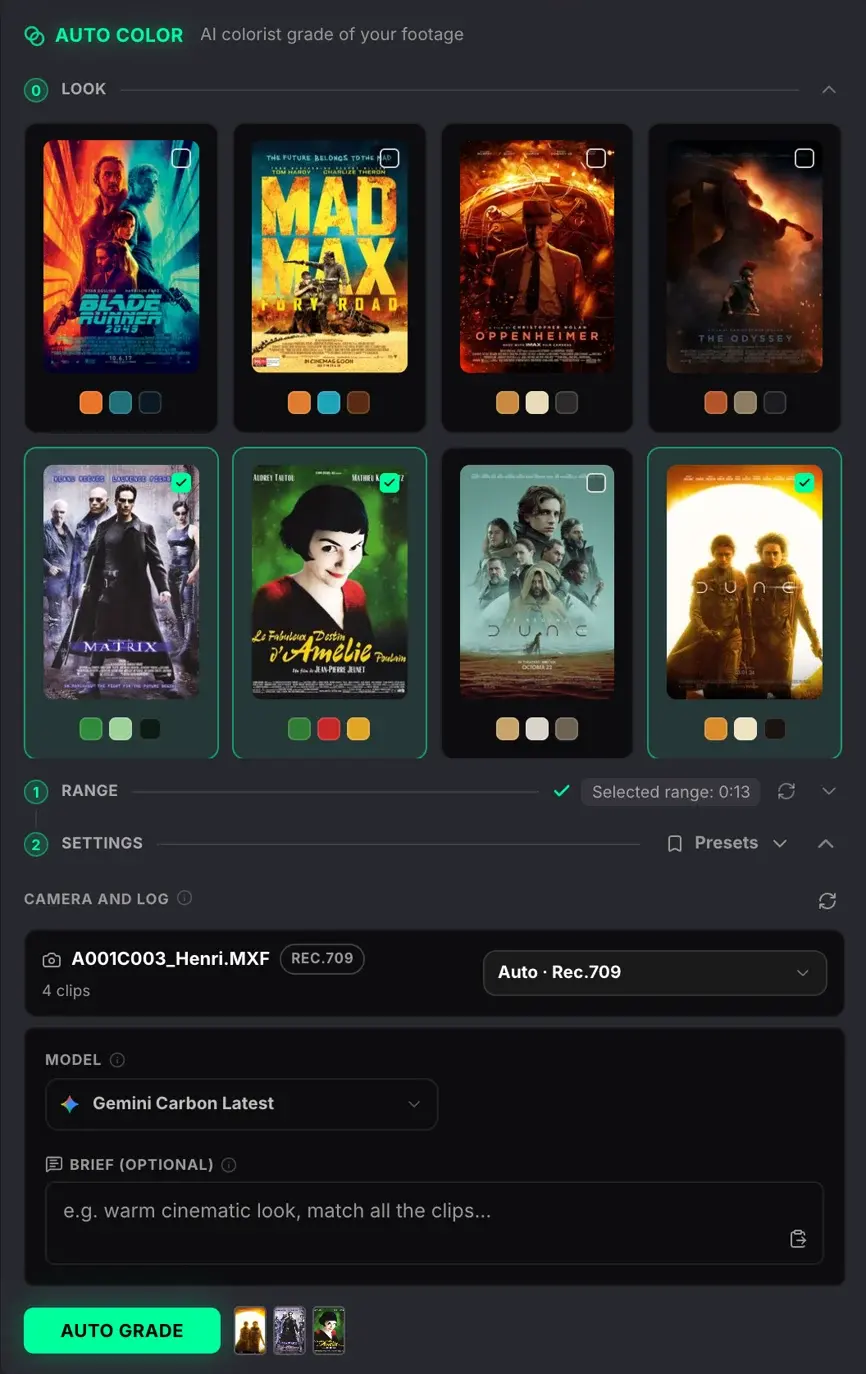
Learn moreAI color grading with film looks, matched shot to shot.
Learn moreBeat markers, placed on your music.
Learn moreYour b-roll, placed where it fits.
Learn moreYour clipboard, on the timeline.
Learn moreNew files, imported on their own.
Learn more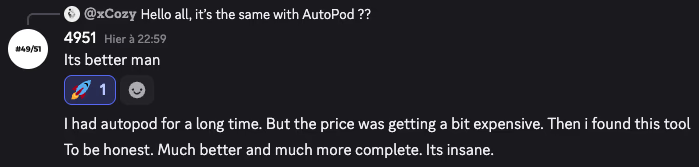
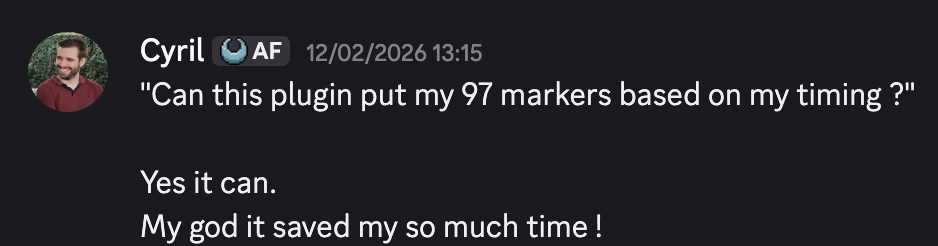
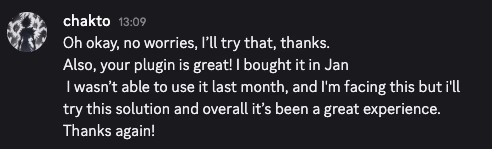

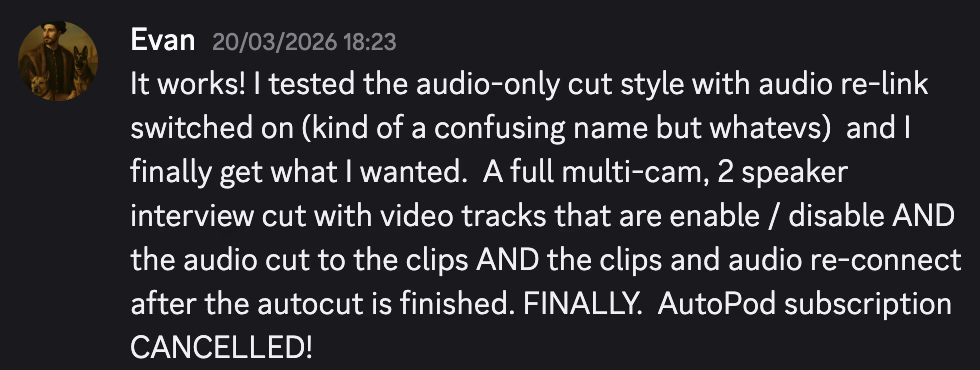
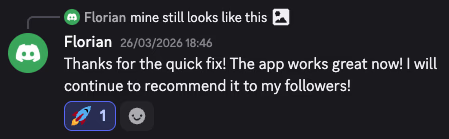
Same job, less money, more control. You see the cut on a dB waveform the moment the tool opens, and you can review every silence before anything changes. AutoCut charges $19.80/mo; Smart Silences is free on the daily quota, or $59 lifetime in the Podcast & Jump Cut bundle.
Yes, twice. The preview shows the 15 seconds after your playhead in dB, with the silences to remove in red, and follows every setting live. Then Review first lays out every silence of the range on a timeline, so you check them all before cutting.
Pick a calmer rhythm: Calm only removes the long pauses and leaves room around each sentence. In Advanced settings you set voice sensitivity, minimum silence, minimum speech and padding (left and right apart if you want). In the review, one click keeps any silence. Save it all as a named preset.
Yes. Under Tracks listened to, untick music and sound effects so only the voice is analysed: they would hide the pauses. The cuts still apply to every track, so everything stays in sync.
Straight cuts by default. Pick a J-Cut (the next sentence is heard just before its shot) or an L-Cut (the end of a sentence carries on over the next shot), from 0.1 to 1.5 s. The sound is never trimmed.
Yes. Before cutting, your sequence is backed up. One click on Restore the original brings it back to the timeline. Or pick Markers: nothing is cut, a marker lands on each silence.
Works natively in DaVinci Resolve (and in Premiere Pro), on macOS (Intel and Apple Silicon) and Windows.
Free for DaVinci Resolve 18 and above. macOS · Windows. The installer takes 30 seconds.