0
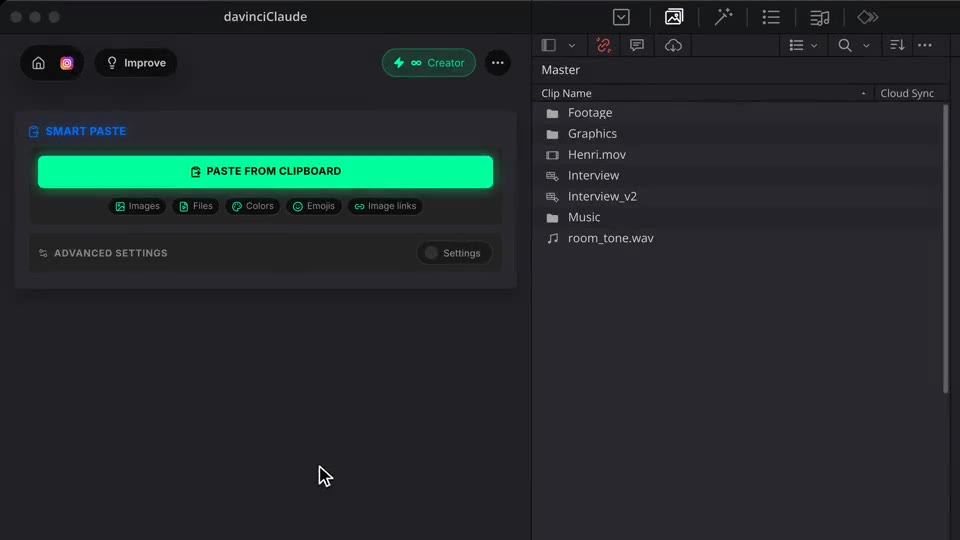
Kinds of content: images, files, colors, emojis, image links.
 The native AI plugin for DaVinci Resolve·2022 +Blackmagic official partner
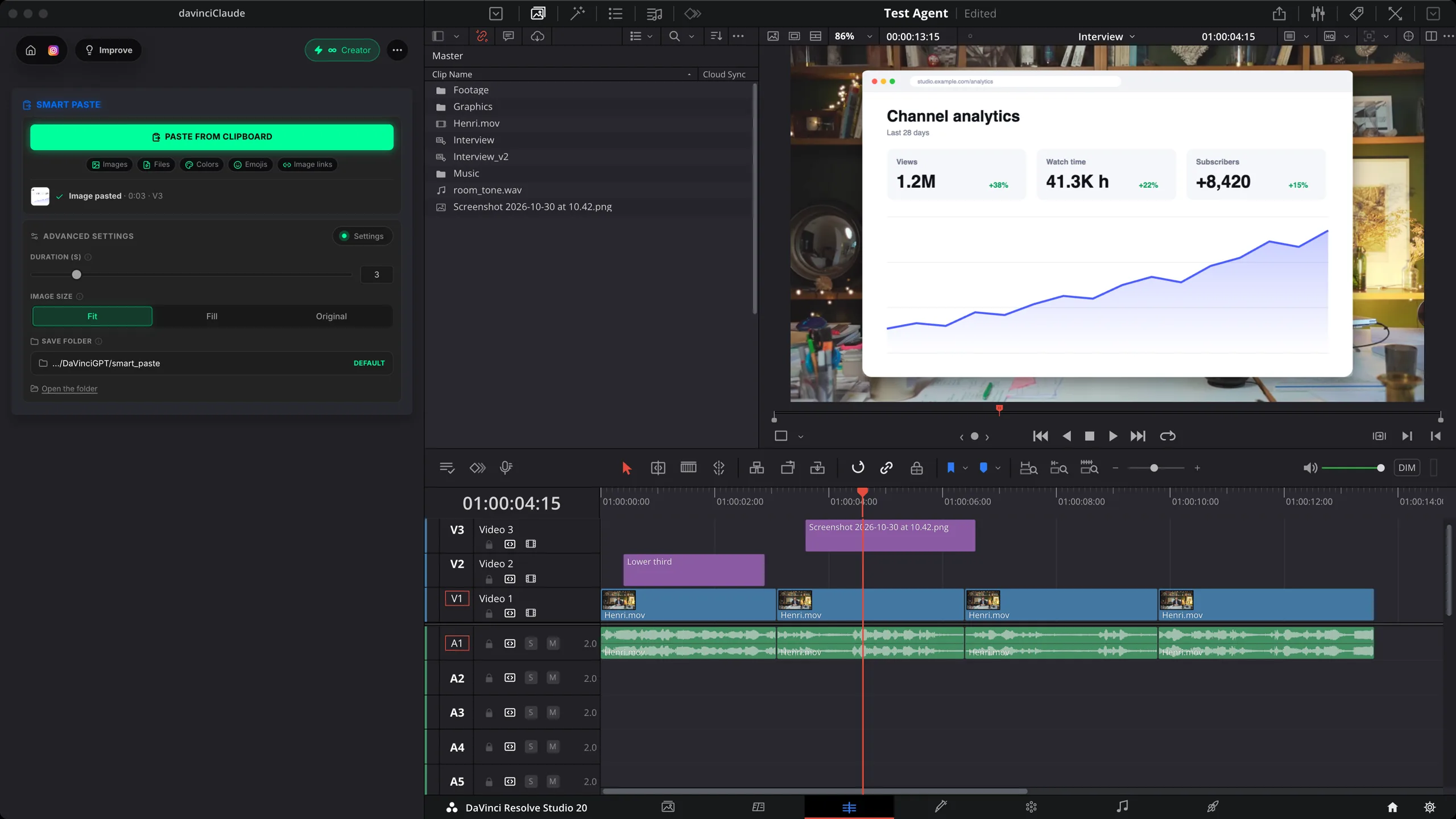
Smart Paste puts what you copied straight into your DaVinci Resolve timeline, at the playhead, above your clips: screenshots, images, files, colors, emojis and image links. Free.
No more save, import, drag. Copy a screenshot or a file, click once, it lands where your playhead is. Native to DaVinci Resolve.
How it works
Copy
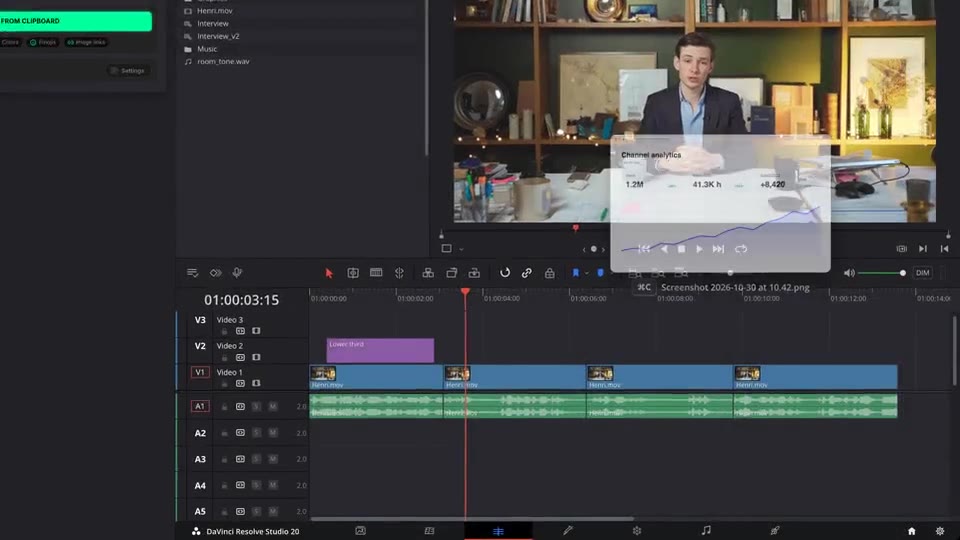
A screenshot, an image from the web, a file in your Finder or Explorer, a color code, an emoji. Whatever you copy is ready to paste.
Paste
Click Paste from clipboard. The image is saved, imported into your project and placed above your clips, at the playhead.
Files too
Copy files and paste them the same way. Videos and sounds keep their own length, images stay on screen as long as you set.
What ships
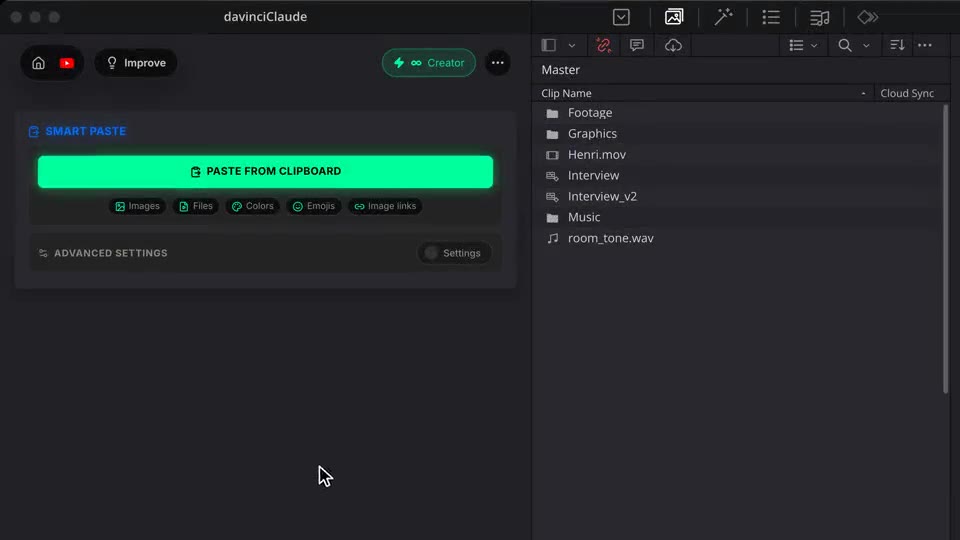
Kinds of content: images, files, colors, emojis, image links.
No credits. Paste as often as you like.
Placed above your clips, so nothing under it moves.
How long images, colors and emojis stay on screen. Fit, Fill or Original size.
Read only when you click. Your clipboard stays private.
Stack the rest
Plain-English prompts that edit your real timeline.
Learn moreMotion design generated from a single prompt.
Learn moreAny GenAI model, native in DaVinci Resolve. By Fal.AI.
Learn moreWord-by-word, animated captions in 99 languages.
Learn moreActive speaker detection, multicam autocut.
Learn moreAuto-detect silences and tighten the edit.
Learn moreRemoves bad takes & repetitions, follows your script.
Learn moreTurn 1h of content into 10 vertical viral clips.
Learn more0 spelling mistakes. Claude corrected, native subtitles.
Learn moreAnimated MoGRT chapters from a single prompt.
Learn more1 audio → speaker-by-speaker tracks.
Learn moreEmotion-driven V2 zoom clips, generated.
Learn moreAI sound effects, placed on your timeline.
Learn moreSpell check every text on your timeline.
Learn moreAI kinetic text, from your own words.
Learn moreSafe zone guides for every feed.
Learn moreEvery short, exported in 1 click.
Learn moreAny emoji, placed on your timeline.
Learn moreAI color grading, matched shot to shot.
Learn moreBeat markers, placed on your music.
Learn moreYour b-roll, placed where it fits.
Learn moreNew files, imported on their own.
Learn more
FAQ
It puts what you copied straight into your timeline, at the playhead, above your clips. No saving the file, importing it and dragging it in: one click on Paste from clipboard.
Images and screenshots, video, audio and image files (several at once), colors (hex, rgb or hsl codes become a color matte that fills the frame), emojis from your Emoji Drop library, and image links, which are downloaded first. Plain text is not pasted.
You set it, from 0.5 to 20 seconds, for images, colors and emojis. Videos and sounds keep their own length. Image size: Fit shows the whole image, Fill covers the frame, Original keeps its pixel size.
Screenshots, downloaded images and colors are saved in a folder you can change, then imported into your project. Copied files are imported from where they are.
No. The clipboard is read only when you click Paste from clipboard.
Yes, Smart Paste is free and uses no credits. It works natively in DaVinci Resolve, on macOS (Intel and Apple Silicon) and Windows.