
0‰
Transcription accuracy. Claude spell-corrected, 99.5% out of 1000 words.
 The native AI plugin for DaVinci Resolve·2022 +Blackmagic official partner
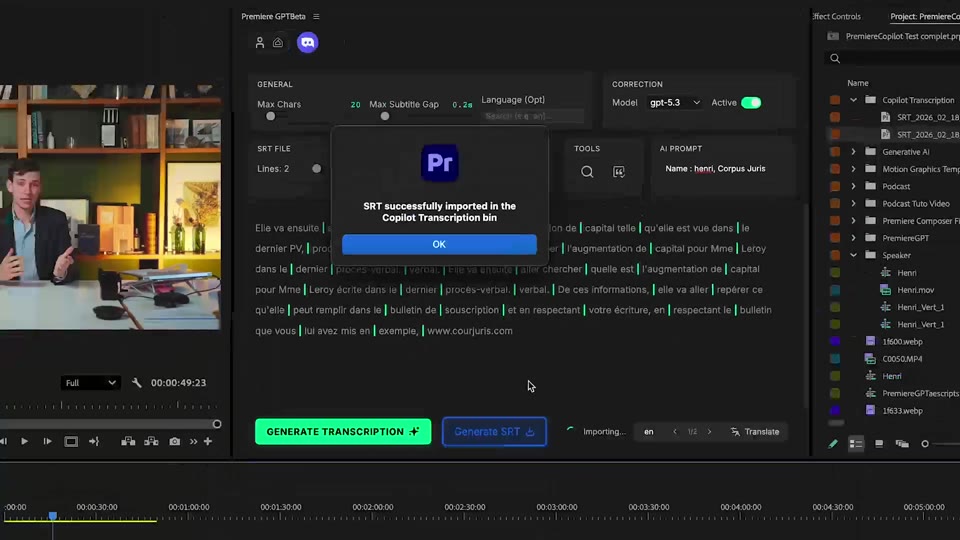
Smart Subtitles transcribes audio in DaVinci Resolve with Claude spell-correction and smart punctuation. 99 languages, 99.5% accuracy, SRT export, 200× faster than Blackmagic's transcription.
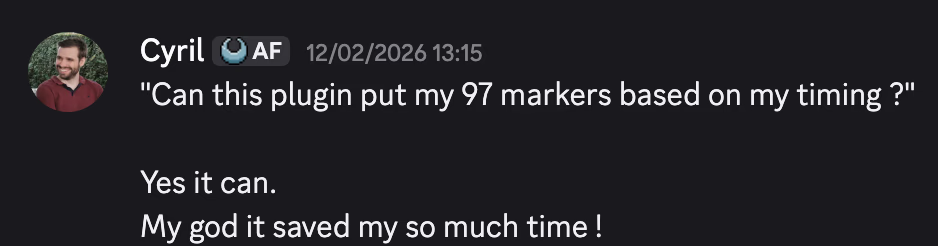
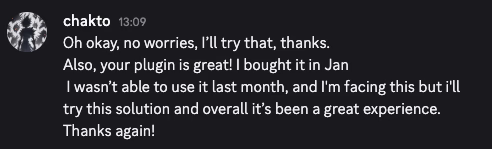
99.5% transcription accuracy. Claude spelling correction, smart punctuation, prompt-based proper nouns. Free. Far fewer errors than DaVinci Resolve native.
How it works
Transcribe
99 languages, auto-detect or manual. Faster and more accurate than DaVinci Resolve's native engine.
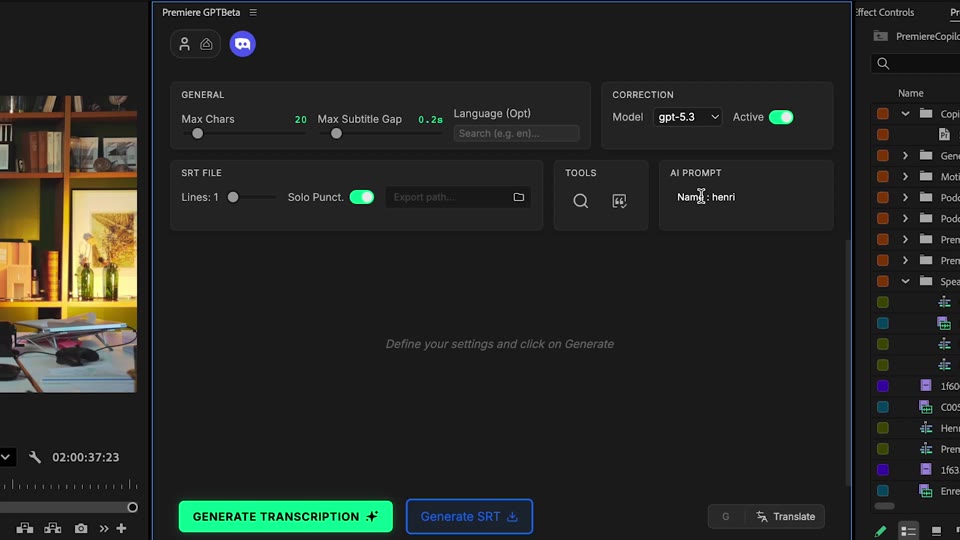
Correct
Punctuation placed intelligently. Proper nouns respected via your custom prompt. Zero spelling mistakes by default.
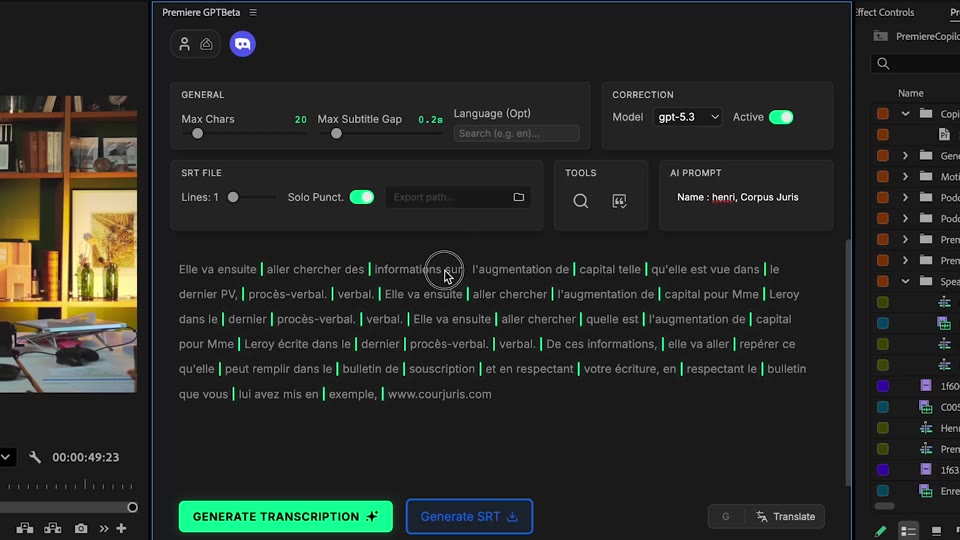
Apply
Subtitles land as a native SRT clip on your timeline. Fine-tune in the best interface available: drag any subtitle clip to retime it, double-click to rewrite a word, split, merge, restyle. The fastest subtitle workflow that exists.
What ships
Transcription accuracy. Claude spell-corrected, 99.5% out of 1000 words.
Free with daily quota. Pro+ at $7.99/mo.
Languages out of the box, auto-detected.
Claude spell-corrects every word, places punctuation, respects proper nouns from your prompt.
Native subtitle clips on your timeline.
Stack the rest
Plain-English prompts that edit your real timeline.
Learn moreMotion design generated from a single prompt.
Learn moreAny GenAI model, native in DaVinci Resolve. By Fal.AI.
Learn moreWord-by-word, animated captions in 99 languages.
Learn moreActive speaker detection, multicam autocut.
Learn moreAuto-detect silences and tighten the edit.
Learn moreRemoves bad takes & repetitions, follows your script.
Learn moreTurn 1h of content into 10 vertical viral clips.
Learn moreAnimated MoGRT chapters from a single prompt.
Learn more1 audio → speaker-by-speaker tracks.
Learn moreEmotion-driven V2 zoom clips, generated.
Learn more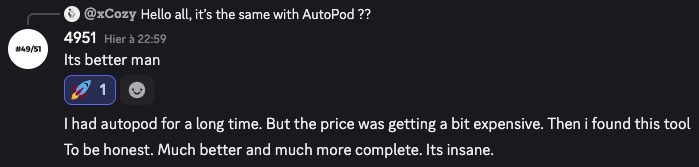
FAQ
DaVinci Resolve's transcription has known accuracy issues with technical vocabulary, accents, and punctuation. Smart Subtitles uses Claude to spell-correct, place commas/periods intelligently, and respect proper nouns from your prompt — far fewer fix-up edits.
Yes. Bring your own SRT and we'll lay it out as native DaVinci Resolve subtitle clips with proper timing.
Pass them in a prompt: 'use DavinciClaude, Anthropic, DaVinci Resolve' — and they'll be respected throughout the transcript.
Audio is sent to the transcription provider (encrypted, deleted after) for processing. No model training on your content.
99 languages with auto-detect. Transcription quality is highest on English, Spanish, French, German, Portuguese, Italian, Mandarin, Japanese, Korean.
DaVinci Resolve 2022 and later, on macOS (Intel + Apple Silicon) and Windows.