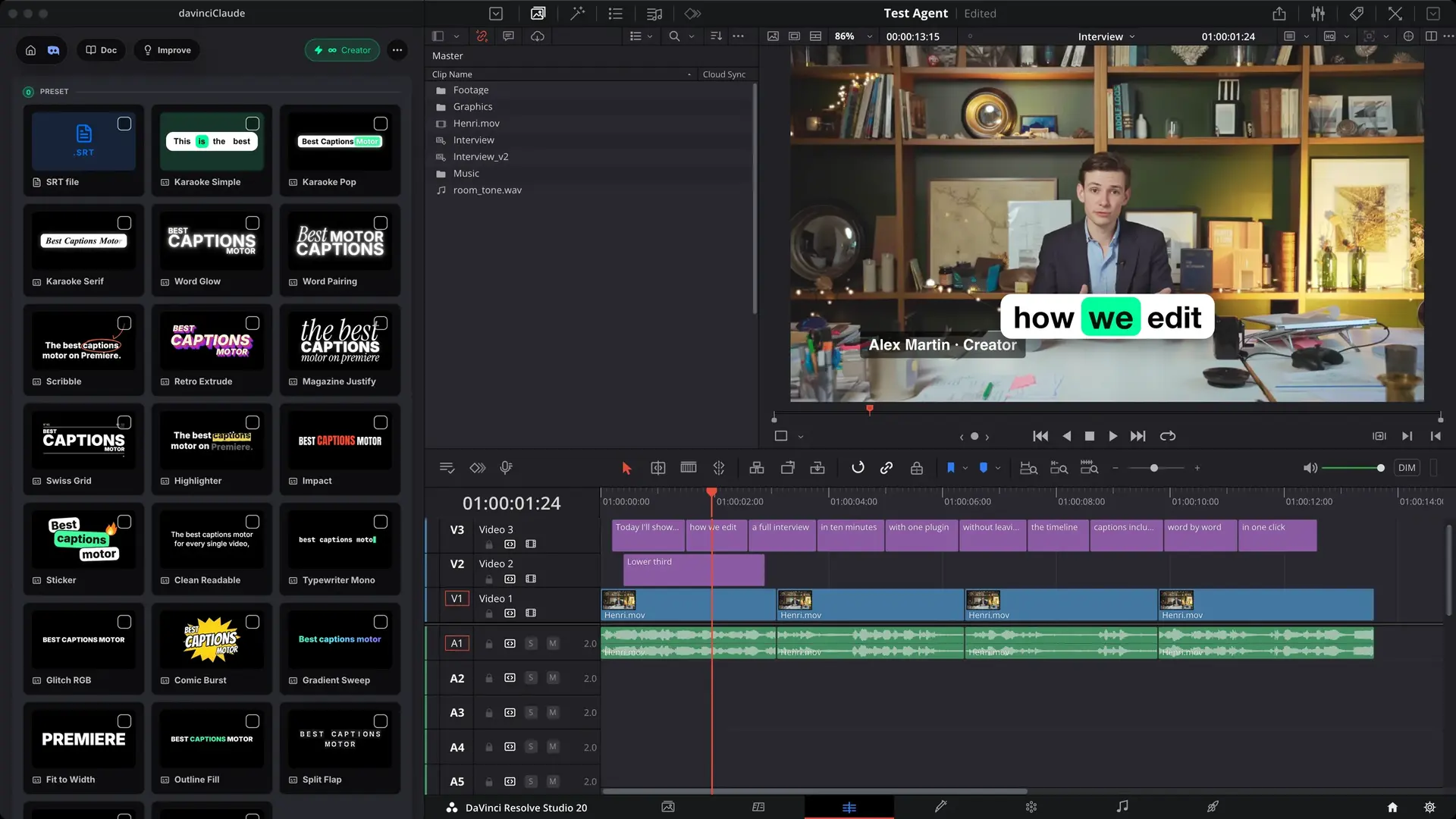



























V2
V1
A1
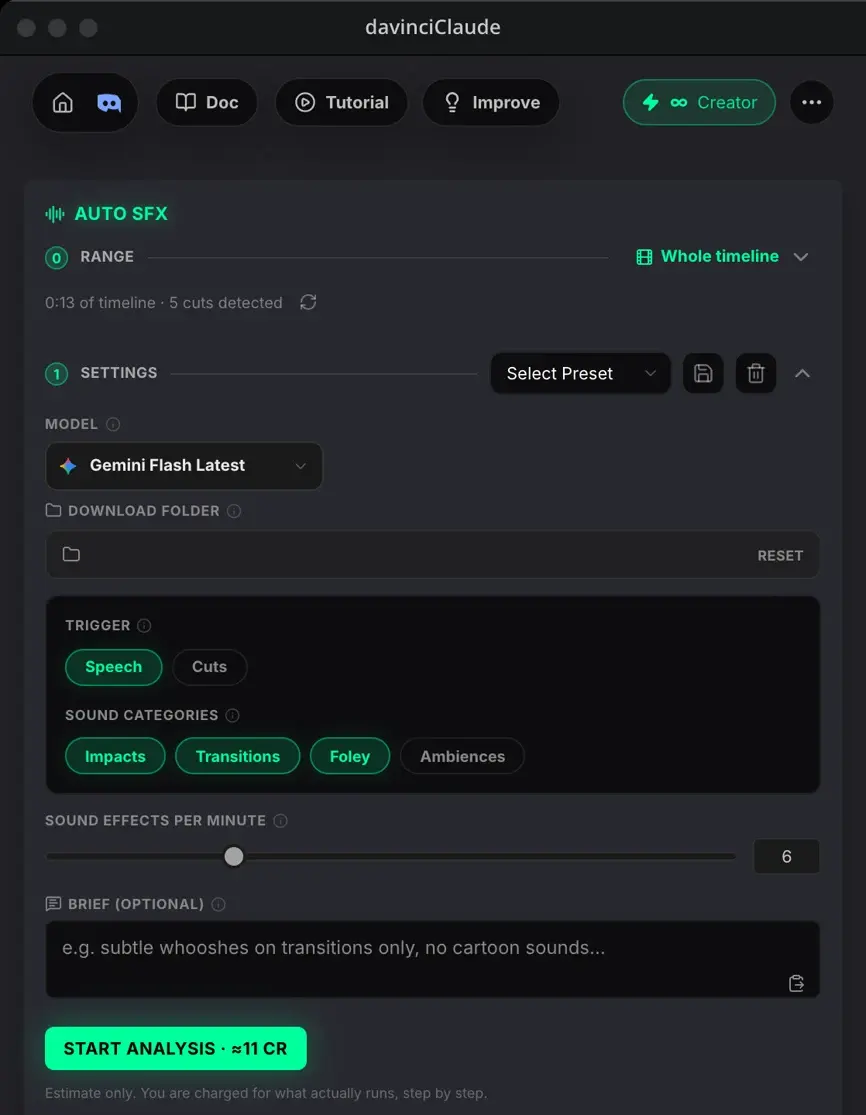
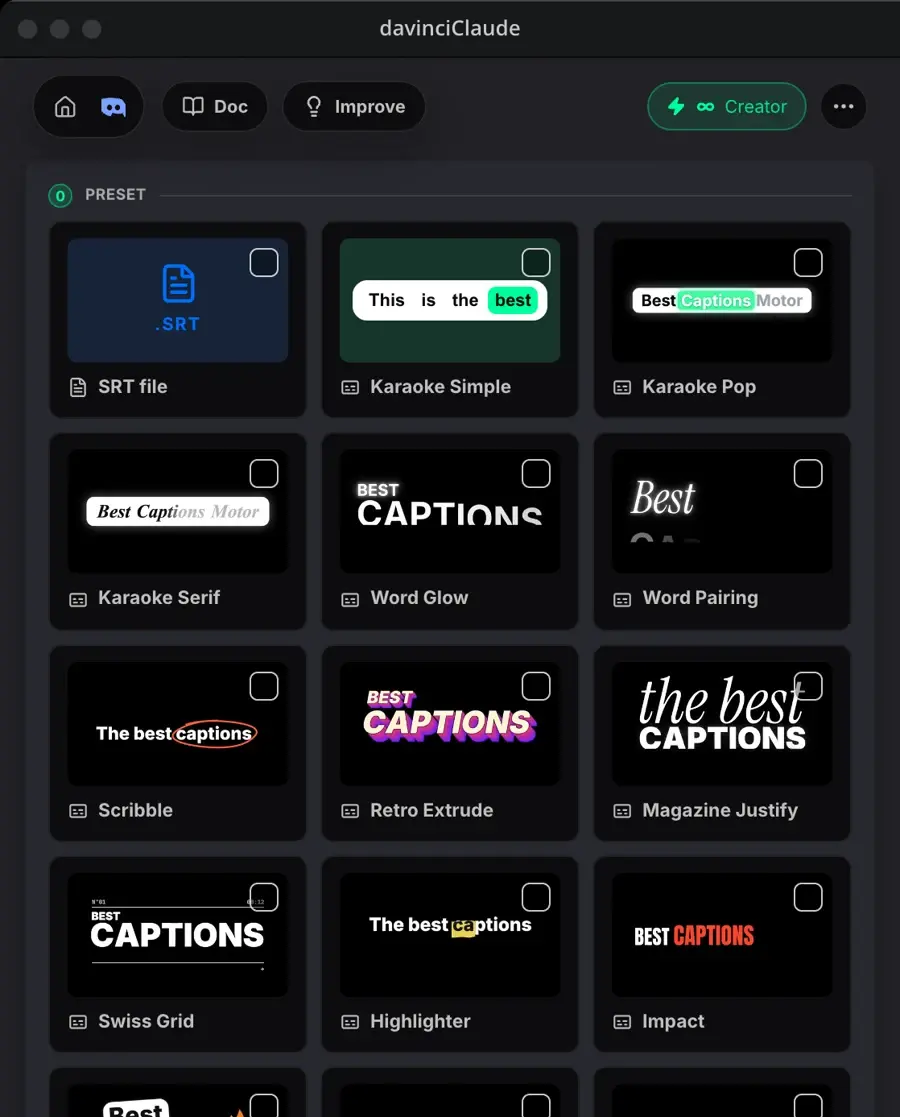
AI trigger options. Combine for maximum control.
 The native AI plugin for DaVinci Resolve·18 +
Auto Zoom adds AI-driven zoom effects on emotion, speech or cut frequency inside DaVinci Resolve. Non-destructive on V2/V3, fully customisable, native edits. Free.
Studios, newsrooms, brands and universities: their video teams edit faster with DavinciClaude.
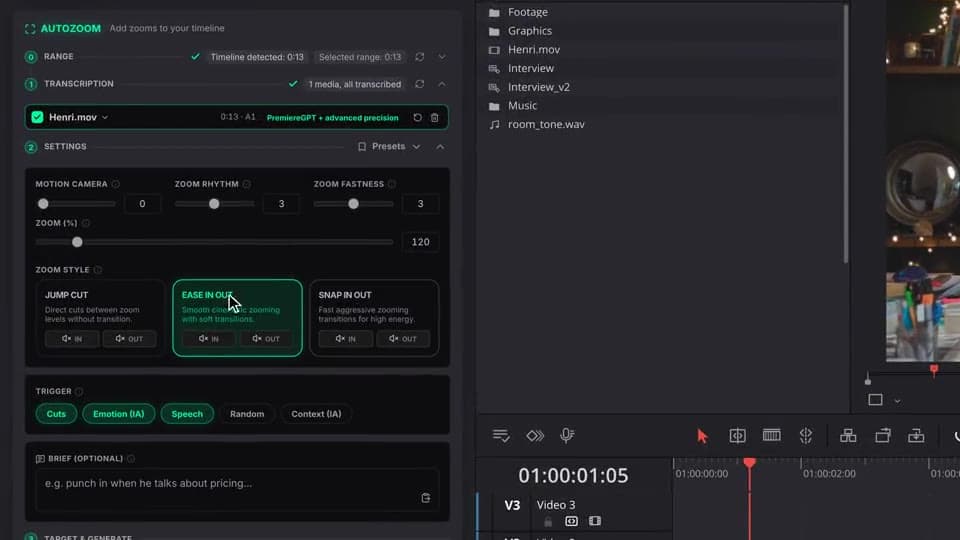
Settings
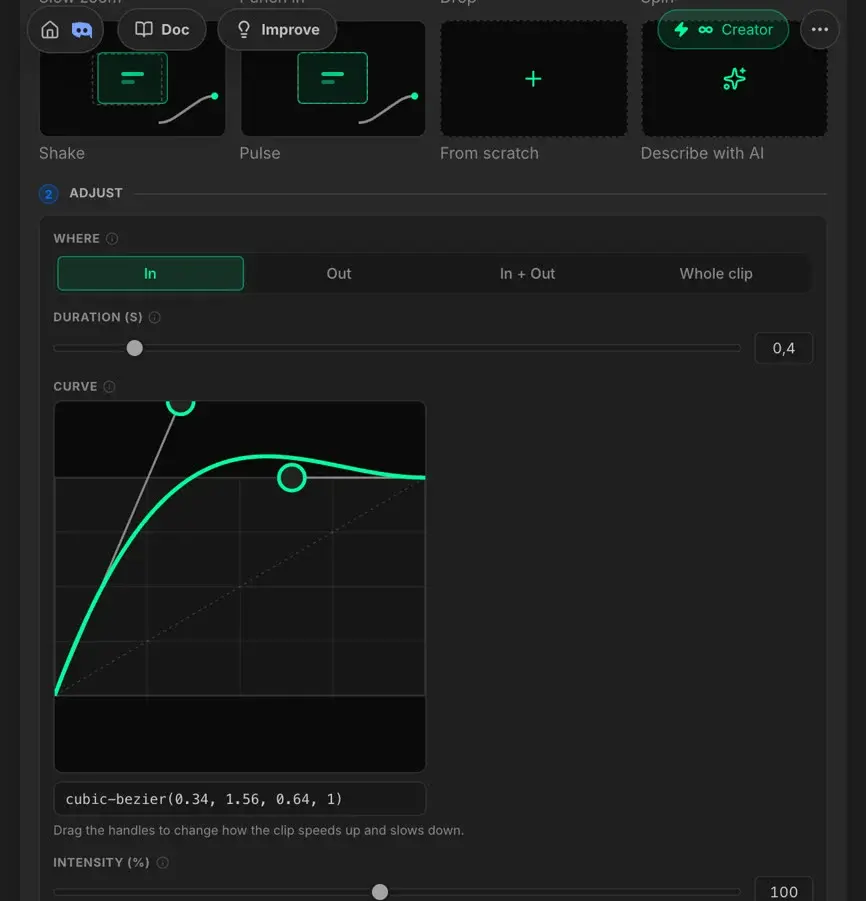
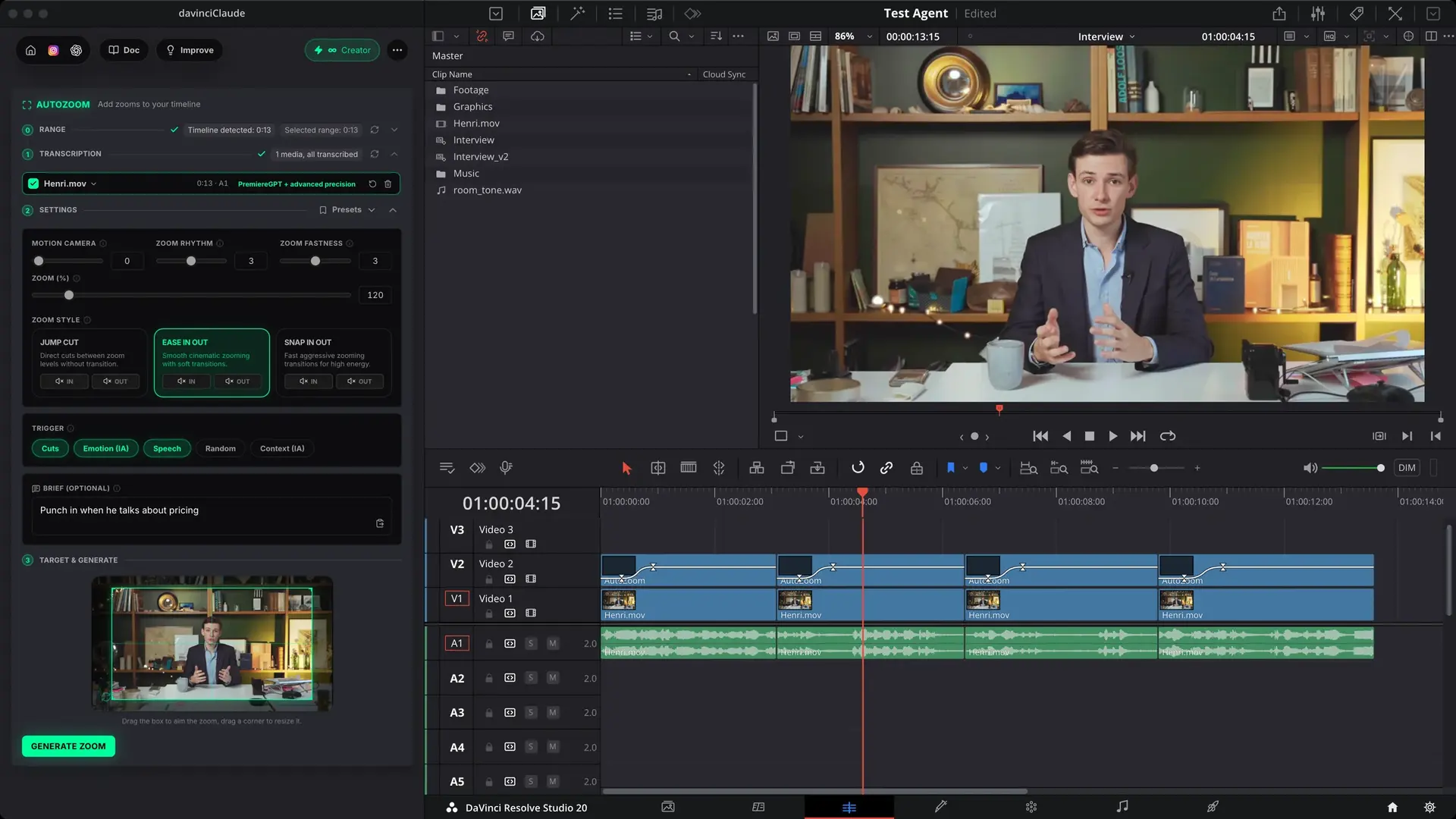
Customize zoom speed, position, intensity, sound-in/sound-out, and quantity. Add a context prompt to steer the AI's decisions.
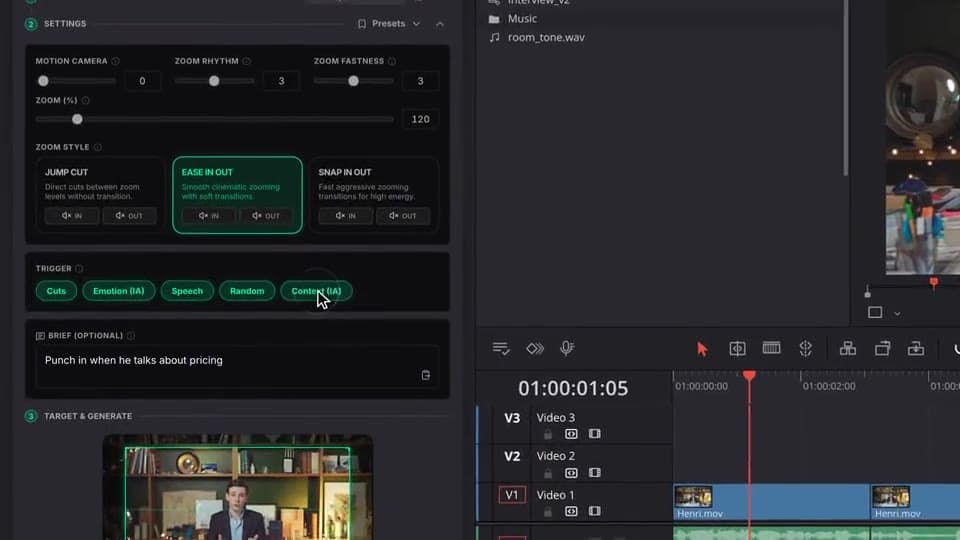
Triggers
Cuts, emotion, speech, random beats or context from your brief: the AI zooms where it matters. Mix and match per project. Aim the zoom on the preview frame.
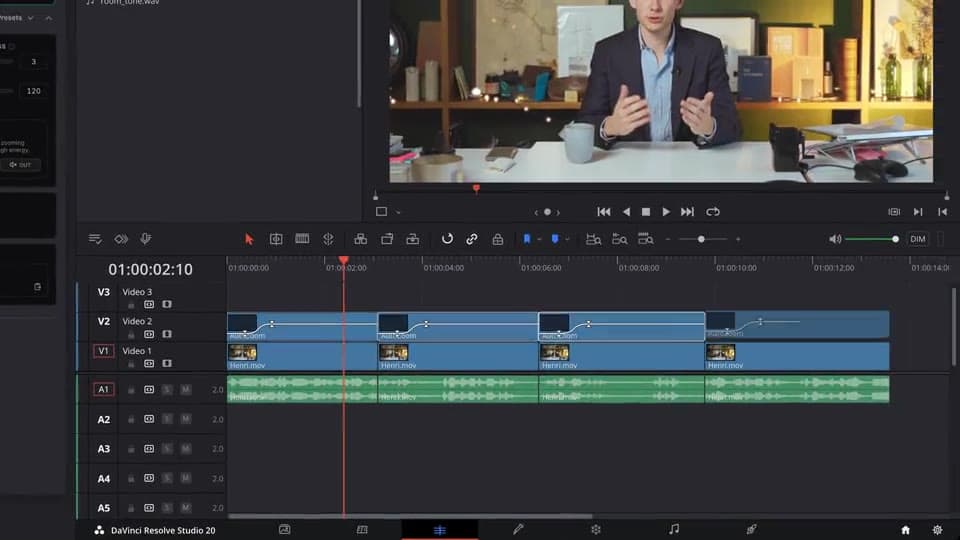
Generate
All zoom effects land as native effect clips on V2/V3. Tweak any one of them like any other DaVinci Resolve effect.
AI trigger options. Combine for maximum control.
Free with daily quota. Pro+ at $7.99/mo.
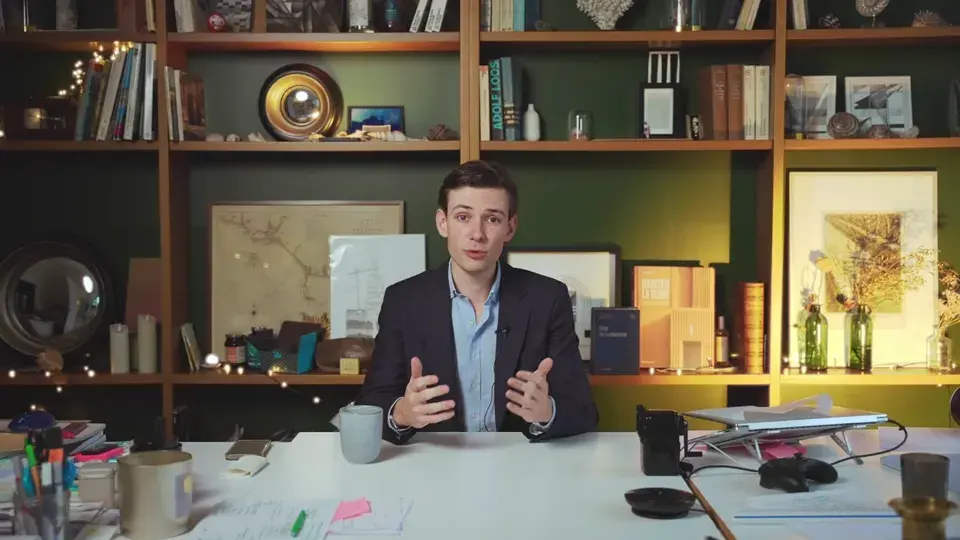
Most advanced emotion detection algorithm in any DaVinci Resolve plugin.
AutoZoom layers on V2. Source clips on V1 stay untouched.
Jump cut, ease or snap: native Scale keyframes you can tweak like any effect.
Share your code: they get 10% off, you earn 30% of everything they pay for 12 months. No minimum, free for every account.
Ask in the chat, the plugin runs the tools on your real timeline.
Learn moreMotion design generated from a single prompt.
Learn moreAny GenAI model, native in DaVinci Resolve. By Fal.AI.
Learn moreWord-by-word, animated captions in 99 languages.
Learn moreActive speaker detection, multicam autocut.
Learn moreAuto-detect silences and tighten the edit.
Learn moreRemoves bad takes & repetitions, follows your script.
Learn moreSentence-by-sentence scoring, editable 9:16 reels.
Learn moreAccurate transcription, every word editable, native subtitles.
Learn moreChapter markers and a YouTube description from a single prompt.
Learn more1 audio → speaker-by-speaker tracks.
Learn moreAI sound effects, placed on your timeline.
Learn moreSwear words bleeped on the voice, in context.
Learn moreSpell check every text on your timeline.
Learn moreAI kinetic text, from your own words.
Learn moreSafe zone guides for every feed.
Learn moreEvery short, exported in 1 click.
Learn moreAny emoji, placed on your timeline.
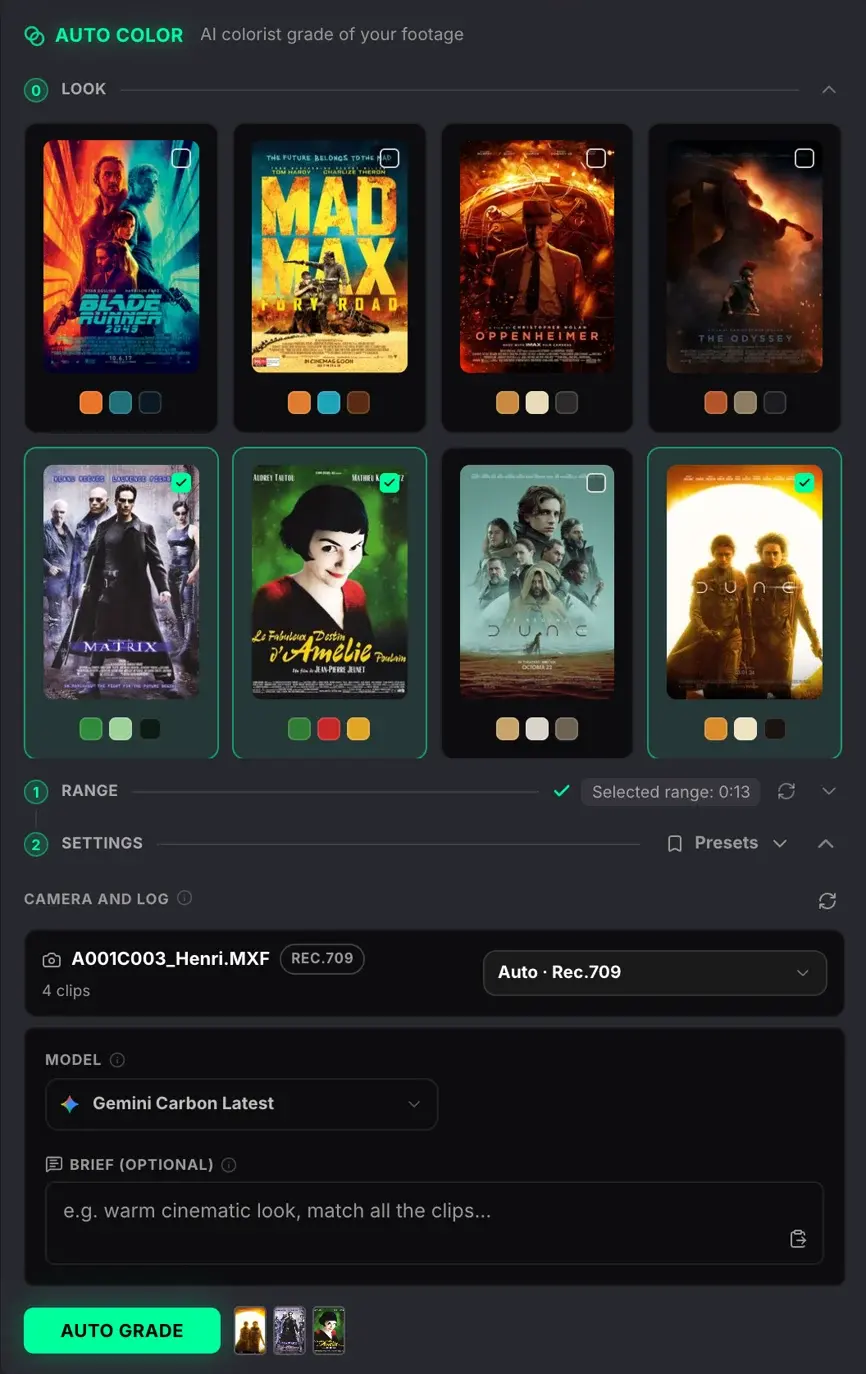
Learn moreAI color grading with film looks, matched shot to shot.
Learn moreBeat markers, placed on your music.
Learn moreYour b-roll, placed where it fits.
Learn moreYour clipboard, on the timeline.
Learn moreNew files, imported on their own.
Learn more
Choose from 5 AI options: emotion detection (excitement, surprise), speech intensity (loud moments), cut frequency, transcript keywords, or manual markers. Combine triggers per project.
Yes. Set max zoom amount, speed, easing, sound-in/sound-out, and position. Save as a preset.
No. Auto Zoom places effect layers on V2/V3, leaving V1 untouched. Toggle them off, tweak, or delete — your source stays clean.
Best on dialogue, vlogs, podcasts, reactions. Less useful on B-roll-heavy edits where zoom would feel out of place.
Yes. Add a prompt — 'this is a horror trailer, zoom only on tense moments' — and the AI respects it.
DaVinci Resolve 18 and later, on macOS (Intel + Apple Silicon) and Windows.
Free for DaVinci Resolve 18 and above. macOS · Windows. The installer takes 30 seconds.