Every editor who has used DaVinci Resolve has hit the same wall: you have a 30-minute interview, a podcast episode, or a talking-head YouTube video, and you need to cut out all the dead air. So you zoom into the audio waveform, scrub through to find each pause, mark in/out points, ripple delete, move to the next one. Forty-five minutes later, you've cleaned maybe a third of the timeline.
Here's the frustrating part: DaVinci Resolve has no native silence removal tool. Voice Isolation, yes. Fairlight noise reduction, yes. But a tool that scans your timeline, detects pauses above a threshold, and removes them automatically? It doesn't exist in Resolve — unless you add DavinciClaude.
This guide covers exactly how to remove silences in DaVinci Resolve in under 30 seconds, what threshold to use for your content type, and how it compares to every alternative on the market.
The manual method — and why it's slow
If you're doing silence removal manually in DaVinci Resolve today, here's roughly what the process looks like:
- Expand your audio track in the Edit page to see the waveform clearly
- Play through (or scrub) looking for flat sections — the visually quiet parts of the waveform
- Mark the in-point at the start of the silence, out-point at the end
- Use ripple delete to close the gap
- Repeat for the next silence
For a 10-minute video, this might take 20 minutes if the speaker has obvious long pauses. For a 30-minute interview with a naturally slow speaker — the kind where half-second pauses are scattered throughout — you're looking at 45 to 90 minutes of work. That's time not spent on color, sound design, or anything else that actually requires your creative judgment.
The other issue: accuracy. When you're manually scrubbing, you make judgment calls — "is this pause 0.4 seconds or 0.5? Should I cut it?" That inconsistency shows in the final edit. Some pauses get cut, similar ones don't. The pacing feels uneven.
Automated silence removal solves both the time problem and the consistency problem in one step.
How to remove silences in DaVinci Resolve with DavinciClaude
Smart Silences is DavinciClaude's 1-click silence removal tool. It scans your timeline audio, detects every pause above your threshold, and ripple-deletes them as native Resolve operations. Every cut it makes is undoable with Cmd+Z.
Step 1: Install DavinciClaude
Go to davinciclaude.com/download and download the installer for your platform (macOS or Windows). Quit DaVinci Resolve before running the installer, then relaunch it. DavinciClaude requires DaVinci Resolve 18 or later — both the free and Studio editions work.
Step 2: Open your project
Open the DaVinci Resolve project that contains the timeline you want to clean. Any project type works — interviews, podcasts, YouTube videos, corporate recordings.
Step 3: Open Smart Silences
In DaVinci Resolve, go to the Workspace menu at the top of the screen. Click DavinciClaude, then click Smart Silences. The panel opens inside Resolve — no external app, no browser tab.
Step 4: Set your threshold
The threshold is the minimum silence duration to remove. Anything shorter than this stays in; anything longer gets ripple-deleted. The right value depends on your content type — see the threshold guide below. For a standard interview or podcast, start at 0.4 seconds.
You can also choose whether to process the full timeline or only a selected range. If your timeline has a music section at the end you don't want to touch, select just the talking-head range before running.
Step 5: Click Run
Click the Run button. DavinciClaude scans the audio on your timeline, identifies every continuous silence above the threshold, and ripple-deletes them in sequence. For a 30-minute interview, this typically takes 5–15 seconds depending on your machine.
Step 6: Review the result
Play back the result. Listen for the overall pacing — does it feel tight but natural, or too jumpy? If the result sounds good, you're done. If you cut too aggressively or not aggressively enough, press Cmd+Z to undo all the Smart Silences operations instantly, adjust your threshold, and click Run again.
There's also a second approach using Copilot: open the Copilot chat panel and type "remove all silences over 0.4 seconds." Claude will execute the same operation via a natural language command — useful if you want to combine silence removal with other instructions in a single workflow.
Which threshold to use — a practical guide
The threshold setting is the single most important variable. Too low and you'll cut natural breathing room; too high and you leave dead air in. Here's where to start for each content type:
| Threshold | Best for | Effect |
|---|---|---|
| 0.2s | Fast-paced YouTube content, tight interviews | Very aggressive — removes nearly all pauses. Can feel slightly rushed if overdone. |
| 0.4s | Standard interviews, podcasts (recommended starting point) | Removes clearly noticeable pauses while keeping natural speech rhythm. |
| 0.6s | Lectures, slower-paced educational content | Moderate — only removes the most obvious dead air, keeps thoughtful pauses. |
| 1.0s+ | Presentations, content where pacing is intentionally slow | Conservative — only removes truly dead air, keeps all natural pauses intact. |
Recommended workflow: start at 0.4s, play back 30 seconds of result, then Cmd+Z and retry at 0.2s or 0.6s if needed. It takes two minutes to find your ideal threshold; once you know it for a given speaker or show format, use it every time.
What DaVinci Resolve actually does natively (and what it doesn't)
To be completely honest: DaVinci Resolve is one of the most powerful editing platforms available, and it handles a lot of audio-related tasks natively in Fairlight:
- Voice Isolation — separates voice from background noise intelligently
- Noise reduction — broadband and hum/hiss reduction via Fairlight effects
- Loudness normalization — bring tracks to a consistent LUFS target
- Audio transcription — Resolve 19 added basic transcription in the Cut page
What it does not have: any tool that automatically detects pauses and removes them from the timeline. Voice Isolation won't cut silences — it just cleans the audio content within each clip. There's no "detect silence" equivalent to Premiere Pro's "Find Gaps" approach, and nothing that ripple-deletes detected pauses across a full sequence.
This is the gap DavinciClaude's Smart Silences fills: the feature that should exist natively but doesn't.
Silence removal for DaVinci Resolve — all your options compared
| Method | Cost | Works in DaVinci Resolve | Time for 30 min of content | Undoable |
|---|---|---|---|---|
| Manual (scrubbing waveforms) | Free | ✅ | 45–90 minutes | ✅ (one step at a time) |
| DavinciClaude Smart Silences | Free | ✅ Native | <30 seconds | ✅ (Cmd+Z undoes all at once) |
| Recut | $12/mo | ❌ Web-based round-trip | ~5 minutes (export + upload + download) | ❌ (requires re-import) |
| AutoCut | $13/mo | ❌ Premiere Pro only | N/A — not available for Resolve | N/A |
Why AutoCut doesn't work for DaVinci Resolve
AutoCut is a popular silence-removal plugin — but it's a Premiere Pro extension only. It cannot be installed in DaVinci Resolve, and there's no DaVinci Resolve version. If you've searched for "AutoCut DaVinci Resolve" and found nothing, that's why. DavinciClaude's Smart Silences is the direct DaVinci Resolve equivalent, and it's free.
Why Recut requires a round-trip
Recut is a web-based tool: you export your audio or video, upload it to their site, it detects silences and generates a new file, and you download and re-import. At $12/month, it works reasonably well — but the export-upload-download cycle adds 3–8 minutes per session, and your DaVinci Resolve timeline context is completely lost. You get back a flattened file, not a Resolve timeline with undoable edits.
Pro tips for best results
Run Smart Silences before adding music or sound effects
If you have a music bed or sound effects on tracks below your voice, Smart Silences will detect audio in those tracks too and may not cut where you expect. The cleanest workflow is: dialogue track only first, run Smart Silences, then add music and sfx on top afterward. Alternatively, use the selected-range feature to process only the voice clip range.
Use 0.4s as your default, then iterate with Cmd+Z
Don't try to guess the perfect threshold before running. Start at 0.4s, play back 30–60 seconds of the result, and if you want tighter pacing press Cmd+Z and re-run at 0.2s. If you want more natural breathing room, try 0.6s. The whole iteration cycle — undo, adjust, re-run — takes under two minutes.
Smart Silences works on a selected range
You don't have to process your full timeline. If you've already edited the first half and only want to clean up the second half, select that range on the timeline before opening Smart Silences. The tool will limit its scan and edits to within your selection.
Follow up with Smart Captions
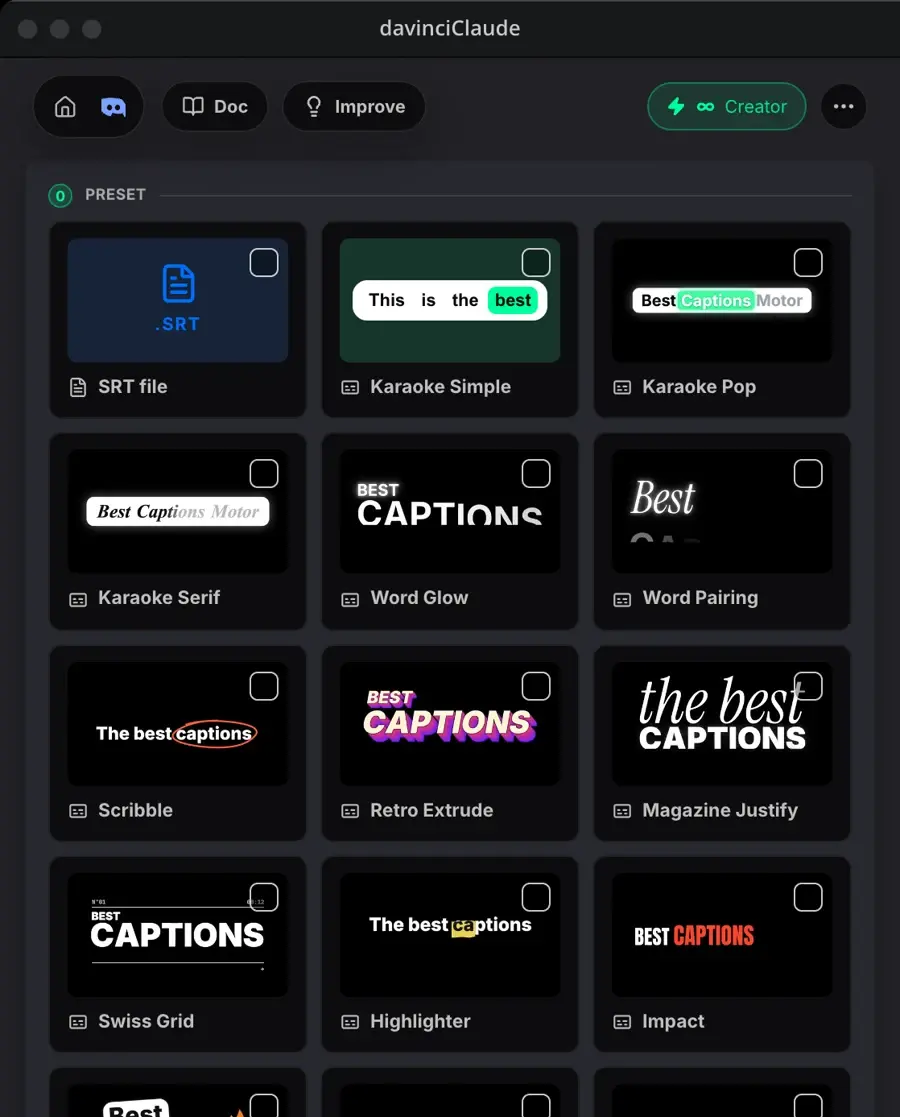
After silence removal, many editors add captions. Smart Captions generates word-by-word animated captions as native Resolve titles directly from your cleaned timeline — the word-highlight style that performs on social media. Because you've already removed the dead air, the captions will sync perfectly with tighter, faster content.
Frequently asked questions
Does DaVinci Resolve have a built-in silence removal tool?
No. DaVinci Resolve does not have a native silence removal or "detect and delete pauses" feature as of 2026. It has Voice Isolation (which cleans audio content) and noise reduction in Fairlight, but nothing that automatically finds pauses on the timeline and removes them. You need a third-party tool like DavinciClaude's Smart Silences for that.
Can I use AutoCut in DaVinci Resolve?
No. AutoCut is a Premiere Pro-only extension. It is not available for DaVinci Resolve and cannot be installed in it. If you're looking for an AutoCut equivalent for DaVinci Resolve, Smart Silences is the closest equivalent — and it's free, whereas AutoCut costs $13/month.
Is Smart Silences really free?
Yes. Smart Silences is free with no time limit and no subscription. You can download DavinciClaude, run Smart Silences on your timeline today, and it costs nothing. Copilot (the chat-based AI editing feature) and some advanced features require a paid plan, but Smart Silences is free indefinitely.
Will Smart Silences work with the free version of DaVinci Resolve?
Yes. DavinciClaude is compatible with DaVinci Resolve 18 and later, both the free edition and DaVinci Resolve Studio. No Studio license is required to use Smart Silences or any other DavinciClaude feature.
What happens if the result sounds wrong? Can I undo it?
Yes. Press Cmd+Z after running Smart Silences and all the silence-removal edits are undone in a single undo step — you're back to exactly where you started. Adjust the threshold and run again. This is the recommended workflow: run, listen, undo if needed, adjust, re-run. The whole cycle typically takes under two minutes.
DaVinci Resolve is a professional-grade editor for good reason. But silence removal is a genuine gap — there's no native tool for it, and the manual approach is a significant time sink for any interview, podcast, or talking-head content. Smart Silences fills that gap: it's the feature Resolve should have built in, available now as a free DavinciClaude tool.
The time math is simple. A 30-minute interview that used to take 45–90 minutes to clean manually now takes under 30 seconds. For any editor who works on that kind of content regularly, that's hours back per week.
→ Download DavinciClaude free and run Smart Silences on your next project.