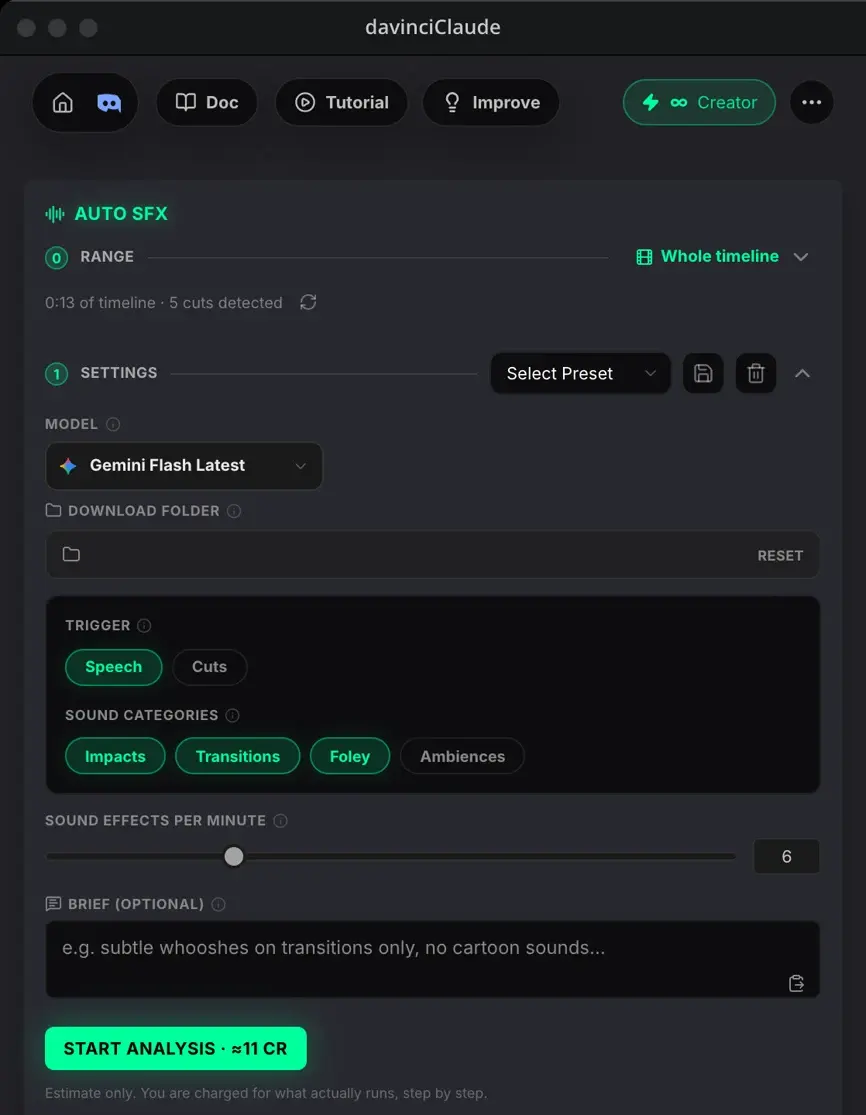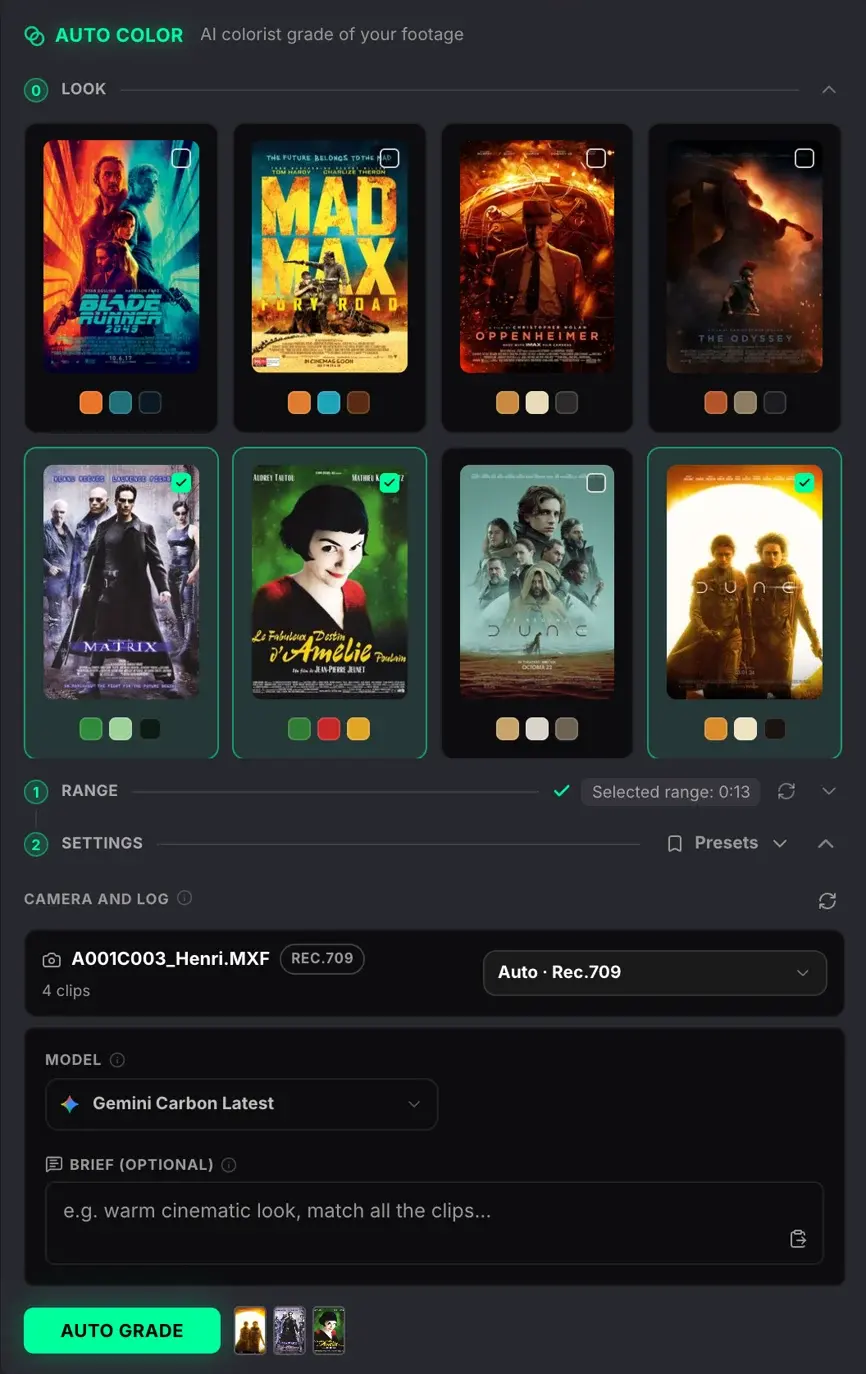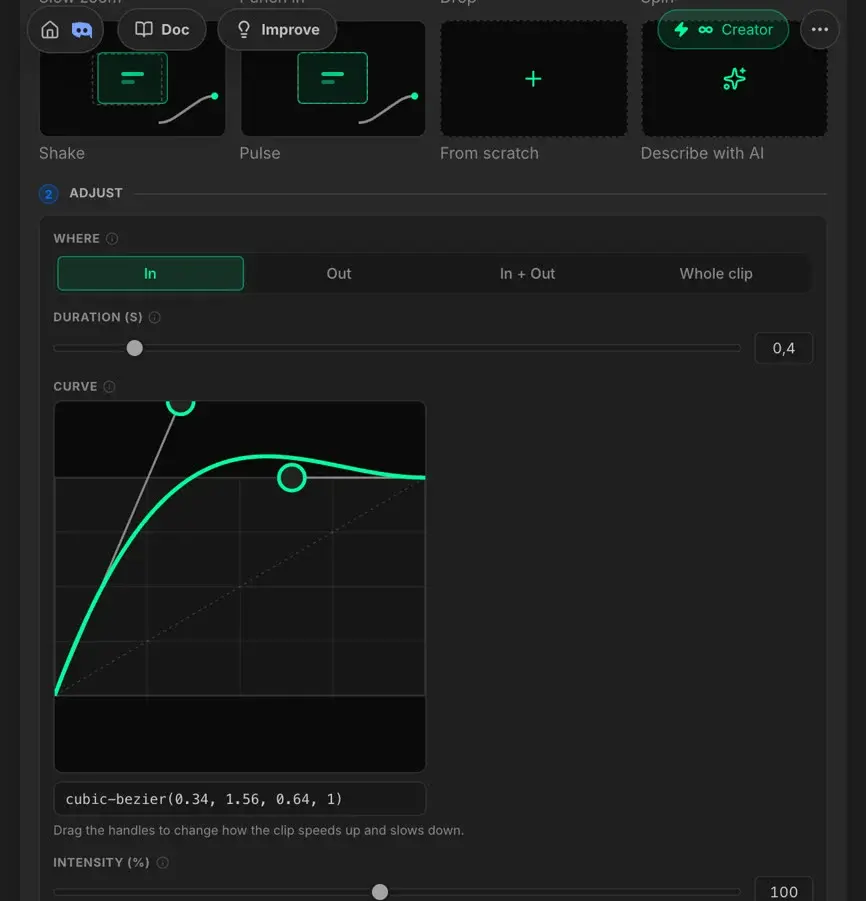
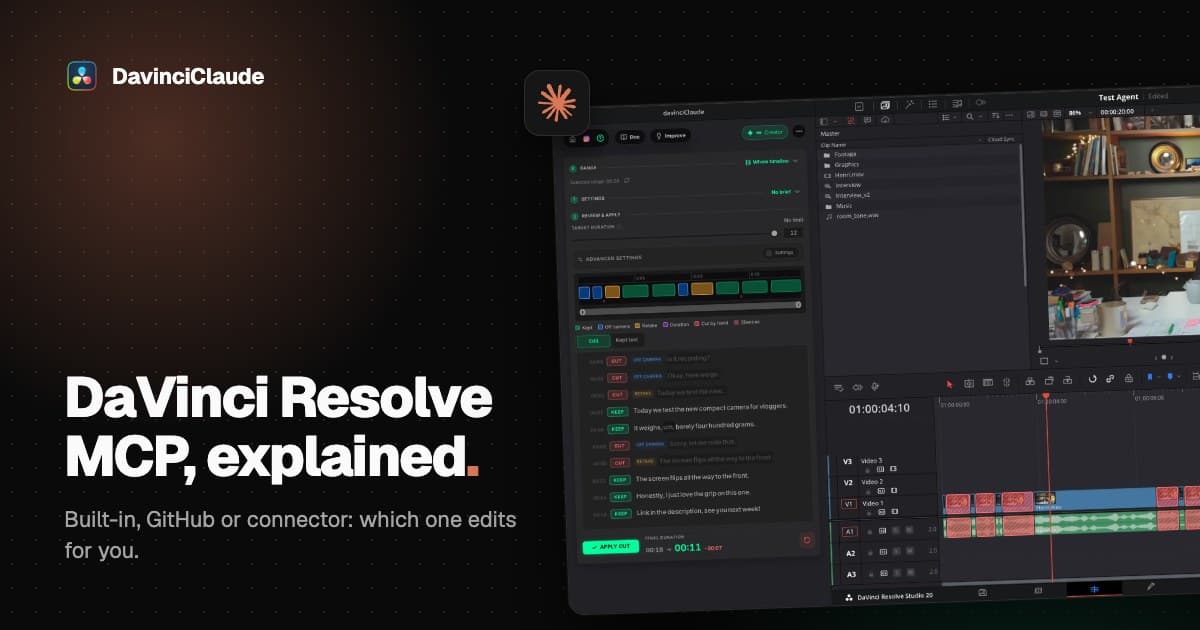
Does DaVinci Resolve have an MCP server? Yes. Since version 21.1, DaVinci Resolve Studio ships with a built-in MCP server that lets Claude, Claude Code and Codex control your project from their chat window.
It isn't the only option. There are three ways to connect an AI assistant to Resolve today, and they do different jobs. The built-in server runs the project: renders, renaming, markers, LUTs, scripts. Community servers on GitHub expose the scripting API for people who like a terminal. And a connector like DavinciClaude's edits from speech: it cuts silences, trims retakes and adds captions, straight from claude.ai, ChatGPT or Gemini.
Short answer: if you're on Resolve Studio 21.1 and mostly want project chores done (renders, renaming, LUTs), turn on the built-in server. If you want the assistant to actually edit a talking-head video, add the DavinciClaude MCP connector. The two work side by side.
What is an MCP server, in editor terms?
An MCP server is a bridge that lets an AI assistant use a piece of software. MCP stands for Model Context Protocol, an open standard created by Anthropic in 2024 and now supported by Claude, ChatGPT, Gemini and most coding assistants. The server publishes a list of tools ("render this timeline", "add a marker", "cut the silences") and the assistant calls them when your request needs them.
Without one, Claude can only talk about your edit. With one, it reads your timeline, changes it and tells you what it did.
Does DaVinci Resolve have a built-in MCP server?
Yes, in DaVinci Resolve Studio 21.1, released in September 2026. The free version of Resolve does not include it. Setup takes a minute:
- Update to DaVinci Resolve Studio 21.1 or later.
- Install the assistant you want to use on the same computer (Claude Desktop, Claude Code or Codex).
- In Resolve, open File > Setup AI Assistants. Resolve detects the assistants it supports and writes their MCP configuration for you.
- Restart the assistant if it was already open.
- Ask in the assistant's chat, with your project open in Resolve.
The setup screen lists Claude Desktop, Claude Code, Codex in ChatGPT, Google Antigravity and Grok.
What can the built-in Resolve MCP do?
Blackmagic's own examples are project and delivery work:
- Render a timeline as ProRes 422 HQ, H.265 4K and a 1080p H.264 proxy in one request.
- Rename every clip on V1 in sequence ("Interview_A_001", "Interview_A_002"…).
- Add coloured markers and export them to a CSV.
- Apply a Sony S-Log3 to Rec.709 LUT to node 2 of every clip.
- Compare the settings of two projects, or check that a project is set up for Netflix delivery.
- Reframe a timeline to 9:16.
The assistant can also write and run scripts in Resolve, with the same access to your disk and network as the assistant itself. Test it on a copy of your project first.
What the announcement doesn't cover is editing from speech: transcribing an interview, deciding which take is the good one, cutting the dead air, timing word-by-word captions. That work needs a transcript and an editing engine on top of access to the project. It's also the part that eats most of an editor's day, and it's where the third option comes in.
The three ways to connect Claude to DaVinci Resolve
| Built-in MCP (Resolve 21.1) | Community servers (GitHub) | DavinciClaude connector | |
|---|---|---|---|
| Resolve edition | Studio 21.1+ | Mostly Studio (scripting API) | The DavinciClaude panel open in Resolve |
| Assistants | Claude Desktop, Claude Code, Codex, Antigravity, Grok | Any MCP client you configure | Claude, ChatGPT, Gemini (web and desktop), Claude Code, any MCP client |
| Setup | File > Setup AI Assistants | Python or Node install, config file, external scripting set to Local | Paste one URL as a custom connector, sign in |
| Best at | Renders, renaming, markers, LUTs, project checks, scripts | Anything the scripting API exposes, if you maintain it | Editing from speech: silences, rough cuts, captions, zooms, vertical clips |
| Transcript-based editing | Not in Blackmagic's examples | Depends on the project | Yes, built in |
Community DaVinci Resolve MCP servers on GitHub
Before Blackmagic shipped its own server, developers built theirs on top of Resolve's scripting API. The best known is samuelgursky/davinci-resolve-mcp, open source and listed in most MCP directories. You install it with npx davinci-resolve-mcp setup or from the repository, then set Preferences > General > External scripting using to Local and restart Resolve. Another one, resolve-mcp on PyPI, maps more than 200 tools to the scripting API.
Both rely on external scripting, which Blackmagic keeps for Studio. Projects that target the free version work around it (FCPXML export, Lua scripts, interface automation), and version 21.1 moved Python scripting to Studio, so check that a project still works on your version before you rely on it.
If you write code and want full control, they're a good fit. If you only want a cleaner timeline by tonight, it's a lot of setup.
How to connect the DavinciClaude MCP connector
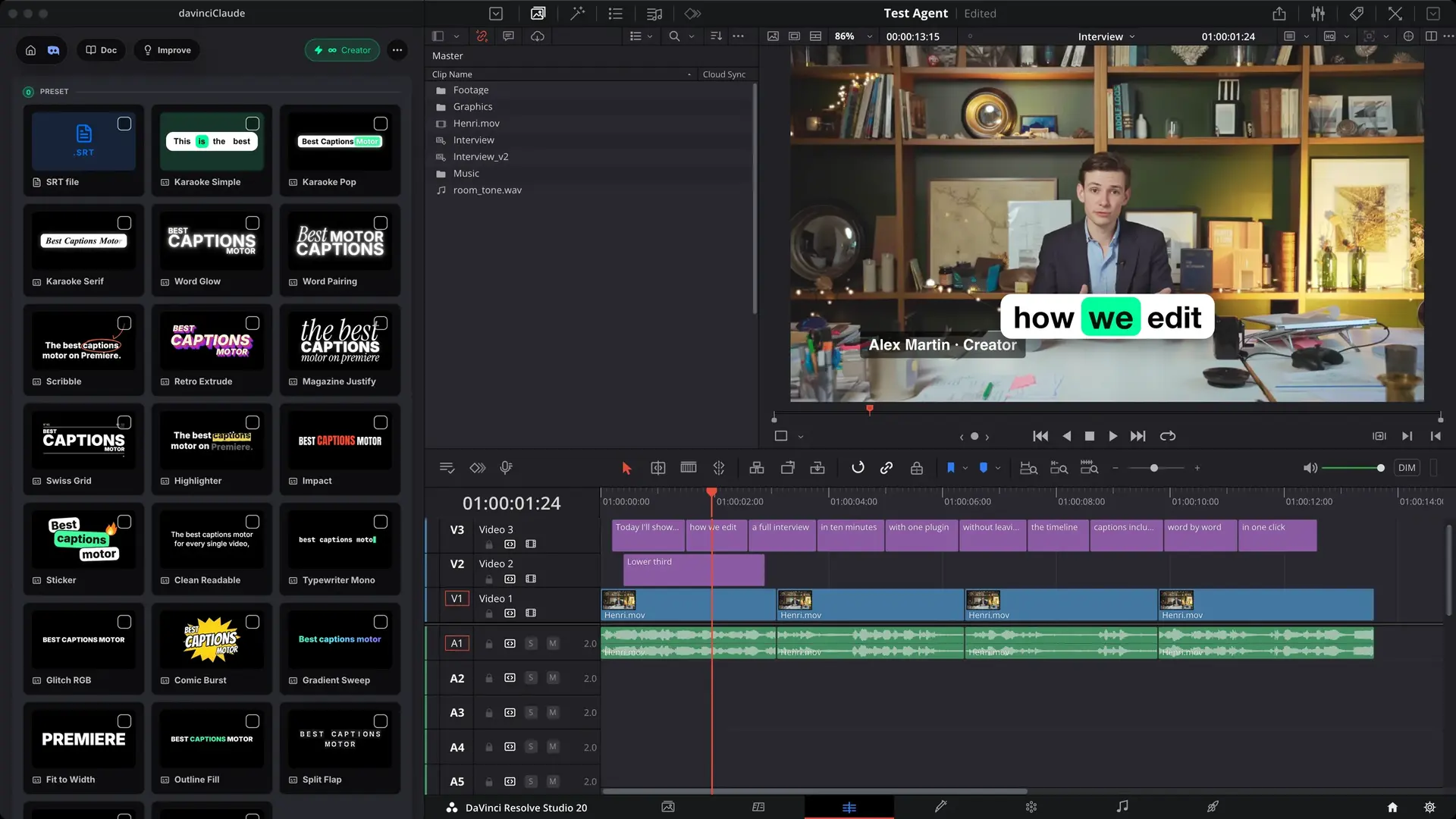
The DavinciClaude connector works the other way around: the assistant talks to our server over the internet, and the DavinciClaude panel inside Resolve runs each edit on your timeline. Your footage stays on your computer.
- Download DavinciClaude, open the panel in DaVinci Resolve and sign in.
- In Claude, ChatGPT or Gemini, add a custom connector. Our server is shared with the Premiere Pro version, so it is named PremiereCopilot. Paste the server URL:
https://mcp.premierecopilot.com/mcp. - Sign in with the same account. It uses OAuth: there is no API key to copy, and the assistant never sees your password.
- Keep Resolve and the panel open, then ask in the chat. The assistant reads your timeline, tells you what will change, then edits.
Custom connectors depend on your plan with each assistant. The setup guide lists what each one allows.
What you can ask once it's connected
- "Remove the silences from my active timeline with a balanced rhythm." The panel runs Jump Cut and saves a copy of the timeline first.
- "Make a rough cut of this interview: drop the retakes, aim for about 8 minutes." Claude Cut marks every take, and you review the cuts before they land.
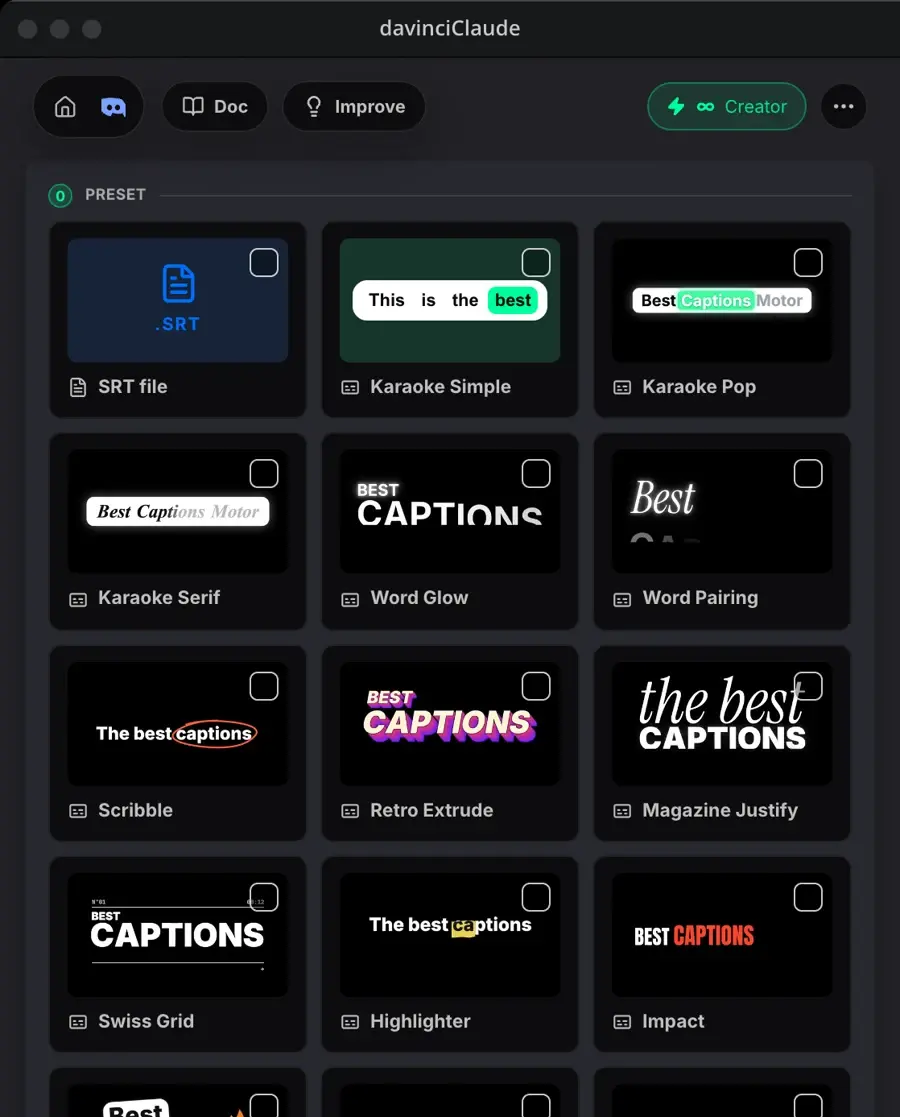
- "Transcribe the interview, then add karaoke captions to the whole timeline." Smart Captions places animated captions you can still edit word by word.
- "Find the 3 strongest moments of this podcast and make a vertical timeline for each."
Nothing from these calls is stored on our side: no prompt, no script, no transcript.
Which DaVinci Resolve MCP should you use?
- You deliver a lot of versions and manage big projects, and you already pay for Studio: start with the built-in server.
- You cut interviews, podcasts, tutorials or social clips: use the DavinciClaude connector, which does the editing.
- You write code and want to extend the scripting API yourself: a GitHub server gives you the most control.
- You want both: nothing stops you from connecting the built-in server and the connector to the same assistant.
Frequently asked questions
Is the DaVinci Resolve MCP free?
The built-in server comes with DaVinci Resolve Studio 21.1, which is a paid licence. It is not in the free version of Resolve. Community servers are free and open source, and the DavinciClaude panel is free to start.
Can I use the DaVinci Resolve MCP with ChatGPT?
The built-in server supports Codex in ChatGPT. The DavinciClaude connector works in ChatGPT, Claude and Gemini as a custom connector, on the web and in the desktop apps.
Do I need Claude Desktop, or does claude.ai work?
The built-in server configures desktop assistants installed on the same computer. The DavinciClaude connector is a remote server, so it also works from claude.ai in the browser.
Is my footage uploaded to the AI?
No. With the connector, the assistant sends instructions and the panel runs them in Resolve on your computer. We keep no prompt, script or transcript from connector calls.
Can the assistant break my timeline?
It tells you what will change before it edits, and the heavy edits (Jump Cut, rough cut, podcast multicam) save a copy of the timeline first. With the built-in server, the assistant can run scripts on your project: work on a copy until you trust your prompts.